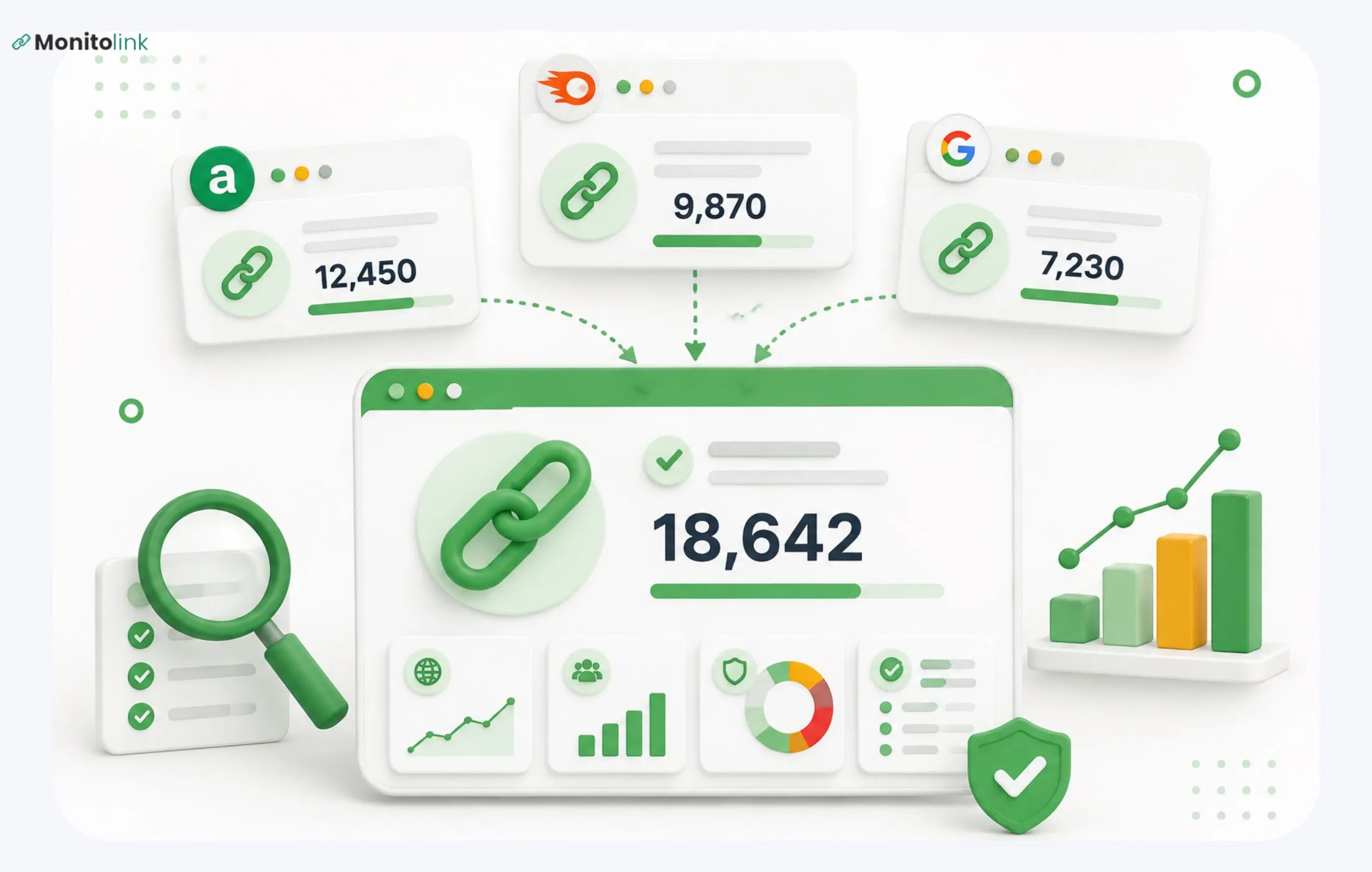

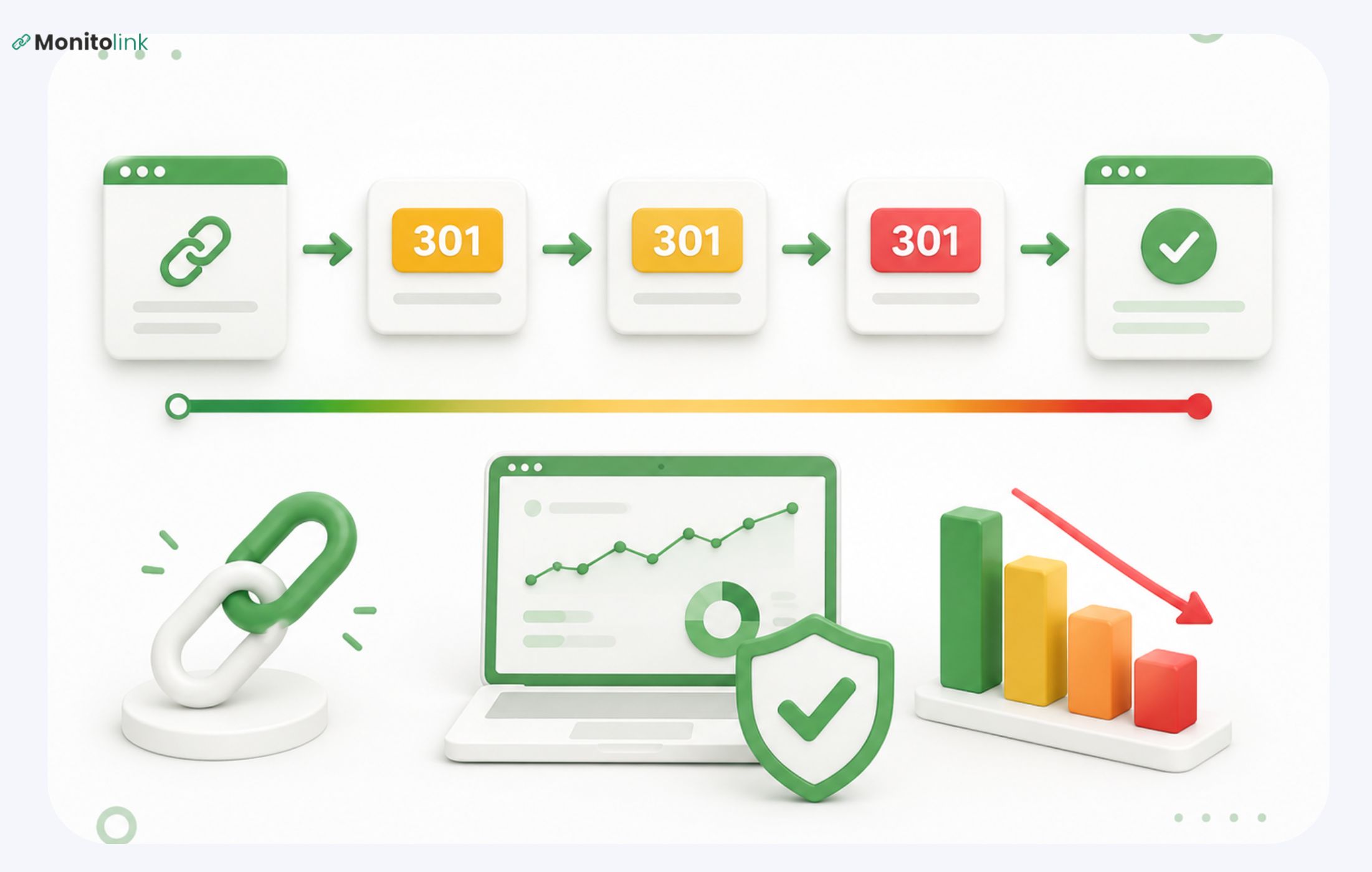
A redirect chain happens when a URL passes through two or more redirects before landing on its final page - URL A sends you to URL B, which sends you to URL C. Every hop in that chain is a place where link equity can leak, load time adds up, and the final destination becomes one step less certain to get crawled or indexed.
If the chain dead-ends on a 404, a timeout, or a page Google has deindexed, the backlink pointing into it often carries little to no value, even though it still shows up as a "live" link in most backlink reports.
In this guide, I’ll cover everything you need to know about redirect chains, but the real focus will be on what happens to a link's value when the page behind it starts redirecting, and how you catch it before it costs you rankings.
What Is a Redirect Chain
A redirect chain is a sequence of redirects a browser or crawler has to follow before reaching a page that returns content - instead of one hop, there are two, three, or more:
URL A > URL B > URL C
Sites constantly redirect old URLs to new ones, and that's normal, healthy maintenance. The chain forms when nobody goes back to update the first redirect after the second one is added. It's rarely intentional. It's what happens when a page gets moved once, then moved again a year later, and the old redirect never points to the new final destination.
Redirect Chains vs. Redirect Loops
These two get confused constantly, and the fix for each is different.
A chain eventually gets somewhere. A loop never does. If you're seeing loops in your audit, that's a more urgent fix - nothing downstream of it is indexable.
The Backlink Problem With Redirect Chains
A redirect chain on your own site is annoying, but a redirect chain sitting atop a backlink is a slow leak you probably can't see.
When the chain is internal (your own page structure), you control every hop. You can crawl your site, find the chain, and collapse it in an afternoon. When the chain sits between an external site's link and your content, you don't control the source. If someone linked to a page you've since redirected, and that redirect target has since been redirected again, the link is now passing through a chain you didn't build and can't directly fix yourself. Your only options are to fix your end of the chain (which helps but doesn't eliminate the extra hop) or have the linking site update their URL to point directly to your current page.
The failure mode that costs the most is the quiet one: a redirect chain that dead-ends on a 404, a server timeout, or a page that's been deindexed. That backlink still exists. It'll still show up in most backlink trackers as a live, active link. But it's passing close to nothing, because there's no live destination on the other end for the value to land on. Nobody notices this in real time - it usually surfaces months later, in a quarterly audit, after the link has been effectively dead the whole time.
Do Redirect Chains Lose Link Equity?
This question has a genuinely confusing history, mostly because Google's own public statements have shifted over the years.
In short, a single, well-matched 301 redirect passes close to its full value today - Google and independent testing back this up. Chains are still a real risk, though, for three reasons that don't depend on how the "PageRank dampening" debate shakes out:
- Google treats redirects that don't land on a genuinely equivalent page as soft 404s.
- Value can compound-decay across multiple hops even if each individual hop is efficient.
- The point above: a chain that dead-ends passes nothing at all, regardless of how the middle hops behave.
Let me also explain this in more detail if you’re interested in the background. Google's Matt Cutts said years ago that a 301 redirect dissipates roughly the same amount of PageRank as a normal link - implying some loss at every hop. In 2016, Google's Gary Illyes said flatly that 301 redirects no longer lose PageRank.
Then in 2017, John Mueller added the actual nuance that matters in practice: a 301 only makes sense (and passes full value) when the destination is a genuine 1:1 replacement for the original page. If it's not, Google may treat it as a soft 404 and pass little to no value. Wayfair's own large-scale testing backed this up: they found they could 301-redirect pages with no ranking loss as long as page content matched, but they did still see ranking loss on 302 redirects.
Taken together, this means that the main identifier is whether the destination is equivalent and how many hops separate the link from that destination.
For a deeper look at what keeps a link's value intact over time, not just at the redirect level, our guide on backlink best practices is a good next read.
Other Ways Redirect Chains Hurt You
Link equity gets most of the attention, but three other effects are worth knowing, especially if you're explaining this to a dev team that doesn't think in SEO terms.
Crawl Budget
Every hop in a chain is a URL Googlebot has to request and process before it gets to real content. This mostly matters at scale - Google itself says sites under a few thousand URLs are usually crawled efficiently regardless - but on larger sites, redirect chains competing for crawl budget can genuinely delay new content getting discovered.
Page Load Time
Each redirect adds a full HTTP round trip before the final page starts loading. On a three-hop chain, that's three extra requests a visitor has to wait through before anything renders. Google's own research has tied load-time increases to steep jumps in mobile abandonment, and that bounce behavior is a signal search engines factor into rankings.
Indexing Risk at the Destination
If Googlebot follows a chain and lands somewhere that returns an error, a soft 404, or a noindex tag, the whole chain and any link equity behind it effectively goes nowhere.
What Causes Redirect Chains
- HTTP > HTTPS and www/non-www normalization - old redirect rules set up before a domain moved to HTTPS often stack on top of newer ones instead of being replaced
- Trailing slash mismatches - especially common on .NET sites, where /page and /page/ get treated as separate URLs with their own redirect rules
- Site migrations done in phases - content gets consolidated once, then consolidated again later, and nobody updates the original redirect to skip straight to the final page
- CMS or plugin-generated redirects - WordPress redirect plugins (and Yoast, which does its own 301 handling) can quietly create a new redirect on top of an existing one instead of updating it
- Stale internal links - pages on your own site still linking to an old URL instead of the current one, so every visit through that link adds a hop
- A backlink nobody told you about - a site linked to a URL of yours years ago, you've since moved that content twice, and the linking site never knew to update it. This never shows up in anybody's internal audit, because the chain starts on someone else's site.
How to Find Redirect Chains
This really splits into two separate jobs, and conflating them is where a lot of "redirect audit" advice gets muddy.
1. Auditing Your Own Site Architecture
For internal chains (pages linking to other pages on your own domain), a technical crawler is the right tool:
- Screaming Frog crawls your site, then lets you check Reports > Redirects > Redirect Chains. It'll list every URL involved in a chain or loop, and export them to a spreadsheet.
- Sitebulb surfaces chains under its Hints section, with a redirect chain breakdown for each URL.
- DeepCrawl is better suited to enterprise-scale sites, with chains and loops reported separately.
These tools are built to map the internal mechanics of chains you control.
2. Monitoring Your Backlink Profile
For chains sitting on top of external links, the ones you don't control and can't catch with a one-time crawl, you need something checking continuously. This is the layer a technical crawler doesn't cover because it has no reason to recheck a link it has already crawled.
Monitolink’s backlink monitoring software checks every backlink's HTTP path daily and flags it on the same day a link starts redirecting, changes from dofollow to nofollow, or changes its anchor text.
It also checks the index status of whatever page the redirect ultimately lands on, because a technically "live" link on a deindexed page is functionally the same as no link at all.
And because it tracks link velocity over time, a sudden wave of redirects - the kind that follows a site migration - shows up as a pattern you can act on, instead of a handful of scattered incidents you'd only notice individually, one at a time, weeks apart.
If you want to see what that actually looks like on your own backlink profile, you can start a 14-day free trial - most people find at least a few links worth fixing in the first scan.
Still, keep in mind that Monitolink isn't a redirect-chain mapper; it’s one of the best backlink monitoring tools. It won't show you "hop 1 > hop 2 > hop 3" the way a technical crawler like Screaming Frog will, and it's not trying to. Its job is to tell you a backlink now redirects, tell you whether the endpoint is healthy and indexed, and hand you a fast way to get it fixed. For diagnosing the internal mechanics of a long chain, you'll still want a crawl tool.
How to Fix a Redirect Chain
Once you've found one, fixing it is mechanically simple. The steps:
- Map the full chain. Document every hop from the original URL to the final destination - you need the whole path before you touch anything, or you risk fixing one hop and leaving the rest.
- Collapse it to a single redirect. Instead of A > B > C, update the rule so A redirects straight to C. Do this for every URL in the chain, not just the first one — B should also redirect directly to C.
- Update your internal links. Find any place on your own site still linking to an intermediate URL (B, in the example above) and point those links straight at the final destination. This prevents new chains from reforming as content shifts around.
- For backlink-driven chains, go one step further. Fixing your own redirect rule shortens the chain, but the link still passes through an extra hop unless the source page updates as well. Reach out to the site that links to you and ask them to point the link directly to your current URL. This is usually the highest-leverage fix, since it removes the hop entirely rather than just shortening it. I've written a detailed breakdown of this process, including link building outreach templates, but if you’ll be using Monitolink, you can use the built-in link reclamation feature to make this step fast - assign a contact to each link source, save a template, and send the request the moment a redirect is flagged, instead of manually researching a contact and writing an email from scratch each time.
- Retest. Confirm every URL in the former chain now resolves in a single hop, and check that the final destination returns a clean 200 status and is indexed.
If any URL in the chain no longer serves a page worth keeping, the simpler fix is often to remove the redirect entirely and let it 404; a redirect to a low-value or irrelevant page isn't better than no redirect at all.
How to Prevent Chains From Reforming
Redirect chains rebuild themselves as sites grow, migrate, and change platforms. Two habits keep them from coming back:
- Run a quarterly internal audit with Screaming Frog or a similar crawler to catch chains forming in your own architecture.
- Monitor your backlink profile continuously, so a chain forming on an external link gets caught and flagged the day it happens rather than the quarter after.
If you're building or maintaining backlinks at any real volume, this is worth treating as infrastructure rather than a periodic task. It's a big part of why we built Monitolink the way we did - daily checks, index-status verification, and one-click outreach in a single dashboard, rather than three separate tools and a spreadsheet.
Frequently Asked Questions
Do redirect chains hurt SEO?
Yes. They risk losing link equity, slow page load times, wasting crawl budget on larger sites, and - in the worst case - dead-ending on a page Google won't index, which means any link equity behind the chain passes essentially nothing.
How many redirects is too many?
There's no official hard limit, but most SEOs start actively fixing chains at three or more hops. Google has said it will typically follow up to around 10 redirect hops before giving up, but practically, anything beyond one or two hops is worth collapsing.
Do 301 redirects still pass PageRank?
Yes - current evidence, including Google's own statements and large-scale testing from sites like Wayfair, indicates a single 301 redirect to a genuinely equivalent page passes close to its full value. The risk isn't the redirect type; it's chains, mismatched destinations, and dead ends.
Can a backlink still "count" if it's part of a redirect chain?
It can still exist and still show as live in most backlink tools, but its actual value depends on how many hops it passes through and whether the final destination is healthy and indexed. A chain that dead-ends effectively zeroes out the link's value even though it still appears active.
Is a 302 redirect worse than a 301 in a chain?
Generally yes. 302s are meant to signal a temporary move, and testing (including Wayfair's) has shown ranking loss specifically tied to 302 redirects in ways that clean 301s to matching pages don't show. If a redirect is meant to be permanent, use a 301.