
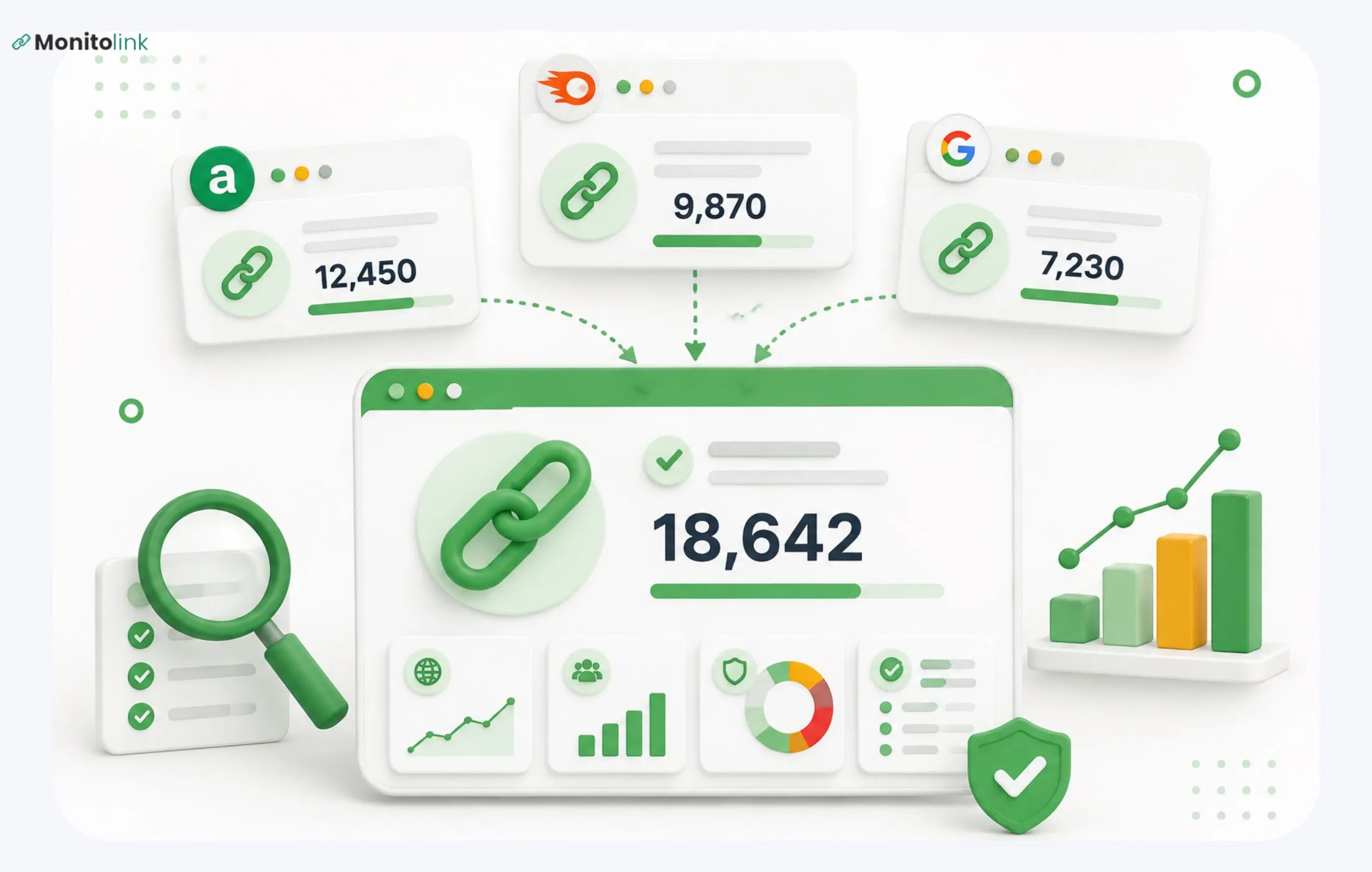
Three different backlink tracking tools will give you three different backlink counts. No single tool sees the whole web. Not Ahrefs, not SEMrush, not Google Search Console. Each one just crawls its own slice on its own schedule and uses its own rules to identify which links to really count.
So, I'll quickly explain why the numbers don't match and show what you can do to see the real picture.
Why Backlink Tools Show Different Numbers
Every backlink tool works with the same logic. It crawls the web using its own bot, stores what it finds in its index, and refreshes the index on a set schedule. That's the explanation. So, any difference among those three components results in the different backlink counts you see.
Here are the more specific differences:
- Different crawlers, different reach. Ahrefs' crawler and Semrush's crawler don’t hit the same pages. Some sites block one bot but allow another, and neither crawls as much of the web as Google does.
- Different refresh rates. A link that went live last week might already show in Search Console because Google indexed the page, but it won't show in a third-party tool that hasn't recrawled that page yet.
- Different definitions of a "backlink." Some tools count every link on a page — even ones in nav menus or footers — as separate backlinks. Others dedupe by page or by domain.
- Dropped and dead links don't get removed at the same speed. A link can go 404, get deleted, or have its rel attribute switched to nofollow, and it can take weeks before that shows up everywhere.
- Paywalled or JS-heavy pages get crawled differently. A link buried in JavaScript that renders client-side might get picked up by one crawler and missed entirely by another.
Each tool gives you an honest report of what its crawler found, but you shouldn’t treat any single number as your complete backlink count, when it's really just one tool's partial view of it.
How to Check Your Backlink Count
There are a few options:
- Google Search Console: Go to Links > Top linking sites under the External links section.
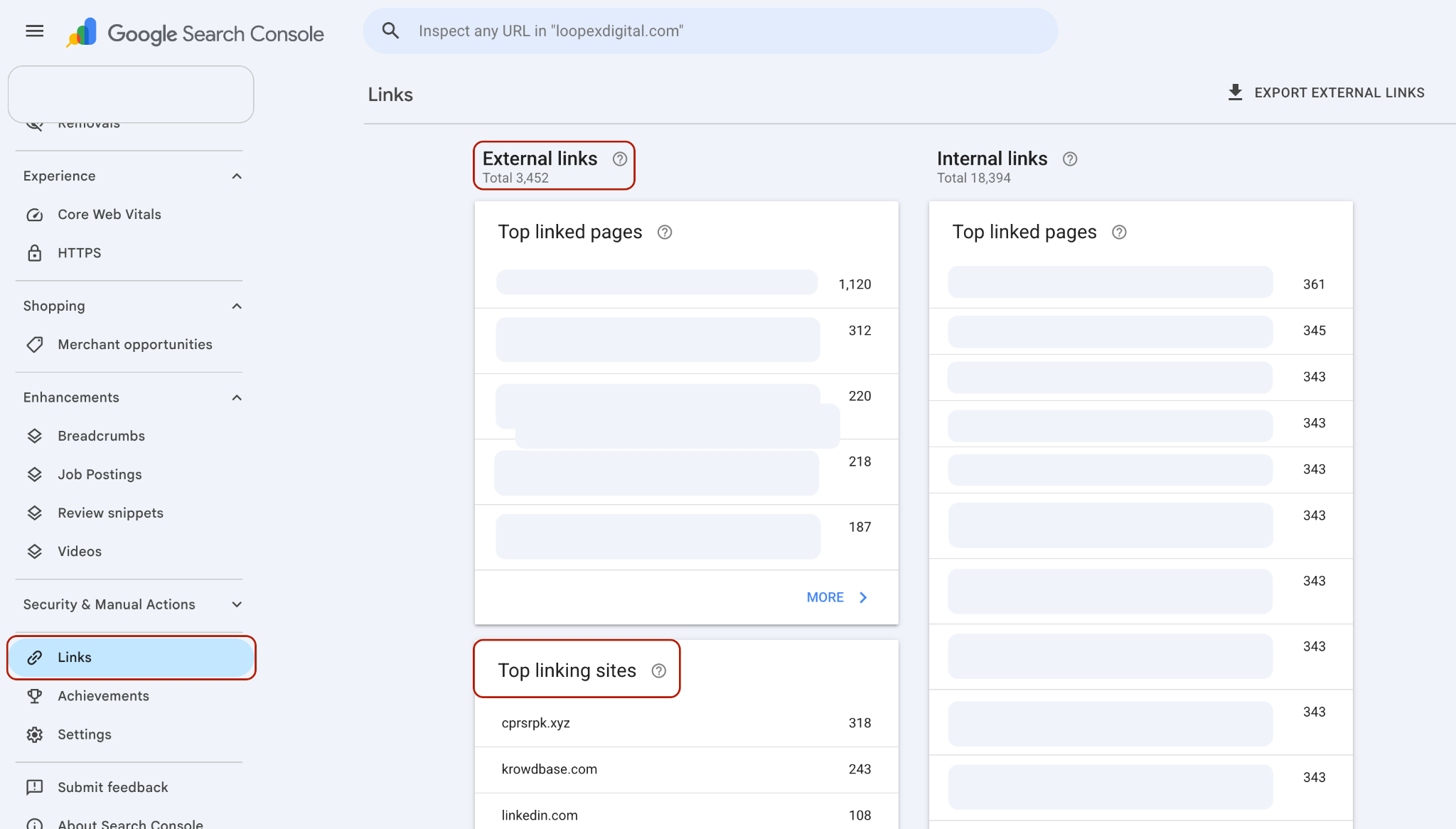
This shows what Google itself has indexed and associated with your domain. It's free, and it's the closest thing to what Google sees, but it's not exhaustive and doesn't update in real time.
- Ahrefs: Site Explorer > enter your domain > Backlinks report.
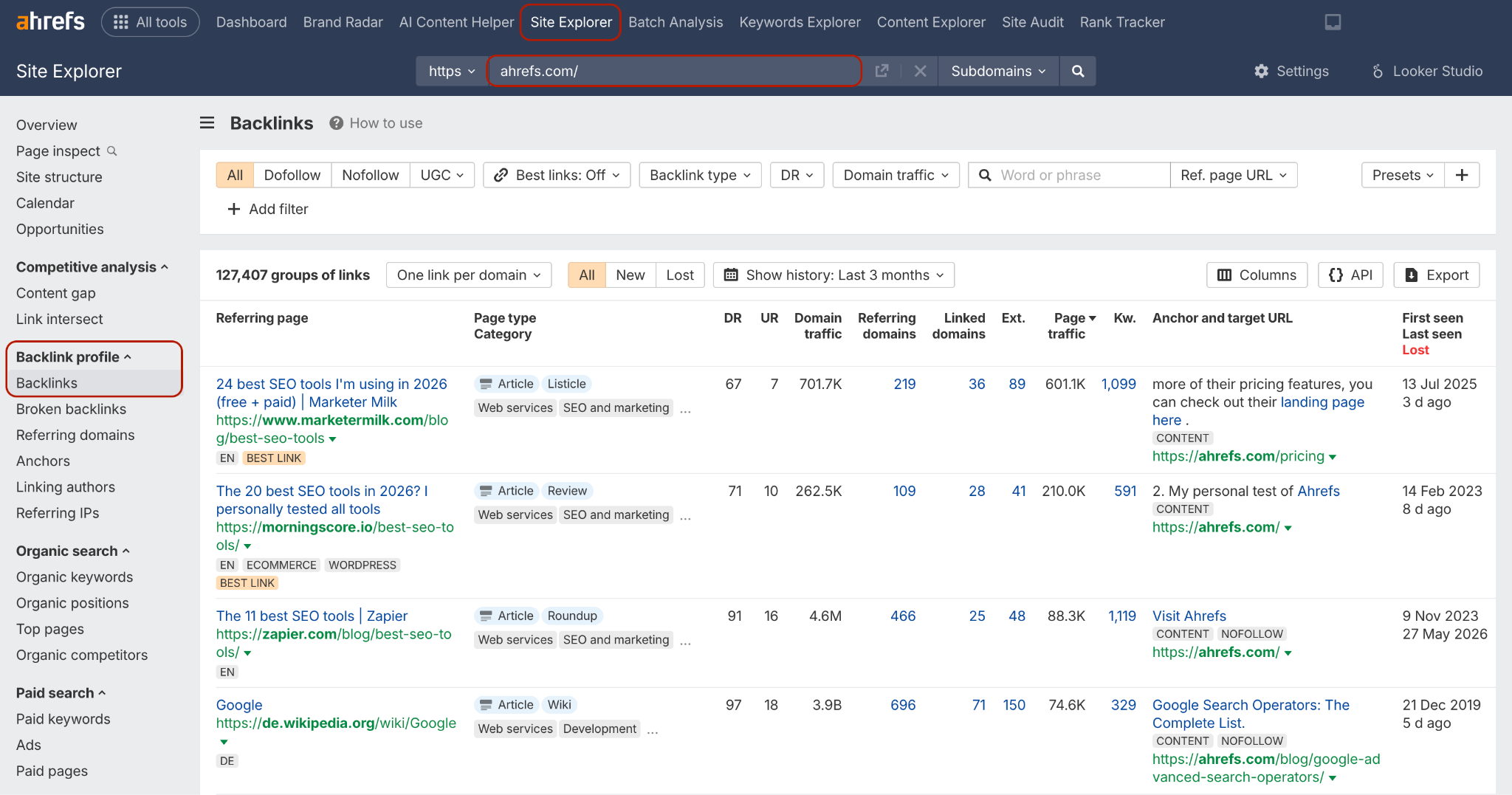
Ahrefs has one of the larger independent web crawlers, so its numbers tend to be higher than Search Console's, though still not complete.
- Semrush: SEO > Backlinks > enter your domain.

Similar idea to Ahrefs, but a different crawler, a different index, and a different number again.
- Monitolink: Just like Ahrefs and Semrush, it uses a few crawlers to gather your backlink data when you enter your domain.
- Moz, Majestic, or other tools: Same logic applies. More tools, more partial views, more numbers to reconcile.
If you're doing this manually, you'll end up with several spreadsheets or exports, each with a different total, some overlap between them, and no easy way to tell which links are still live, which are toxic, and which ones showed up in one tool but not another. That reconciliation work is generally what gets skipped, which is also why most people never know their real number. Our own guide to auditing a backlink profile walks through this process in more depth if you want a full checklist.
If you want a shortcut, upload your exports from every tool you use to Monitolink, and it automatically merges them into a single deduplicated list. More on that below.
Ahrefs vs Search Console Backlinks
Ahrefs will almost always show more backlinks than Search Console. That's because Ahrefs crawls the open web broadly and independently, discovering links regardless of whether Google has indexed the linking page. Search Console, on the other hand, only shows links Google has found and associated with your site through its own indexing, which is a narrower, more conservative set.
That doesn't make Search Console "less accurate." It makes it more relevant to a specific question: what does Google know about? A link Ahrefs found that Search Console hasn't picked up yet might not be passing any SEO value at all, because Google hasn't indexed it. A link both tools agree on is a much stronger signal.
Rough rule of thumb I always refer to:
Use Ahrefs (or Semrush) to find links in a broad sense. Use Search Console to sanity-check whether Google has registered them.
Referring Domains vs Backlinks
This distinction matters more than the raw backlink count itself.
- A backlink is one single link from one page to your site.
- A referring domain is a unique website that links to you, regardless of how many individual links it contains.
A site can link to you 50 times from 50 different blog posts. That's 50 backlinks, but only 1 referring domain. Meanwhile, another site links to you once. That's 1 backlink and 1 referring domain.
If you're looking for SEO impact, referring domains matter far more than raw backlink count. Fifty links from the same domain carry a fraction of the value of fifty links from fifty different domains, because search engines treat additional links from an already-linking domain with diminishing returns.
When you're evaluating how many backlinks do you really have, ask the follow-up question immediately: from how many different domains? That number tells you far more about the strength and diversity of your link profile. Our breakdown of backlink types explains how different link sources should be weighted as you build this picture.
So, How Many Backlinks Do You Really Have?
Even after checking Ahrefs, Semrush, and Search Console separately, you still don't have a single clean answer. You have three overlapping, partially contradictory lists, and no easy way to merge them, deduplicate them, or determine which links are still healthy.
Monitolink’s backlink monitoring tool was built to solve this issue. Instead of asking you to pick one tool and trust its number, Monitolink lets you upload CSV exports from every backlink tool you use - Ahrefs, Semrush, Search Console, Moz, whatever you've got - and merges them into a single, deduplicated backlink profile.
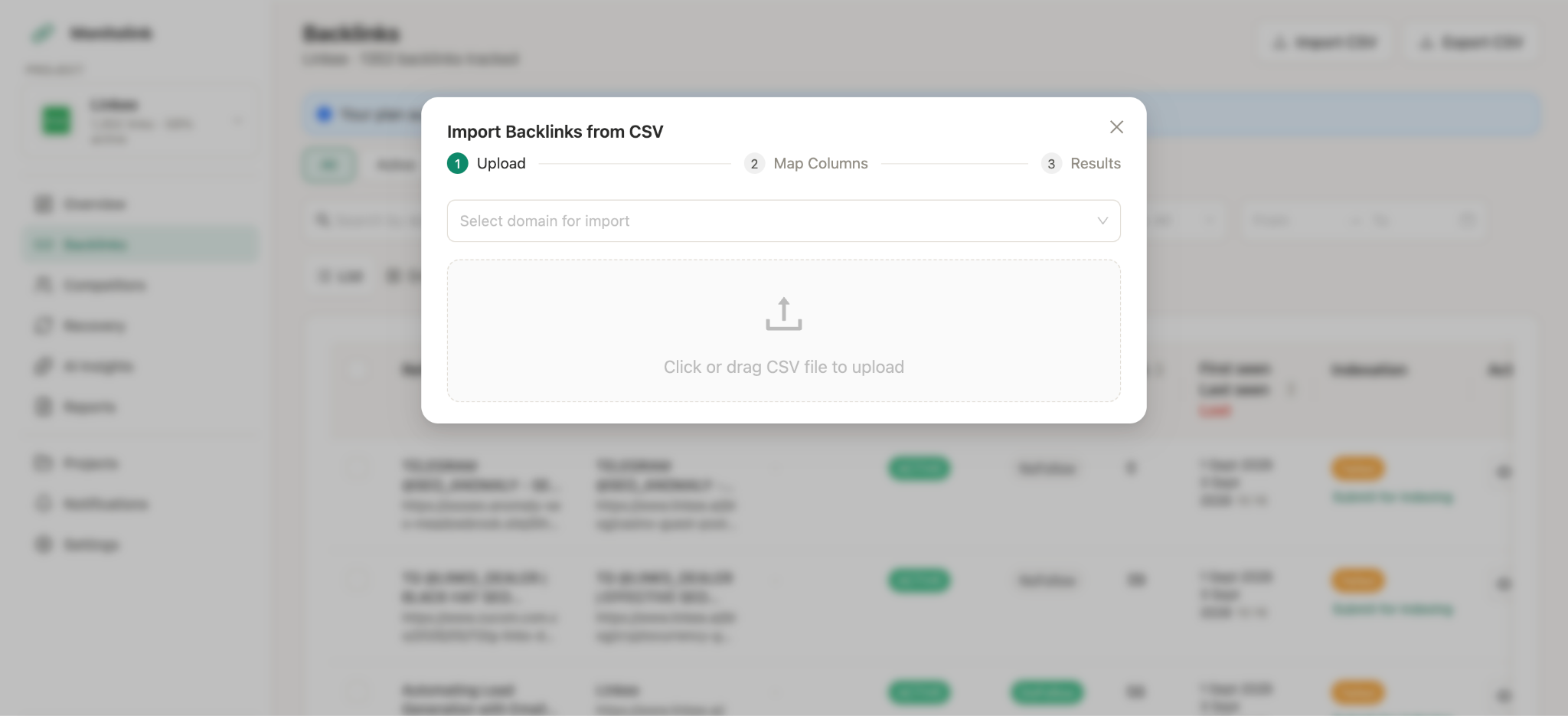
Once your data is centralized, you get:
- Your real, consolidated backlink count - with duplicates across tools merged, not just the highest or lowest number you happened to see.
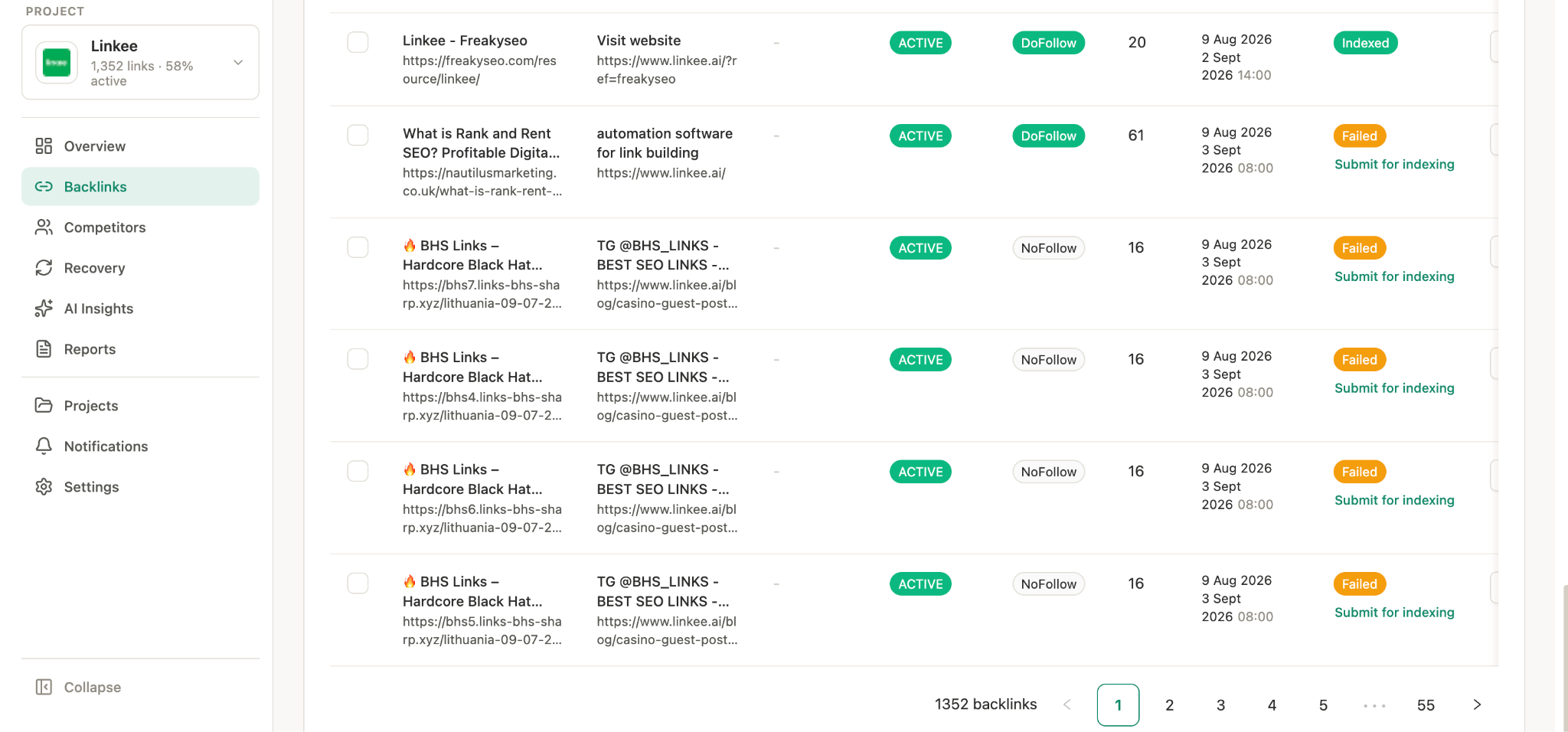
- Referring domain breakdowns - so you're not just looking at a raw link count but the actual diversity behind it.
- Toxic vs. non-toxic classification - flagging links that could be actively hurting you, not just links you already know about.
- Anchor text distribution - so you can catch anchor text over-optimization patterns before they become a penalty risk.
- Source and status tracking - where each link is coming from, and whether it's live, lost, or broken.
If you're dealing with links that have disappeared, you can even reclaim these links on the same platform; the lost link recovery process is pretty simple.
And just like this, you have the most accurate backlink count for your website, with a detailed breakdown on a single platform.
The Bottom Line
Your real backlink count is the total of everything every tool has found, minus duplicates and dead links, weighted by the number of unique domains it comes from. Checking one tool gives you an estimate. Cross-checking a few gives you a better one. Centralizing them into one profile is the only way to get a number you can actually trust and act on.
If you want to see your real, complete backlink count instead of piecing it together by hand, start a free 14-day trial of Monitolink and upload your existing exports. You'll have a consolidated picture in minutes.