
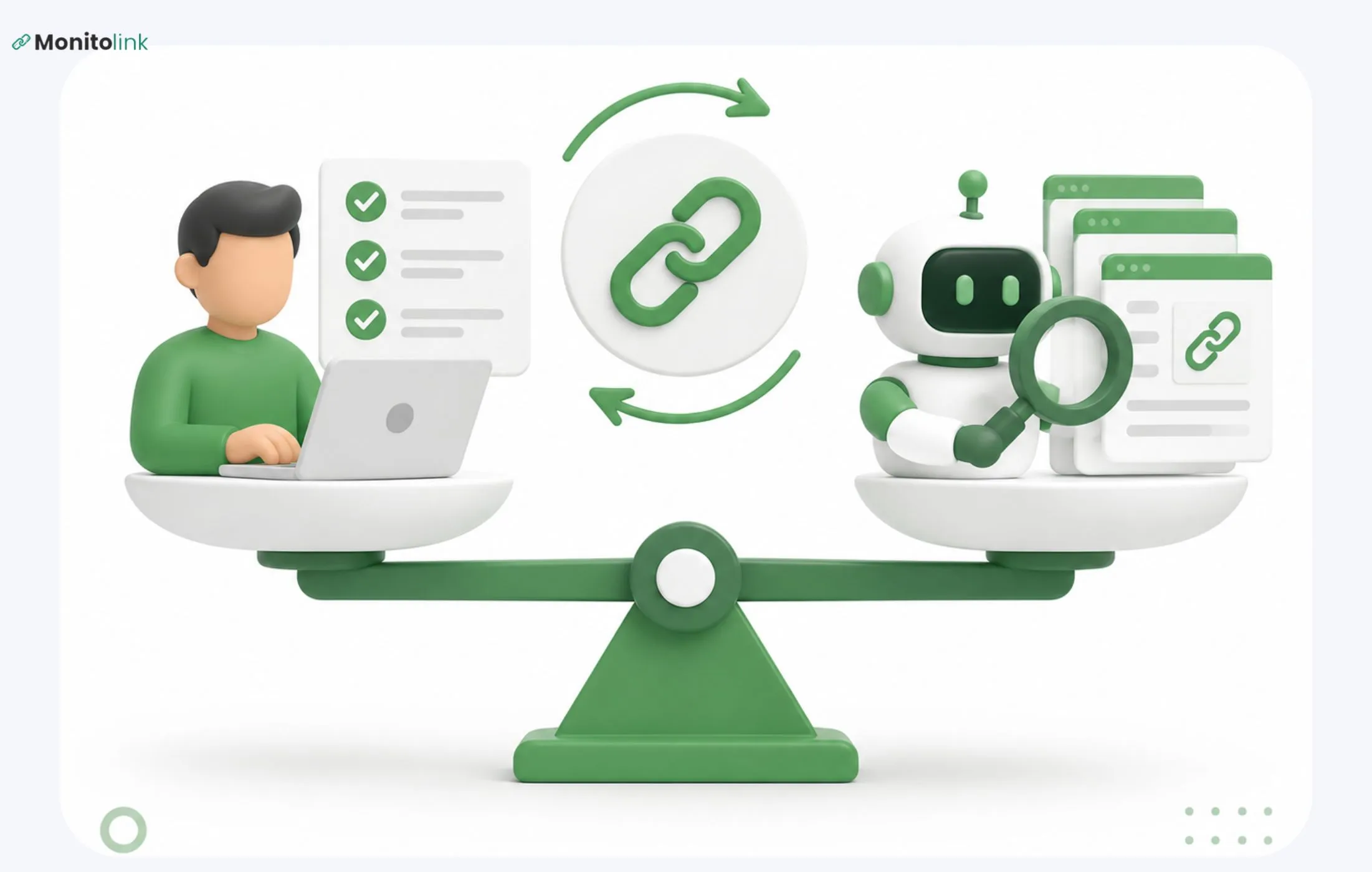
Manual link reclamation is more reliable for quality and safety because a person vets every opportunity before outreach. Automated link reclamation is better for scale - it can catch lost, broken, or unlinked mentions across thousands of pages that no team could check by hand. For most sites, automating discovery while keeping judgment human is the most efficient way to do link reclamation.
With this quick overview in mind, I'll break down this comparison for you, including how we run it ourselves at Monitolink.
What Is Link Reclamation?
Link reclamation is the process of recovering backlinks you should already have - a mention that never got linked, a link that broke, or a link that used to exist and quietly disappeared. Instead of pitching a stranger to cover you for the first time, you're fixing something that's already halfway there. Someone already decided you were worth mentioning. You're just making sure that decision shows up as a working link.
There are four situations this usually covers:
- Unlinked brand mentions. A site writes about your product, quotes your data, or references your company, but never links to you. The fix is a short note asking them to turn the mention into a link.
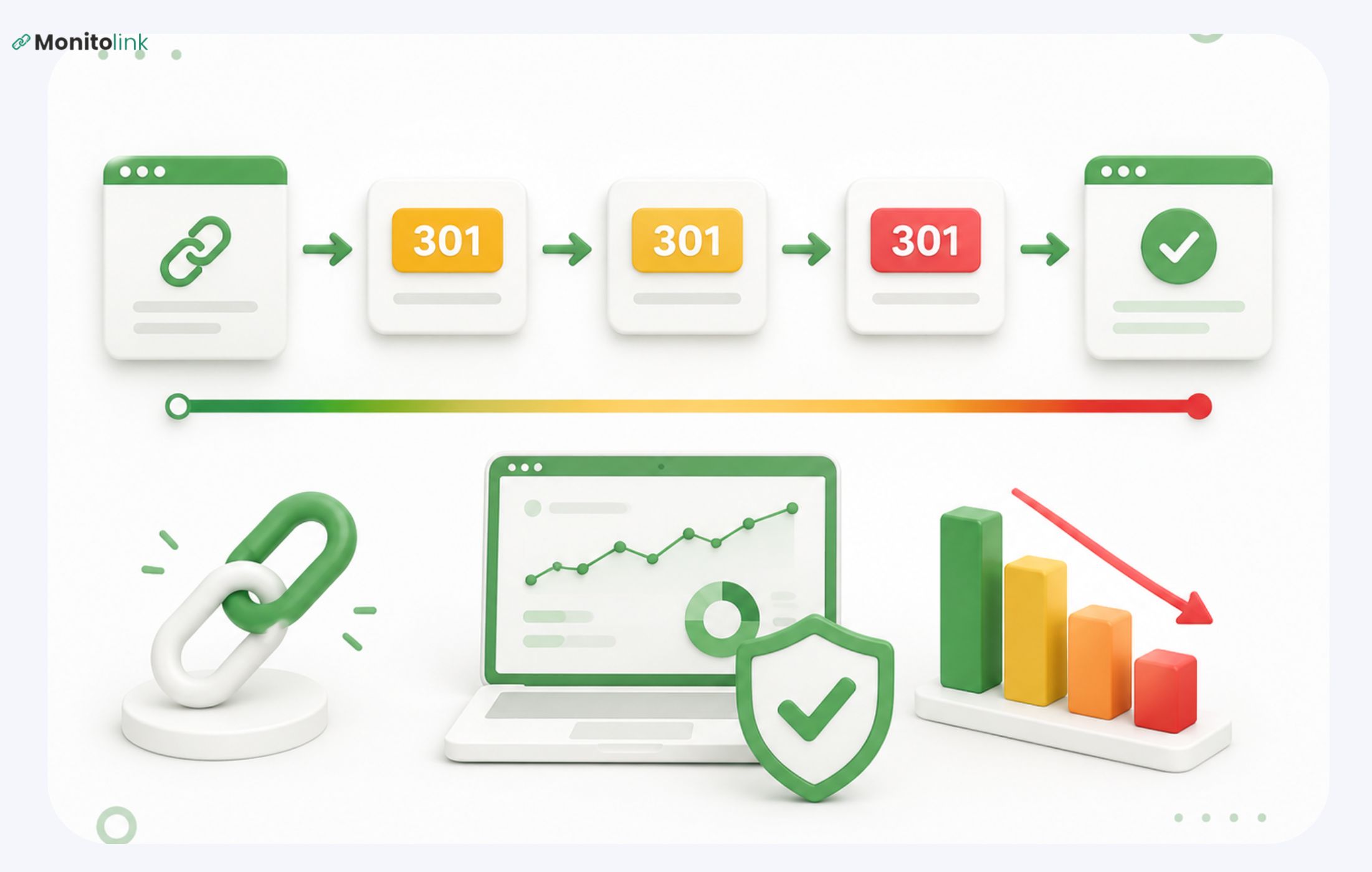
- Broken link reclamation. A site linked to a page on your domain that no longer exists (a 404), was moved, or got merged into another URL. You ask them to update the link to the correct destination.
- Links pointing to the wrong page. The link is live, but it lands on your homepage when it should point to a specific product or resource page. Same fix, smaller ask.
- Lost backlinks. You had a link, and now you don't - the reference was removed during a redesign, a content cleanup, or an editorial change. This is what most people mean by backlink recovery or trying to recover lost links: something you earned once and no longer have.
Manual Link Reclamation: How It Works
Manual link reclamation means a person does the work end to end: finding the opportunity, checking whether it's worth pursuing, tracking down the right contact, and writing a message that isn't generic.
A typical manual process looks like this:
- Find mentions and backlinks (via search, alerts, or a monitoring tool).
- Open the page and confirm the mention or link issue is real.
- Decide whether the site is actually worth contacting.
- Find the right person to email.
- Write a short, specific message referencing the actual page.
- Follow up once if you don't hear back.
The upside is control. You choose exactly which anchor text gets used, which page the link points to, and how the ask is worded. That control tends to produce higher response rates, because a personalized note that references the specific article gets read differently than a templated one.
The downside is time. Screening 200 mentions to find the 30 worth pursuing, then writing individual outreach for each one, is not a small task. Teams doing this fully by hand often burn a significant chunk of a workweek on research and qualification alone, before a single email goes out.
Manual Link Reclamation Summary Card
Automated Link Reclamation: How It Works
Automated link reclamation uses link reclamation software to do the parts of the process that don't require judgment: monitoring the web for mentions, checking your live backlinks for status changes, and flagging broken or lost links the moment they happen.
It's worth splitting automation into two very different tiers, because they carry different risk levels:
- Discovery and monitoring automation - this is the safe, useful part. A tool crawls the web and your existing backlink profile, and tells you: this link just went from a 200 to a 404, this mention doesn't have a link, this referring domain dropped your citation. No judgment is made here.
- Automated outreach or placement - this is where it gets risky. Sending bulk, AI-generated emails to hundreds of site owners with minimal review, or using tools that insert links automatically, starts to look like a manipulative pattern rather than a genuine request. This behavior tends to draw the kind of scrutiny that leads to spam-related penalties, because volume and lack of relevance are exactly what detection systems are built to catch.
The distinction matters more than most “experts” make it sound. "Automated" doesn't have to mean "spammy" - it depends entirely on which half of the process you're automating.
Automated Link Reclamation Summary Card
Manual vs Automated Link Reclamation: Side-by-Side
The Verdict: Which Is Worth It?
Neither one wins outright. It comes down to volume and what's actually at stake per link.
Under ~20 opportunities a month: go manual. Building a monitoring pipeline for a handful of mentions a month isn't worth the setup time. Just check regularly and reach out yourself.
100-500 opportunities a month: automate discovery and qualification, keep outreach human. Let software catch the mentions and broken links; have a person decide which ones are worth 15 minutes of their time and write the actual message.
500+ opportunities a month, or agency scale across multiple clients: automate the full pipeline (monitoring, filtering, and reminders) and reserve human attention for the final review and the outreach copy itself.
The pattern across all three: automation should own finding, and a person should own deciding.
How to Build a Link Reclamation Strategy
A working link reclamation strategy is really just a funnel with a human checkpoint in the middle:
1. Monitor
Track your backlinks daily. A link that breaks and sits broken for six weeks before you notice it is six weeks of lost equity. This is the single biggest gap we see in teams relying on spreadsheets or quarterly audits. By the time they catch a lost link, the page has often already been updated again, making the fix harder.
2. Filter out the obvious noise
Irrelevant domains, duplicate mentions, pages that are already indexable and linked, sites with no real traffic. Don't send this stuff to a person.
3. Review what's left
Is this a real, relevant page? Would a link actually make sense to the reader, or would it look forced? Not every unlinked mention should become a link - sometimes the publisher deliberately left it unlinked, or the piece is opinion-based and an added commercial link would stick out. Chasing every mention regardless of fit is how reclamation campaigns end up doing more work for less value.
4. Reach out.
Keep it short, specific, and reference the actual page. No "Dear webmaster."
5. Track and confirm
Once a link is fixed or restored, don't assume it stays that way. Sites get redesigned, links get swapped to nofollow, pages get merged. This is exactly the ongoing monitoring problem.
If you're building this out for the first time, our guide on backlink profile audits covers how to get a full picture of your current link health before you start reclaiming anything.
Link Reclamation Tools & Software
Here's what we'd actually recommend, organized by what each one is for.
Monitolink - For Monitoring, Recovery, and Outreach in One Place
Monitolink is a backlink monitoring and recovery tool built around the problem this article covers: links go dead, mentions go unlinked, and most teams find out too late because they check manually or rely on tools that refresh weekly.
Monitolink checks link status daily and alerts you the moment something changes - a link goes 404, gets deindexed, or the target URL changes - instead of waiting for a scheduled crawl.
What makes it different from a standard backlink checker is that it doesn't stop at monitoring. It's built for link reclamation specifically:
- Daily backlink monitoring - same-day alerts, compared to the weekly refresh cycles common in tools like Ahrefs or Semrush.
- Built-in link recovery outreach - you can contact the site owner about a lost or broken link directly from the dashboard, without switching to a separate email tool. This is the piece most monitoring tools skip entirely; they'll tell you a link broke and leave the fixing part to you.
- AI-powered backlink analysis, including anchor text optimization suggestions and toxicity detection, so you're not manually eyeballing every referring domain.
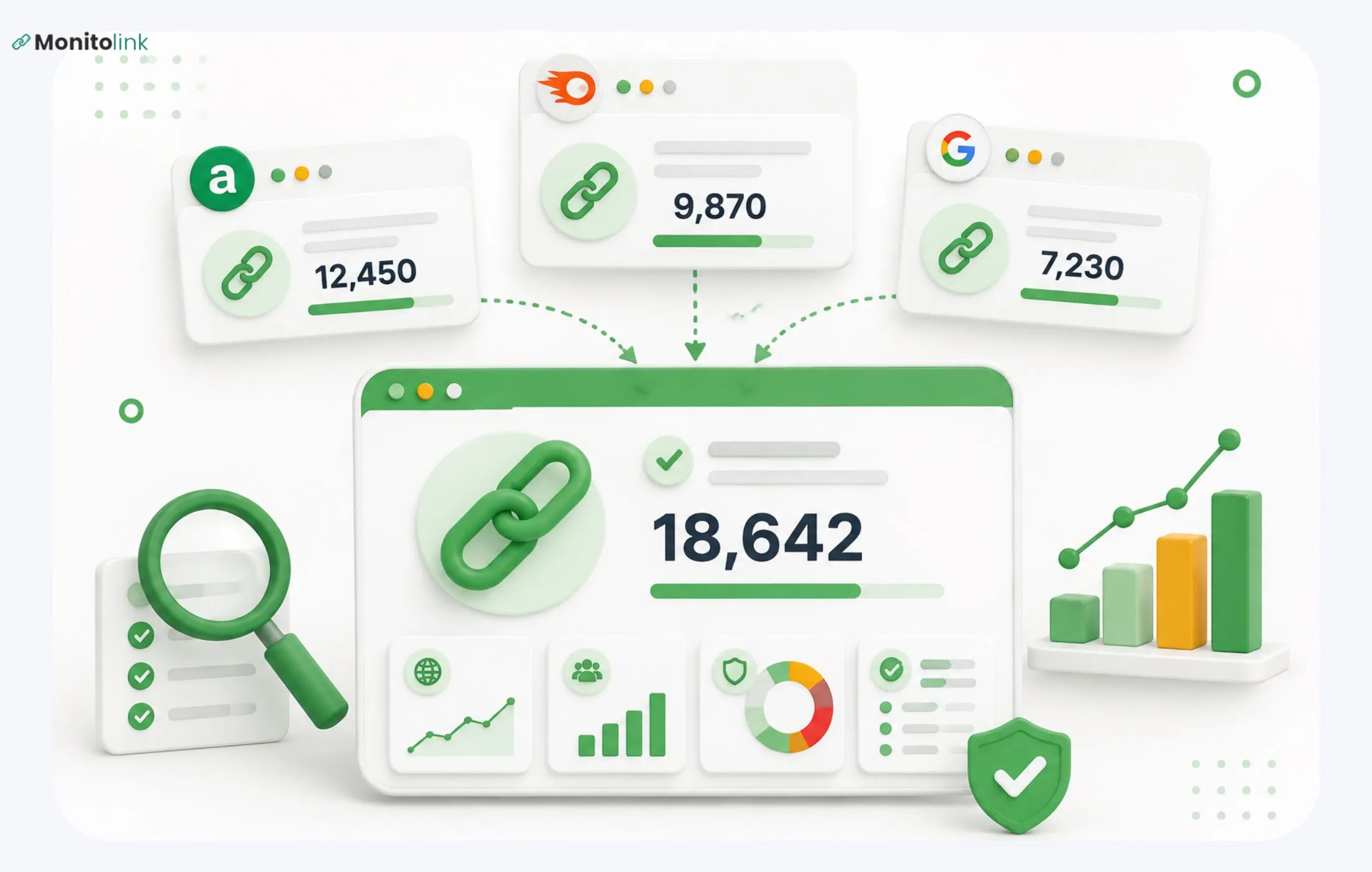
- Bulk CSV import from Ahrefs, Semrush, GSC, or wherever your existing backlink data lives, so you're not starting from zero.
- Advanced filtering by domain authority, anchor text, and link status, useful for triaging exactly as the funnel in the section above describes: let the filters do the qualifying before someone spends time on it.
It currently monitors over 2 million backlinks for 500+ SEO teams, and it's built for SEO agencies managing several clients, in-house teams with growing link portfolios, and link-building teams that want to protect the ROI on links they've already earned instead of losing them silently over time.
There's a 14-day free trial (no credit required); paid plans start around $29/month. If reclamation is a regular part of your process (as it should be), this is worth trying before you build a manual monitoring workflow from scratch.
Ahrefs
Strong for broad backlink discovery and competitor analysis. The weekly refresh cycle on most plans means you'll typically catch a lost link days or weeks after it happens, rather than the same day.
Screaming Frog
Useful for crawling your own site to find internal 404s and broken outbound links - less suited to monitoring external mentions or lost backlinks over time.
Semrush
Similar strengths to Ahrefs - good for research and competitive backlink data, but less built around the day-to-day monitoring and recovery workflow reclamation actually needs.
If you're evaluating the broader landscape, we've also put together a full comparison of the best backlink monitoring tools in 2026 and a roundup of AI tools for building links faster.
Frequently Asked Questions
Is manual or automated link reclamation better for SEO?
Neither wins outright. Manual reclamation produces higher-quality, safer results per link; automated reclamation finds far more opportunities than a person could manually. The strongest approach automates discovery and keeps outreach and final judgment human.
What's the difference between link reclamation and link building?
Link building creates new mentions and relationships from scratch. Link reclamation recovers value from mentions and links that already exist - someone already referenced you; you're just fixing the connection.
Can I automate link reclamation outreach safely?
Automating the logistics (timing, follow-up reminders, tracking replies) is safe. The risk comes when you automate the message content and send it in bulk without review, since it starts to resemble a manipulative link pattern rather than a genuine request.
How long does link reclamation take?
It depends entirely on volume and how you qualify opportunities. A small batch of manually reviewed mentions can be turned around in days. At scale, with proper monitoring in place, reclamation becomes an ongoing process rather than a one-time project - new opportunities show up continuously as links break or mentions get published.