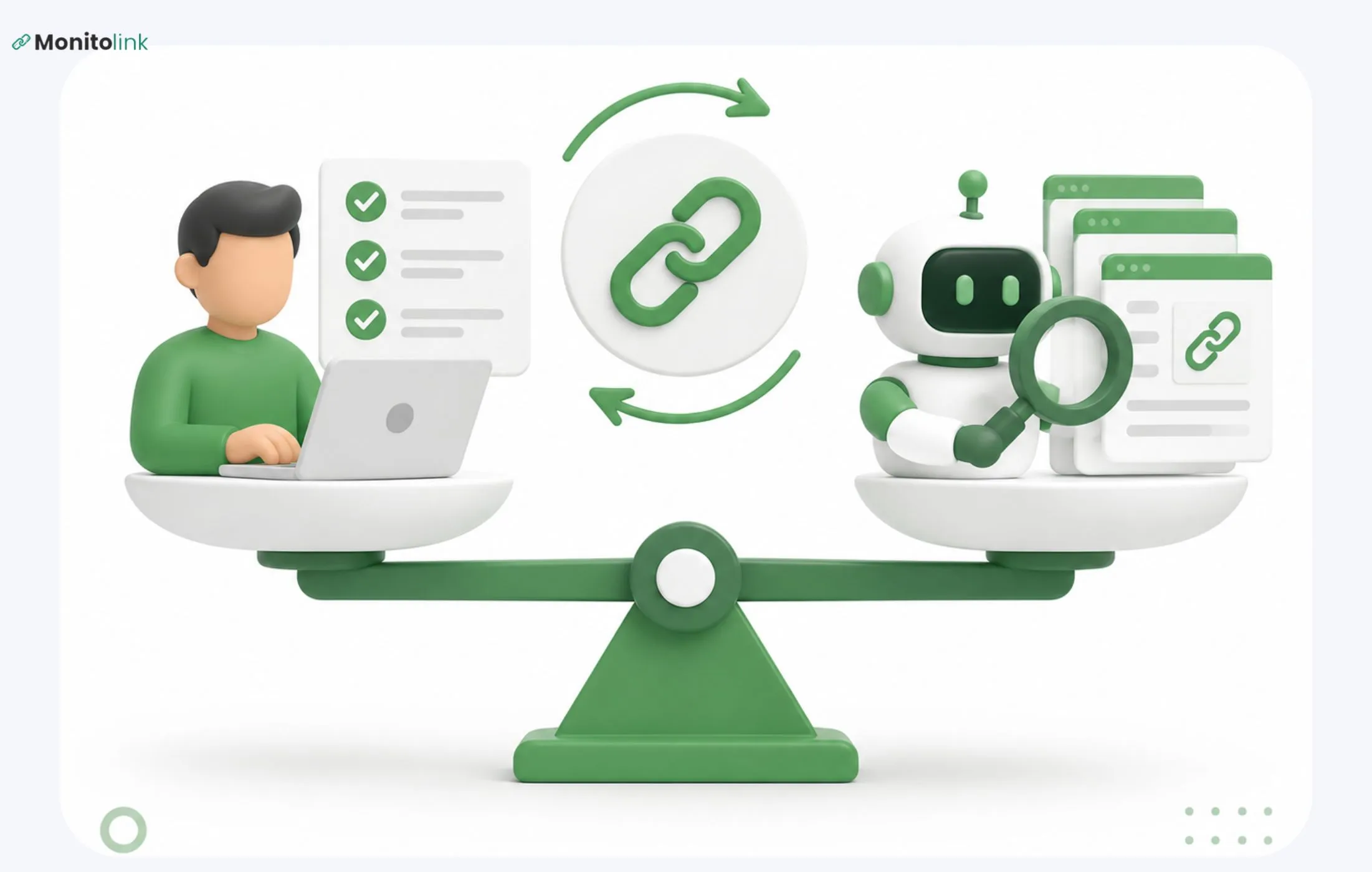

I've spent years in the link-building space, and I've noticed that almost every SEO I talk to finds out a link is gone weeks after it disappeared because nobody can manually check hundreds (or thousands) of backlinks every day. That's just not a realistic job for a human.
So let's fix that. This guide walks you through exactly how automated backlink monitoring works, what it should be catching for you, and how to actually set it up - step by step, in the order you'll experience it.
What Is Automated Backlink Monitoring?
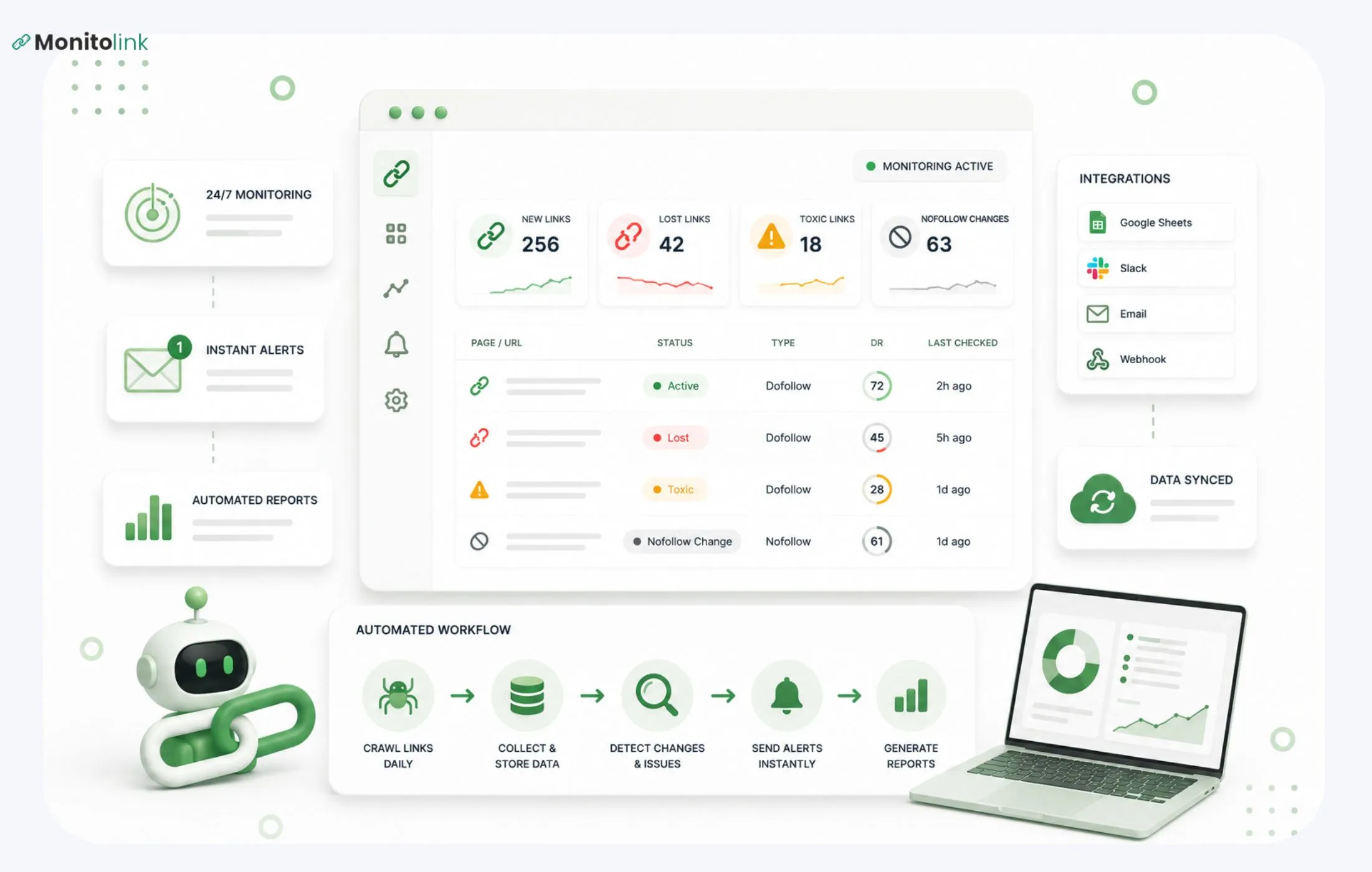
Automated backlink monitoring is a system, usually software, that checks your backlinks on its own, on a regular schedule, and tells you when something changes. That "something" is usually one of a few things:
- a link disappears,
- a link changes from dofollow to nofollow (I'll explain that in a second if it's new to you), or
- the page hosting your link gets removed or deindexed entirely.
The word "automated" here just means you're not the one doing the checking. You set it up once, and from then on, the system does the watching for you.
This is really the important part. Backlinks aren't static. A site that linked to you six months ago might redesign its blog next week and quietly drop half its outbound links, including yours. If you're not monitoring, you won't know until your rankings start slipping and you go looking for the cause. By then, you've lost weeks you can't get back.
Automatic Backlink Checker vs. Backlink Monitoring - Quick Clarification
These two terms get used interchangeably, but they're not quite the same thing, and it's worth knowing the difference before you choose a tool.
An automatic backlink checker gives you a snapshot. You plug in a domain, it pulls up the current backlinks, and that's it - a one-time look. Ahrefs' and Semrush's free tools work this way if you're not paying for the full platform.
Backlink monitoring is ongoing. It's not a single check - it's a system that keeps checking, on a schedule, and flags changes over time. If you only ever run one-off checks, you'll always be reacting late. Monitoring is what protects your rankings, because it catches problems close to when they happen.
Keep that distinction in mind as we go.
What Does Automated Backlink Monitoring Need to Cover
New and lost link detection
This is the baseline. The system checks whether a link is still there, and tells you the moment it disappears, not the next time you happen to think to check.
Attribute changes
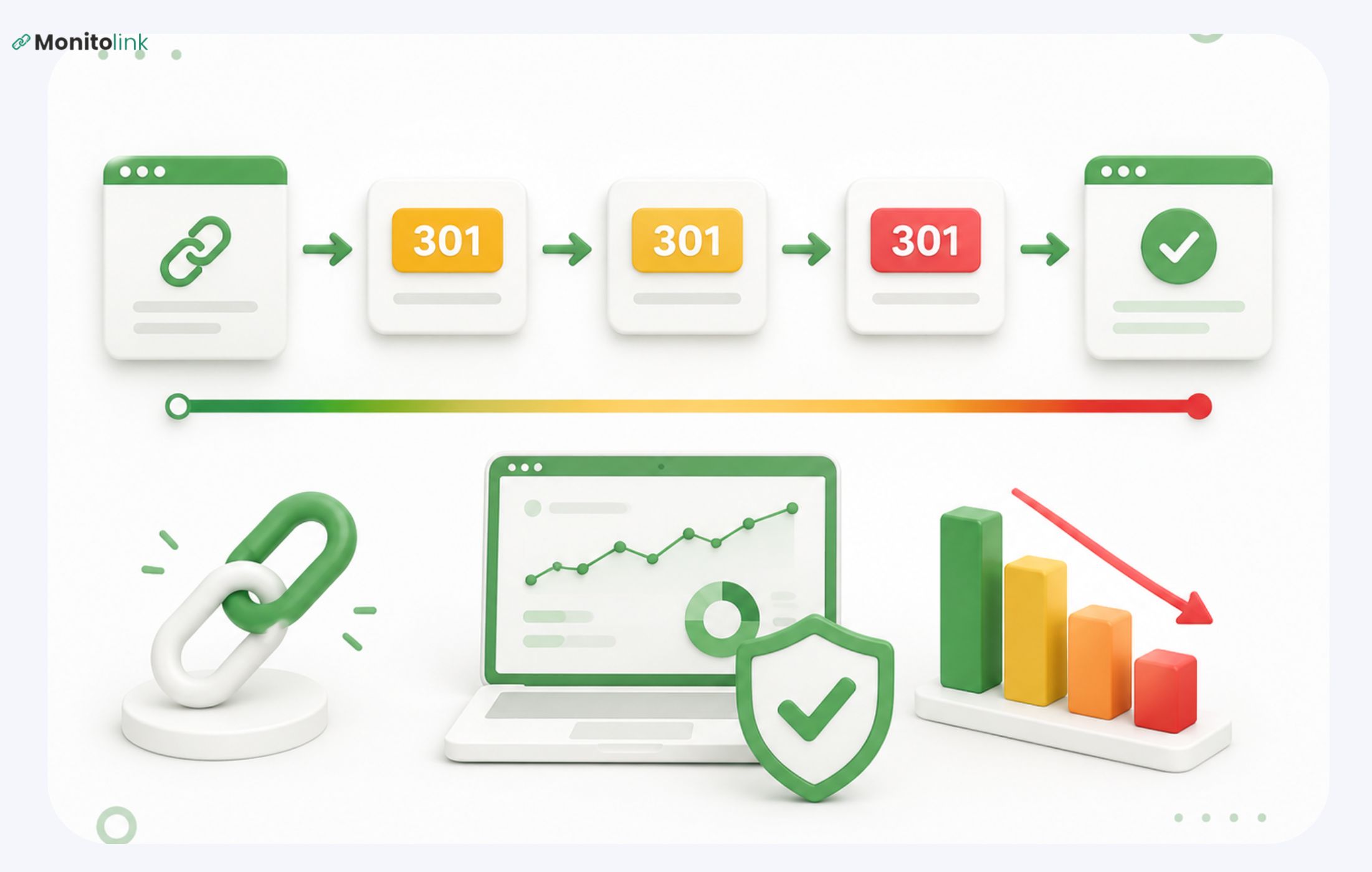
A link doesn't have to disappear to lose its value. A site can quietly change your link from "dofollow" to "nofollow" - which, in plain English, means the link stops passing SEO credit to your site, even though it's still technically there and still clickable.
If you're only checking whether links exist, you'll completely miss this. I've seen it happen to sites that thought their backlink profile was healthy, when in reality half their "active" links had quietly stopped counting for anything.
Toxic and spam link flagging
Some links can actively hurt you if they're coming from spammy or low-quality domains. A good monitoring setup flags these so you can disavow them before they drag your domain score down, rather than finding out during a ranking investigation.
Competitor backlink tracking (optional, but genuinely useful)
This one's a bit different - instead of watching your own links, you watch a competitor's. When they pick up a new backlink, you see it too, which tells you where they're getting placements and where you might be able to get the same one. If this sounds interesting, our guide on competitor backlinks walks through how to act on this data instead of just collecting it.
Same-day alerts vs. digests
Last piece: how often do you want to hear about changes? Same-day backlink alerts notify you the day something happens. Digests bundle everything into a weekly or monthly summary instead. Neither is objectively better - it depends on how active your link building is, which we'll cover in the setup section below.
How to Automate Backlink Monitoring, Step by Step
Okay, here's where we build the thing. I'll walk you through this in the order you'll do it, and explain why each step matters as we go.
Step 1: Decide What's Worth an Alert
Before you touch any tool, think about this for a second: if you get notified about every single tiny change, you'll start ignoring the notifications entirely. That defeats the whole point.
So decide upfront what deserves your attention. For most people, that's: links from your genuinely important placements (the ones you worked hard to get, or that send real traffic), and any dofollow-to-nofollow shift on those.
Everything else can sit in a weekly digest instead of pinging you in real time. This one decision is what separates a monitoring setup you'll use from one you'll mute within a month.
Step 2: Get Your Existing Backlinks Into One Place
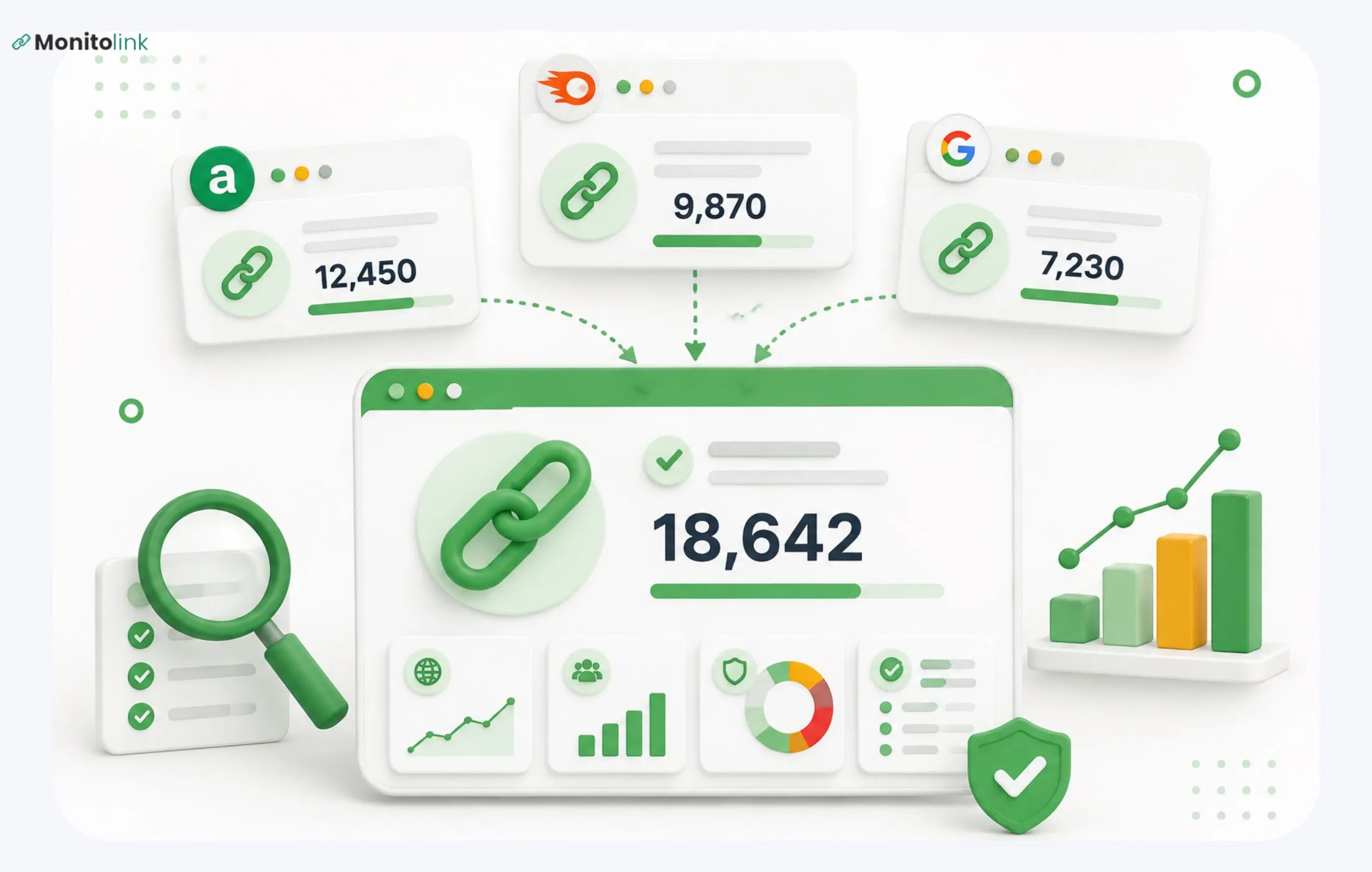
Next, you need a starting list of what you're monitoring. If you've already got backlink data sitting in Ahrefs, Semrush, or Google Search Console, don't rebuild it from scratch and just import it. Most proper monitoring tools, including Monitolink, let you bulk import via CSV from any of those sources, so you're not starting over. Monitolink can retrieve the data itself as well, with only your domain at hand.
This step matters more than it sounds, because if your list is incomplete from the start, you'll have blind spots you don't even know about.
Step 3: Set Your Check Frequency and Alert Triggers
Now decide how often the system checks your links, and what triggers a notification. If you're actively building links right now (running outreach, guest posting, that kind of thing), daily checks make sense, because you want to know quickly if something new lands or something old breaks. If you're in more of a maintenance phase, weekly is usually enough.
Here's something worth knowing before you pick a tool: a lot of the big-name platforms only refresh their backlink data weekly, sometimes less often. That's fine for research, but it's not real monitoring - if a link drops on day two, you won't hear about it until day seven.
This is one of the bigger gaps I built Monitolink’s backlink monitoring tool around: it checks daily and alerts the same day something changes, instead of making you wait for the next refresh cycle.
Step 4: Build In a Recovery Step
Getting an alert that says "you lost a link" is only half the job. The real question is: now what?
In most tools, the answer is "nothing" - you get the alert, and then you have to go find the site owner's contact info yourself, write an email, and hope they get back to you. That's manual work hiding behind an "automated" tool.
This is genuinely the gap I kept running into across every combination of tools I tried before building Monitolink, and it's why link reclamation is built directly into it - when a link drops, you can reach out to the site owner straight from the dashboard, in one click, instead of starting a manual outreach process from zero.

If you want to go deeper on this specifically, we've got a full breakdown on how to recover lost backlinks.
Step 5: Set Up Reporting You'll Reuse
Last step, and it's easy to forget until you need it: decide how you're going to report on this data, especially if you're managing backlinks for clients or across a team. Nobody wants to manually rebuild a status report every month from a spreadsheet.
If that's your situation, look for a tool with built-in white-label reporting - something that shows active, lost, and recovered links in a clean, branded PDF you can hand straight to a client, instead of spending hours formatting one yourself. Monitolink's white-label reports feature was built specifically because our own team was burning hours on this every month before we automated it.
If You'd Rather Build This Yourself (Spreadsheet + API Route)
I want to be upfront about this option too, because it does work - I've built versions of it myself.
You can wire together a Google Sheet, an SEO data API like DataForSEO, and an automation tool like n8n to run scheduled checks on your backlinks and log the results yourself. It's a completely legitimate way to do this, and if you're comfortable with that kind of setup, it'll save you a subscription fee.
The honest trade-off: it takes real time to build correctly, and more importantly, it takes ongoing time to maintain. APIs change, workflows break, and someone has to be the person who notices when it silently stops working. Most teams I've seen try this route eventually move to a dedicated tool because nobody wants to be on call for their own spreadsheet.
Tools People Use for This
Quick, honest rundown of the main options - not a ranked "best of" list, just what each one is good for.
Monitolink is where I'd point you if what you want is daily checks, same-day alerts, and a way to act on a lost link from the same dashboard instead of just being told about it. It combines the monitoring, the link reclamation outreach, competitor backlink intelligence, and client reporting in one place, so you're not bouncing between four tools and a spreadsheet to get the full picture. There's a free trial if you want to see how it handles your own backlink list.
Google Search Console is free and worth having regardless, but it only shows you your own site's backlinks - no competitor tracking, and it's not built around alerting you to changes.
Ahrefs and Semrush are the two names you'll see everywhere, and for good reason - massive backlink indexes and solid research tools. Where they fall short for monitoring specifically is refresh speed: both tend to update on a weekly cycle rather than daily, which is fine for research but slow if you're trying to catch a lost link quickly. Plus, you don’t have built-in outreach and reporting features.
Whatever you land on, it's worth reading up on backlink best practices generally, since monitoring only pays off if the underlying link profile is healthy to begin with.
Where to Start
If you're setting this up for the first time, don't try to build the perfect system on day one. Start with your most important links, the ones you'd notice losing, get those into a monitoring tool, and set up alerts for just those to begin with. You can always expand from there once you've got the habit and the workflow figured out.
And if you want to skip the DIY phase entirely, that's exactly what Monitolink was built for - you can see it running against your own backlinks in a few minutes with our 14-day free trial (no credit card needed).
A Few Questions People Usually Ask At This Point
Is this worth setting up for a small site?
Yes, honestly, even more so. A small site usually doesn't have hundreds of backlinks to spare - losing even two or three high-value ones can be a real hit. You don't need anything complicated; even a free-tier tool checking weekly is better than not watching at all.
How often should alerts run - daily or weekly?
If you're actively building links right now, daily. If you're in maintenance mode, weekly is usually enough. You can always tighten it up later if something feels off.
Should I bother tracking competitor backlinks too?
It's optional, but it's one of the highest-value things you can add once your own monitoring is running smoothly. It shows you exactly where they're getting placements you might be able to get too.
Do nofollow links need monitoring?
Yes, they still send real traffic even without passing SEO credit, and it's worth knowing if one goes down. Just don't build your whole strategy around them.