You spend months earning backlinks, but they keep quietly disappearing one after another. By the time you notice, your rankings have slipped, and you have no idea which links you'd lost or why. To avoid this, let me tell you about lost backlink recovery.
In this guide, I’ll walk you through the full link reclamation workflow - how to find lost backlinks, figure out why each one died, prioritize what's worth recovering, and get them back. Let’s get started.
What Is Link Reclamation (& How Is It Different from Broken Link Building)
Link reclamation is the process of recovering backlinks you've already earned but have somehow lost. These are links that used to point to your site but no longer do (or no longer pass value).
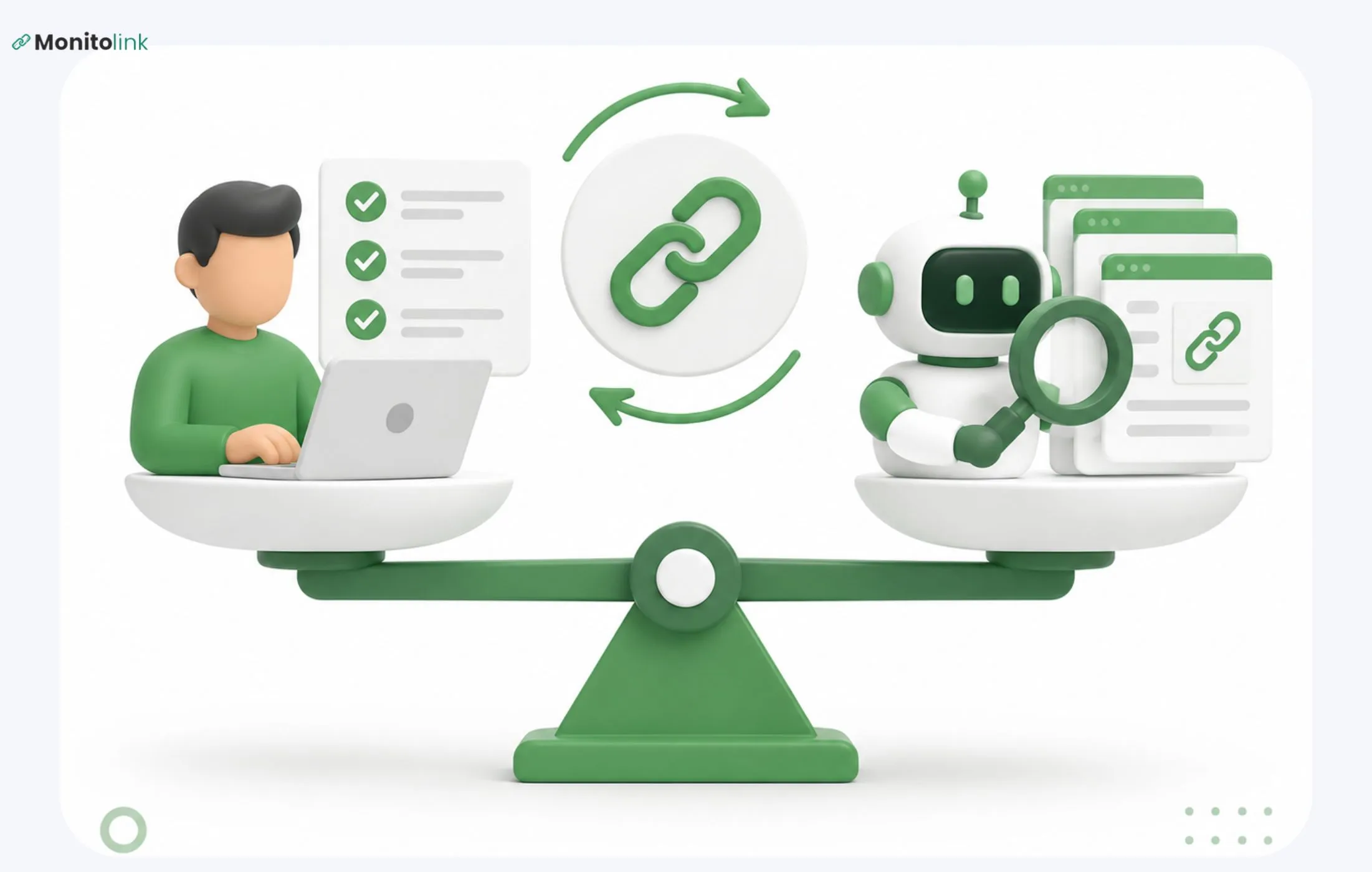
People mix it up with broken link building pretty often, but they're entirely different workflows:
Reclamation has a much higher conversion rate because the editor already chose to link to you once, and you're just fixing the problem for them. That's why reclamation should always come before new link building (more on this at the end).
The 6 Reasons Backlinks Disappear (Including The One Nobody Talks About)
Before the link reclamation talk, let’s make sure your backlinks don’t magically disappear. These are hard to catch because the most damaging reason is the invisible one: your link is technically still there, but it no longer passes value.
Here are all six reasons your backlinks get lost:
- The page was deleted (404 or 410). The article that linked to you was taken down. Common during site migrations, content audits, or seasonal cleanup.
- The link was removed from the page. The page still exists, but the editor removed your link. Sometimes during a refresh, sometimes deliberately, sometimes by accident when restructuring content.
- The linking domain expired or got penalized. The whole site went down, got hit by a Google penalty, or was sold to someone who flipped it into something unrecognizable.
- The page got noindexed or moved behind a paywall/login. The URL is alive, but Google can't see it anymore. The link exists but transmits zero authority.
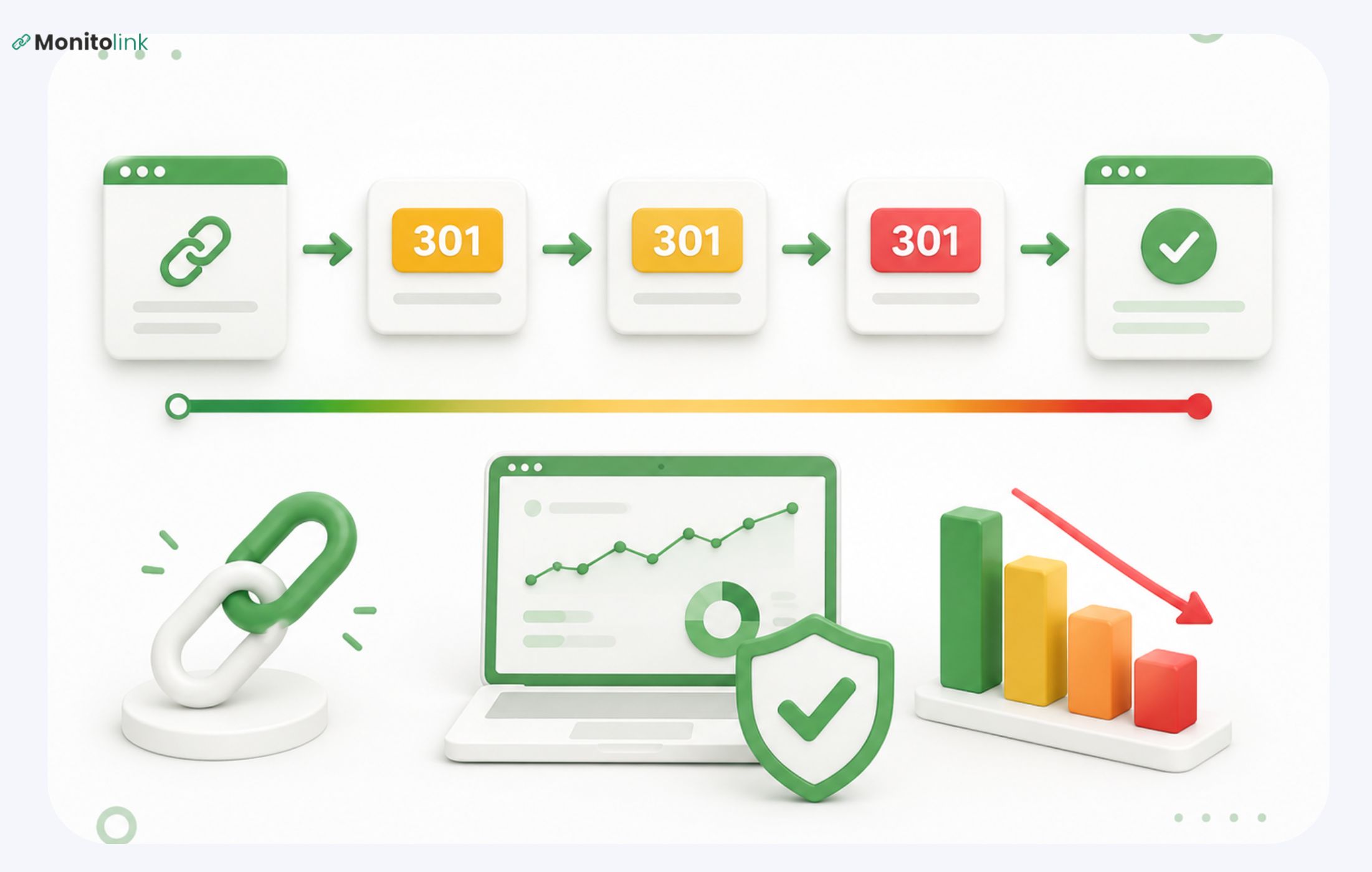
- The link was redirected through something useless. Your link still points somewhere, but it now goes through a 301 chain, a redirect script, or a tracking URL that strips referral value. Common on news sites and aggregators.
And finally, the one nobody talks about:
- The dofollow link got flipped to nofollow. Editors sometimes go back and add rel="nofollow" or rel="sponsored" to existing links during link audits, when an SEO consultant tells them to, or when their CMS gets updated with default nofollow rules. The link looks fine to a human. To Google, it's now worthless. Without backlink monitoring, you'll never catch this. It doesn't show up as a "lost" link in most reports because the link technically still exists.
The last three reasons are the silent killers, since general link checkers that only flag 404s will miss them entirely.
Why Speed Is the #1 Factor in Your Recovery Rate
Based on my experience, speed is the single biggest variable in whether you get a link back.
The longer a link has been gone, the colder the recovery email. If you email an editor two weeks after they removed your link, they remember the article. If you email them six months later, they've published 200 more posts, possibly changed roles, and have no context for why your link mattered. Your email reads like a stranger asking for a favor.
There's also a content-decay problem. If the page was updated and your link was removed during the edit, you have a short window where the editor remembers why they made that change. You need to catch them fast to have a useful conversation and get it back.
And there's the compounding loss: every day a high-authority link is missing is a day your rankings drift. If the lost link was passing meaningful equity, you're losing traffic the entire time, and you don't know it's gone.
This is the entire reason backlink monitoring exists as a category. Ahrefs and Semrush refresh their backlink indexes at best on a weekly cadence, and a lost link can sit undetected for 30+ days before it surfaces.
Tools built specifically for monitoring (Monitolink runs 24/7 checks and sends same-day alerts) collapse that detection window from weeks to hours, which is the difference between a warm conversation and a cold one.
If you only fix one thing about your link reclamation process, fix detection speed.
How to Find Your Lost Backlinks (3 Methods Compared)
There are a dozen ways to do this, but let me show you three tested methods to surface lost backlinks. Each has tradeoffs.
Method 1: A Dedicated Backlink Monitoring Tool (Best & Easiest Option)
Purpose-built monitors check your links continuously and alert you the day something changes - removed, 404'd, or flipped status. You're not pulling weekly reports and cross-checking; the tool surfaces the change for you.
This method also combines finding and recovery into a single workflow, so I'll cover the full picture here. The rest of the article still walks through the manual recovery steps for anyone doing this by hand, but if you're using a tool, half of those steps disappear.
I'll show this using Monitolink’s backlink monitoring tool, since it's built specifically for this purpose. Here's how the workflow actually runs:
1. Set up your project and import your backlinks.
You can provide your domain for the tool to pull the backlinks or bulk-import a CSV from Ahrefs, Semrush, or Search Console. Once they're in, the tool starts monitoring them 24/7.
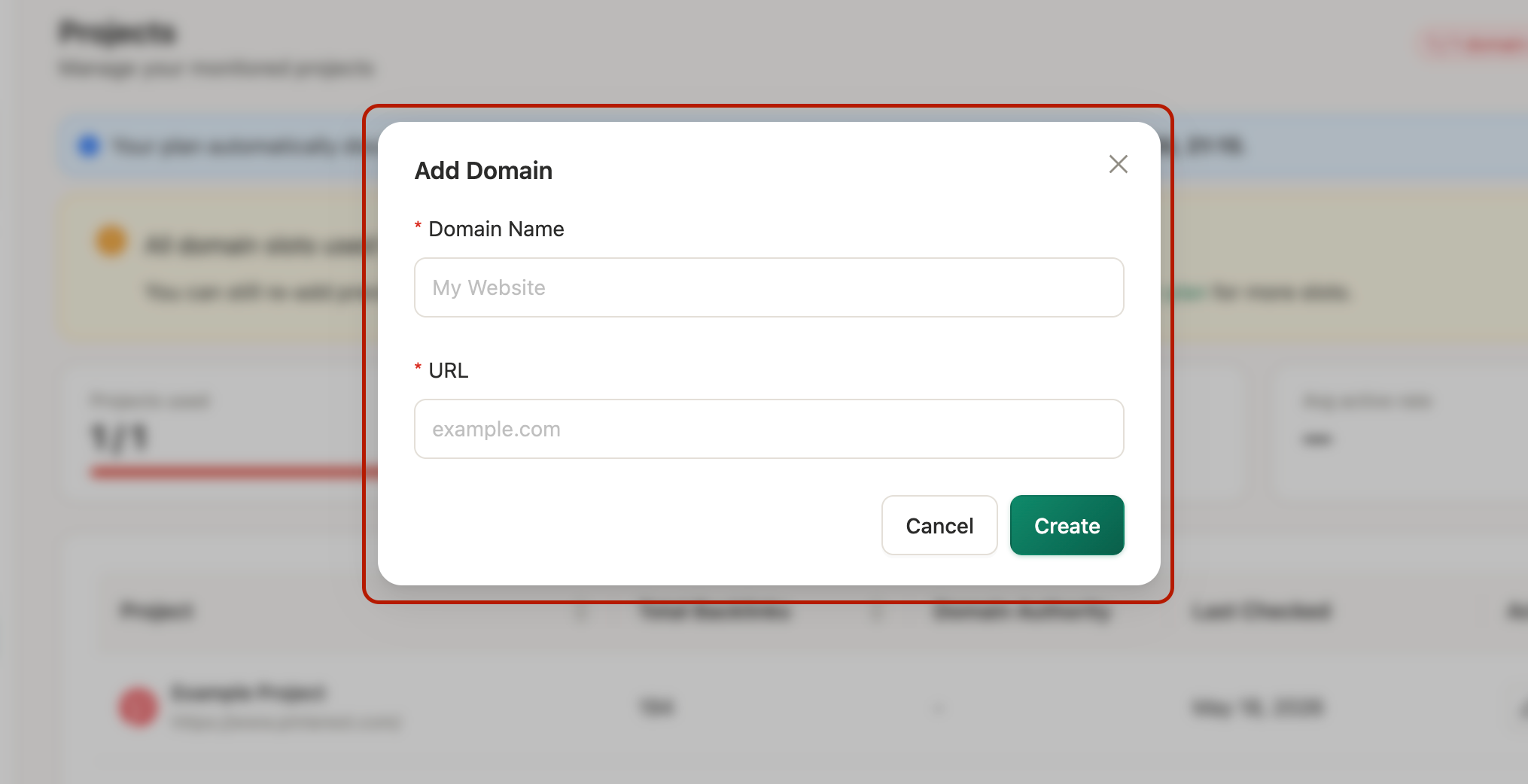
It takes from a few minutes to an hour to fetch all the backlinks from your domain, depending on the number of links you have.
2. Open the Backlinks tab.
This is your main view - a table of every backlink in your project with its current status:
- Active (live and passing value),
- Lost (removed or the site stopped responding),
- Broken (404, server error, or client error), or
- Spam/Ignored (spammy links).
Also, as you can see in the screenshot, under the “Status,” you can also find the reason the backlink was lost.

The status updates continuously, so what you see is what's true today.
3. Filter down to what matters.
You can sort by status, filter out spam links, narrow by date range, or pull up a specific campaign.
For active links, there's an action button to submit them for indexation - useful for links you've just earned that aren't getting picked up by Google yet.
4. Go to the Recovery tab - this is where the real work happens.
First, you need to connect your email account for the link reclamation process to work.

Every lost link shows up here. With one single button, you can extract the contact email.

One click pulls the editor's email; another sends a recovery outreach email using a pre-defined template.
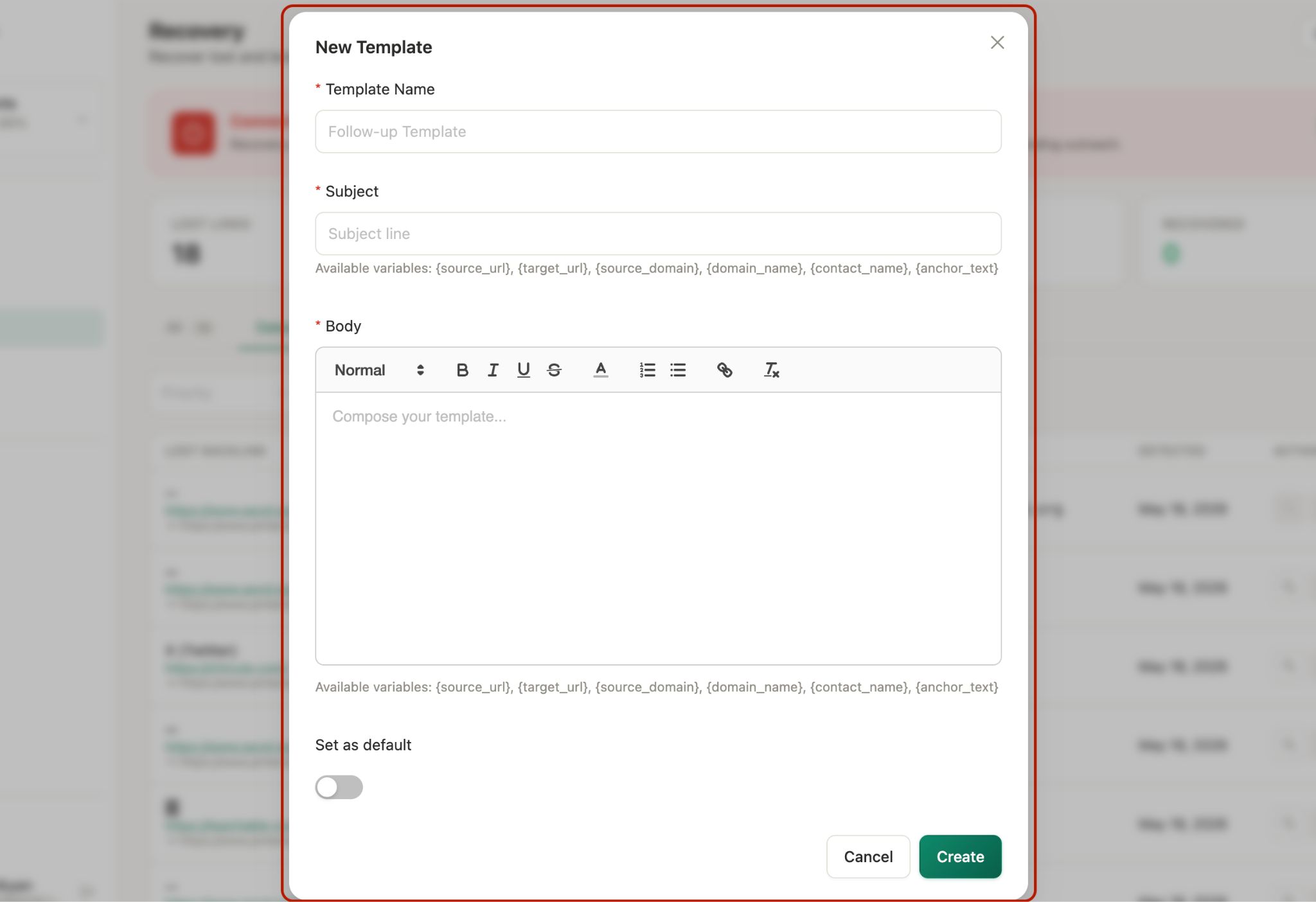
So, everything is on one single dashboard: lost backlinks, contacts from the target sites, your outreach templates (that can be customized), and the ability to send that backlink recovery email right from there.
5. Generate reports for clients or internal stakeholders.
The Reports tab lets you generate white-labeled PDFs with your own company logo (set this once in Settings). Choose your project, pick the report type (health score, DA breakdown, recovery summary, etc.), choose PDF or CSV, and export.
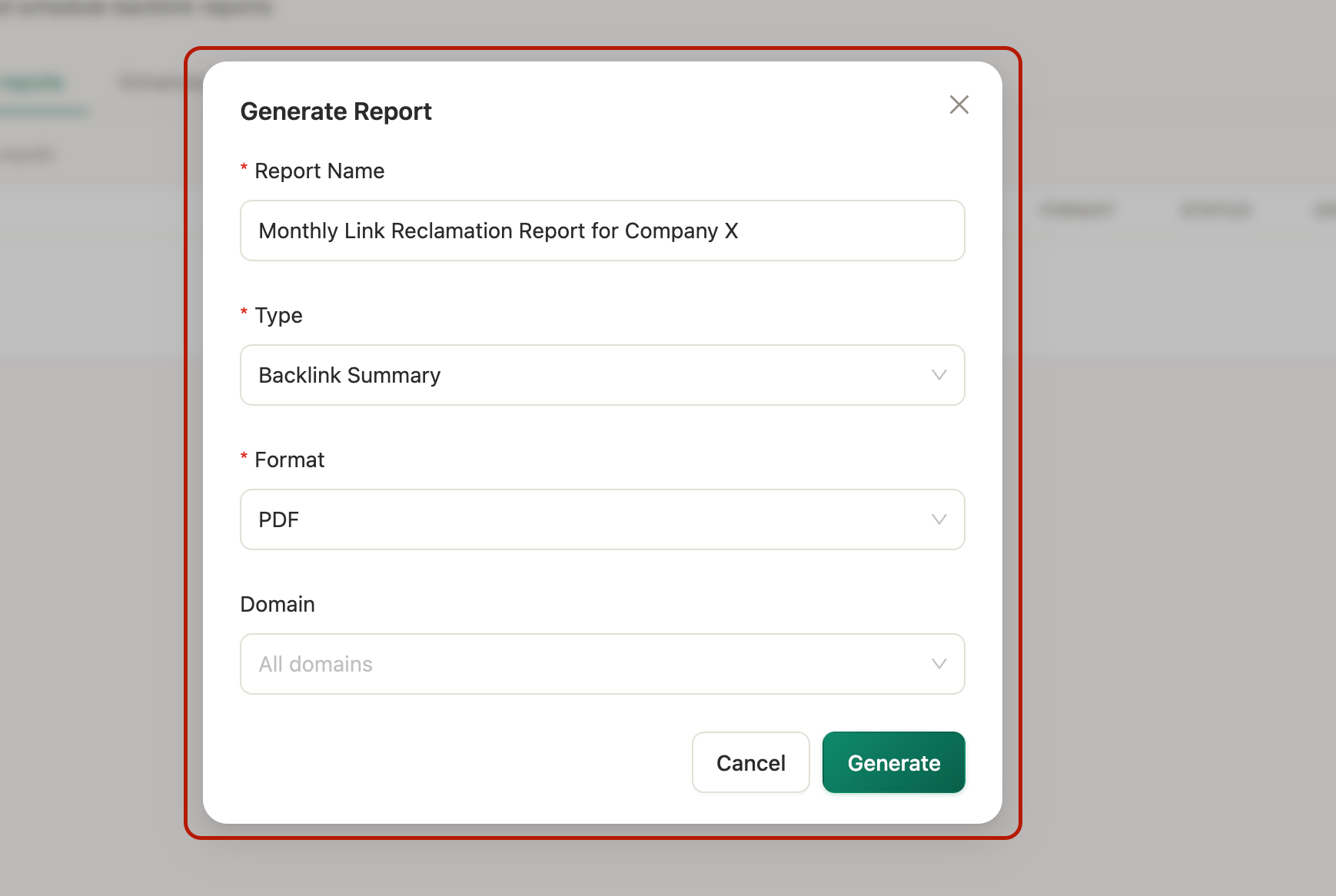
What used to take an hour of screenshotting and formatting takes about 30 seconds.
This is the fastest lost backlink recovery method among the three, and you can even test it for free for 14 days on your own domain.
Method 2: Using Crawler-Based Tools
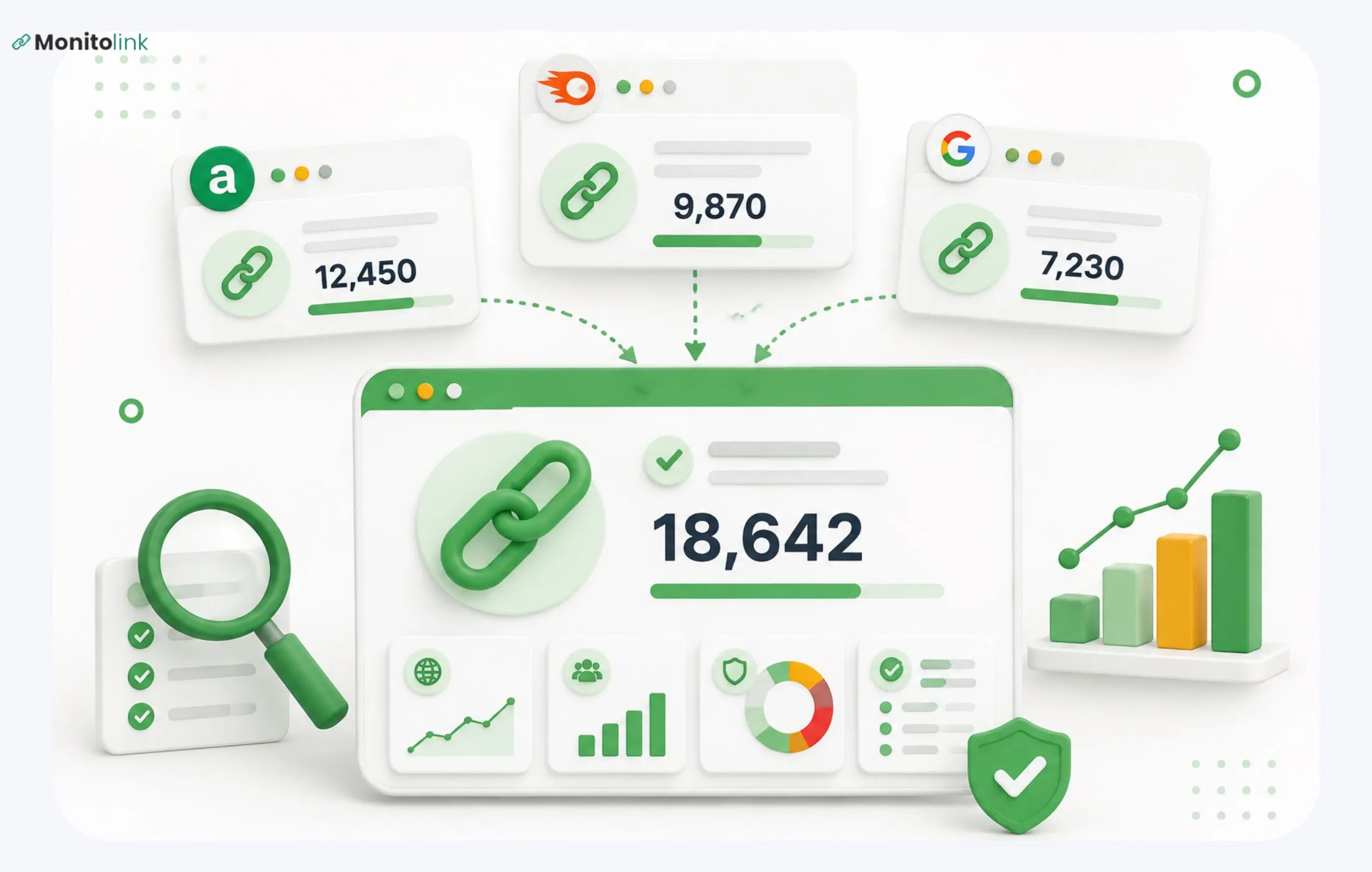
Pull the lost backlinks report from whichever crawl-based tool you use. You can use Ahrefs or Semrush if your SEO team is already paying for it.
I will explain this using Ahrefs as an example, but all other tools follow similar logic:
- You use Site Explorer to search for your domain.
- Go to Backlinks > Lost.
- From there, you will see a list of lost links (in red), with info on the reason and date.
- You can filter the lost links by the reason for being lost (“Status”) as well.
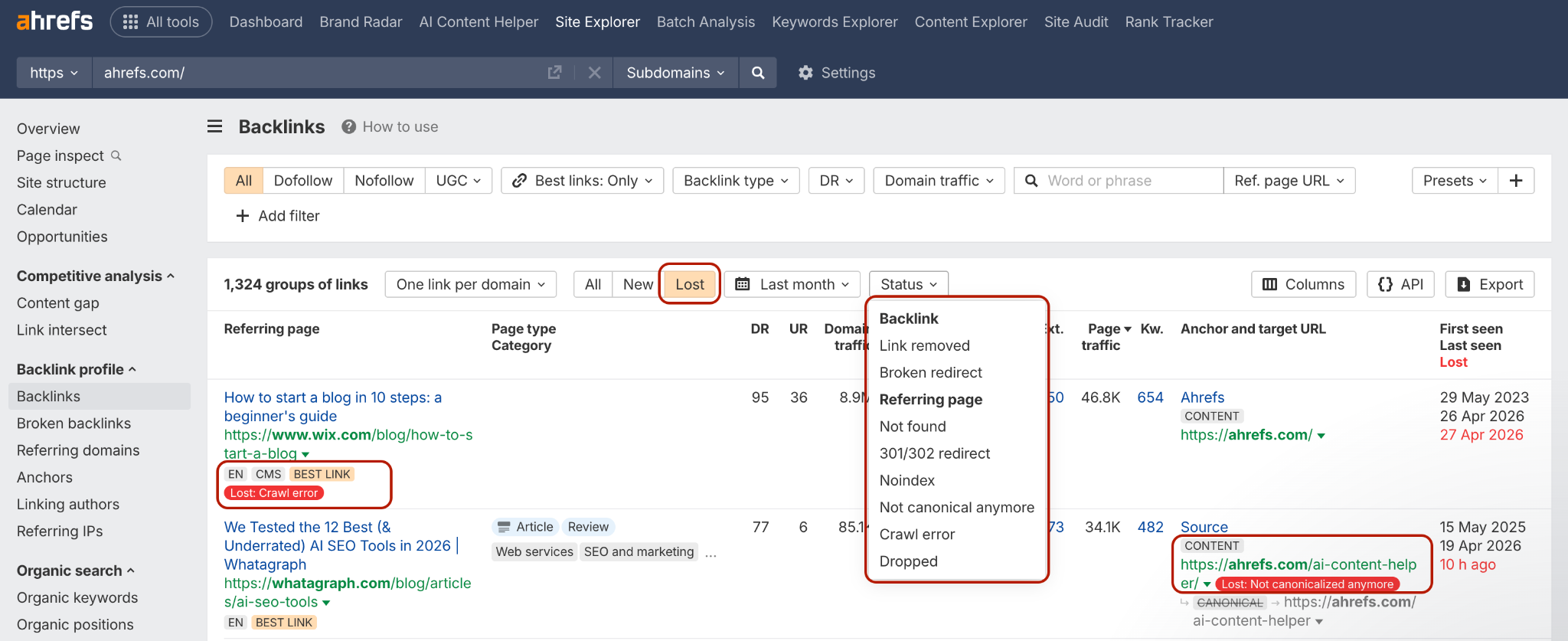
Just like this, you have a list of lost links that you can explore and start your recovery process.
The major tradeoff here is that crawl-based tools refresh on their own schedule, usually weekly or longer. They also have known false positives (links flagged as lost that are actually still live) because their crawler missed the page on its last pass. So, expect to manually verify everything.
Method 3: Google Search Console + Manual Checks
Export your linking domains from Search Console, then run them through a bulk URL checker to see which pages still link to you.
This one is free, but painful at scale. Realistic for portfolios under a few hundred links. Above that, you'll burn a full day on it and still have gaps.
Here are some bulk URL checkers you can use: HTTPstatus.io, Screaming Frog (List Mode), Apify Bulk URL Status Checker, and Click Consult Google Sheet Too.
How to Diagnose Why Each Link Was Lost
Once you have a list of lost links, you need to know why each one died. The recovery email you send depends entirely on the reason for the loss. For each lost link, check these in order:
- Open the linking page. Does it load (200), 404, or redirect somewhere?
- If it loads, search the page for your domain. If your domain isn't there, the link was removed.
- If your link is there, inspect the HTML. Look for rel="nofollow" or rel="sponsored" that wasn't there before. (View source, then ctrl-F your domain.)
- Check if the page is indexed. Search site:[full-url] on Google. No results means it's been noindexed or blocked.
- Check the linking domain's root. Does the site still exist? Has it been sold or penalized?
- If the link is there but goes through a redirect, follow the redirect chain. A clean 301 to your page still passes most equity. A chain of 4 redirects through a tracking script doesn't.
Map each lost link to one of the six reasons. This map will help customize your outreach later.
Manually, this is 3-5 minutes per link. For a portfolio of 500 links with a 10% loss rate, you're looking at a few hours of clicking and copying URLs.
As you saw, monitolink does this diagnosis automatically - the alert tells you the exact reason (link removed, 404, noindexed, dofollow > nofollow) so you skip the diagnosis step entirely and go straight to outreach.
How to Prioritize Which Lost Links Are Worth Chasing
You may have 10k+ lost backlinks, but it doesn’t make sense to put all your time and money into recovering all. You'll burn out chasing low-value ones and miss the ones that help your rankings and bring visitors to your page. So, prioritize three factors:
- Authority of the linking domain. A lost link from a DR 70 industry publication is worth 20 lost links from DR 20 blogs. Sort your list by domain authority first.
- Relevance to your target keywords. A link from a page that ranks for a keyword you care about, or sits in topically relevant content, is more valuable than a link from an off-topic page, even if the DR is higher.
- Anchor text you've lost. If the lost link had a money anchor (your brand, an exact-match keyword, a money page), that's a recovery priority. Generic anchor losses ("click here", "read more") matter less.
Many backlink recovery tools can filter and prioritize lost backlinks by value. In Monitolink, you can filter lost links by DA, anchor, page authority, and tag (campaign, client, source) in one view, making the prioritization step a sorted dashboard rather than a spreadsheet exercise.
How to Find the Right Contact for Every Recovery Email?
As I already mentioned, Monitolink finds and verifies email addresses (contacts) for you, and you can handle recovery outreach and link reclamation directly in the tool.
But in case you are doing it manually, here’s how to find a contact that won’t be ignored:
- Check the page byline. If the article has an author, start there. Many sites link author names to a profile with contact info.
- Check the "About" or "Team" page. Editorial contacts are often listed.
- Use a contact-finding tool. Hunter, Apollo, or Clearbit. Search the domain, then filter for roles like "editor", "content manager", or "SEO".
- LinkedIn. Search the company, filter for content/editorial roles.
- Fallback: the contact form. Last resort. Conversion rate is much lower, but it's better than nothing.
When you find a contact, verify the email is valid before sending. Hunter and NeverBounce do this.
This is the most time-consuming step in the manual workflow, but the easiest to automate with tools like Monitolink that store contact info per linking domain after the first lookup.
Scenario-Based Outreach Templates Matched to Each Loss Reason
The biggest mistake in link reclamation outreach is using a single generic template for every loss reason. The editor's response depends entirely on what happened to the link, so you should match the message to the situation.
A few rules that apply to all six lost backlink recovery scenarios:
- Keep it under 100 words. Editors skim.
- Lead with what's broken, not what you want.
- Never start with flattery about their site. They know.
- Don't pitch other links in the same email. That's a new conversation.
Now, let’s look at the templates.
Scenario 1: Link Removed From the Page
The page still exists. Your link is gone. The editor likely removed it during a content update.
Subject: Quick fix on your [topic] post
Hi [Name],
I noticed your post on [topic / article title] used to link out to our [page name / resource] but the link looks like it was removed in a recent update.
I'm not asking you to add anything new. Just wanted to flag it in case the removal was unintentional. Here's the URL for reference: [your URL].
Either way, the article reads great. Thanks for the original mention.
[Your name]
Scenario 2: The Page Now Returns a 404
The whole page is gone. You're not asking for the link back - you're suggesting they restore the page or recreate the resource elsewhere.
Subject: Your [topic] article is returning a 404
Hi [Name],
Wanted to flag that your post at [URL] is currently throwing a 404. It used to link to our [resource], which is how I noticed.
If the page was taken down intentionally, no worries. If it wasn't, you might want to restore it or set a redirect - it has external links pointing at it that are now broken too.
Happy to help if useful.
[Your name]
Scenario 3: The Page Got Noindexed
The link is still there, but invisible to Google. The editor may not realize the page was noindexed (often a CMS or plugin change).
Subject: Heads up - [URL] looks noindexed
Hi [Name],
Quick note: your post at [URL] appears to have been noindexed (it's not showing up in Google's index for site: searches). I noticed because we have a link from it and our reporting flagged the change.
Could be intentional, but if not, worth checking the page's robots meta tag - could be a recent plugin or CMS update.
Thanks, [Your name]
Scenario 4: Dofollow Flipped to Nofollow
Tread carefully here. Don't demand they flip it back; that reads desperate and entitled. Open a conversation.
Subject: Question about [article title]
Hi [Name],
I noticed the link to our [resource] in your post on [topic] was recently updated to nofollow. Totally your call on link attributes - was just curious if this was a sitewide policy change or specific to that piece?
Asking partly because we've been thinking about how editors handle this and your perspective would be useful.
Thanks, [Your name]
Scenario 5: Redirected Through a Useless URL
Subject: Link redirect issue on your [topic] post
Hi [Name],
The link to our [resource] in your article at [URL] is currently going through a redirect chain that's stripping out the referral. Looks like it may have been routed through your old link-tracking script.
Here's the clean URL if you want to update it: [your URL].
Thanks, [Your name]
Scenario 6: Linking Domain Still Alive, But the Page Moved
Subject: Broken link to us on [domain]
Hi [Name],
Your article on [topic] used to live at [old URL] and link to our [resource]. The article seems to have moved to [new URL if known], but the link to us didn't make it over in the migration.
Easy fix if you've got a minute: [your URL].
Thanks, [Your name]
How to Automate the Entire Recovery Workflow
Once you've done this manually a few times, you'll notice it's mostly the same pattern: detect, diagnose, prioritize, find contact, send template, follow up, verify. Every step is automatable, and some tools will save you hours and the nerves of switching between other tools.
Here’s how you can automate the link reclamation process with Monitolink:
- Detection → 24/7 monitoring, alerts the day a link changes
- Diagnosis → automatic categorization by loss reason
- Prioritization → filters by DA, anchor, tag, campaign in one view
- Contact lookup → stored per domain after first lookup
- Outreach → built-in templates, send directly from the dashboard (manual or automatic)
- Follow-up → tracks responses and reminds you of non-responders
- Verification → re-checks the URL automatically once you mark a recovery as sent
A dedicated backlink monitoring tool like this turns the 11-16-hour cycle into 30 minutes spent reviewing alerts and approving outreach.
How to Confirm a Recovered Link is Live and Passing Value
Contacting the site about link reclamation and getting a reply saying "fixed!" doesn't mean the link is back, dofollow, indexed, or passing equity. You need to confirm a recovery in four steps:
- Load the page. Confirm your link is physically on the page where it's supposed to be.
- View the source and check the rel attribute. Confirm it's not nofollow or sponsored (unless that's what you negotiated).
- Check that the page is indexed. Run site:[URL] in Google. If the page isn't indexed, the link isn't passing value yet.
- Wait 1-2 weeks, then re-verify. Editors sometimes revert changes. Bosses overrule them. CMS deploys rollback edits. Recovery isn't done until it sticks for at least one update cycle.
For high-value links, repeat step 4 at 30 days to ensure they don’t quietly die within a month.
What Lost Backlinks Cost You in Dollars
It's easy to treat lost backlinks as an abstract SEO problem. They're not. They have a measurable cost, and quantifying it makes the case for monitoring obvious.
Here’s a rough framework to use:
Step 1: Estimate the traffic value of the lost link.
What keyword does the linking page rank for? How much referral traffic was the link sending? Pull historical referral data from GA4 or Search Console.
Step 2: Estimate the ranking equity lost.
If the link was a high-DR dofollow, it was contributing to your rankings on the target page. Ranking drops are harder to measure precisely, but if the page lost a position or two after the link died, you can quantify the traffic delta.
Step 3: Multiply by your traffic value.
Whatever you'd pay per click on Google Ads for the affected keywords is a rough proxy.
Now, let’s test this in practice. A single lost link from a DR 65 site can move a page from position 4 to 7. CTR drops from 7% to 3% on a keyword with 2,000 monthly searches. That's 80 fewer clicks every month.
At $8 CPC, that's $640/month (or $7,680/year) lost from one link.
Why Link Reclamation Should Come Before Building New Links
Most SEO teams default to "we need more backlinks" when their performance softens. But usually they just lose the old ones.
Link reclamation almost beats new link building because of three main reasons:
- Higher Conversion: Reclamation outreach converts at 30-50%. Cold link building converts at 5-10%. Same number of hours worked, 4-6x the return.
- Lower Cost Per Link: A recovered link doesn't need new content, a new pitch angle, or a relationship from zero. The work is already done.
- Compounding Effect: Every link you build will eventually start to leak. If you're not monitoring and reclaiming, you're filling a bucket with a hole in it.
In my experience, a reasonable allocation for most teams would be to spend 25-30% of link-building effort on reclamation and monitoring, then 70-75% on new acquisition.
Link Reclamation Recap
The workflow of link reclamation will look like this:
- Monitor your backlinks continuously (not weekly).
- When one disappears, diagnose the exact reason (one of six).
- Prioritize by authority, relevance, and anchor.
- Find the right human contact.
- Send a template that matches the specific loss reason, not a generic one.
- Confirm the recovery is live, dofollow, indexed, and stable after 30 days.
The manual version of this is doable for small portfolios. Above 50 links, the math on time-to-detection works against you. You'll lose links faster than you find them.
If you want this automated end-to-end, sign up for Monitolink’s 14-day free trial and handle the full workflow of lost backlink recovery in one single dashboard.