
Today, anyone with a few dollars and a backlink monitoring tool trial can find competitor backlinks in under fifteen minutes. It’s more important to know what to do with that list after you get it.
So, here's how to find competitor backlinks, cut through the data, and use what you find to strengthen your own profile.
How to Find Competitor Backlinks in 5 Minutes
For the skimmers, here's the whole process compressed:
- Choose 3-5 competitors. Mix SERP competitors (sites ranking for your target keywords) with business competitors.
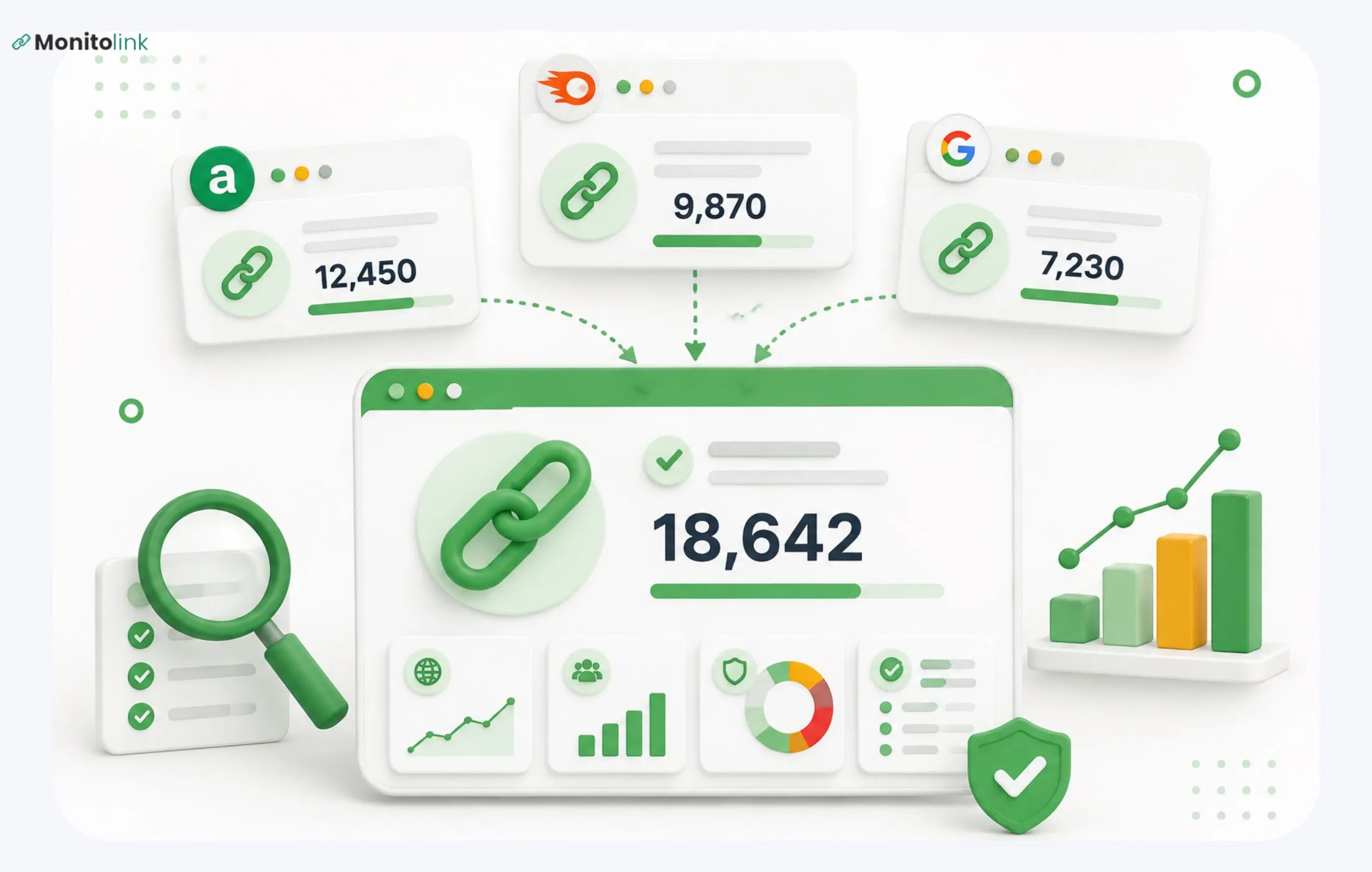
- Run them through a backlink tool. Monitolink (free trial), Ahrefs, Semrush, Majestic, or a free checker if you're budget-constrained. Export the backlinks.
- Filter aggressively. Drop directories, paid placements, footer links, comments, and anything from dead sites. You're keeping editorial, in-content links from sites with real traffic.
- Find the patterns. Look for resource pages, listicles, broken links, and lost links. Those are your replicable opportunities.
- Reach out. Pitch the relevant site with a reason they should care.
That's the surface version. The rest of this guide shows what finding competitor links looks like, in enough detail for you to start tomorrow.
Choose the Right Competitors
There are two kinds of competitors, and they require different treatment:
SERP competitors are the sites ranking for the keywords you want. They might not be in your business space at all. For example, a SaaS company ranking for "project management templates" competes with productivity blogs, freelance writers, and template marketplaces.
Business competitors are the companies that sell against you. They share your customers but may target different keywords, have different audiences, and build links in different places.
Your first move is to pick three SERP competitors and two business competitors.
The SERP set tells you what's working for the keywords you want. The business set tells you what's working for your audience. Overlap is usually your most valuable target.
Tools to Find Competitor Backlinks (Free and Paid)
For starters, I usually recommend a few free options:
- Monitolink - The free 14-day trial will show you the complete competitors' backlink profiles for 10 competitors, as well as the comparison with your backlink profile.
- Ahrefs Free Backlink Checker - Shows you the top 100 backlinks for any domain. Limited but enough for a first look.
- Semrush Free Account - 10 queries per day, includes the Backlink Gap tool (more on that below).
- Ubersuggest - A few free queries per day. Data is thinner than Ahrefs or Semrush but workable for spot checks.
These have either time or query limits/caps; so for an ongoing basis you might need a paid tool:
- Monitolink - After a 14-day free trial, you can continue and get backlink gap analysis, opportunities you are missing, and a direct way to outreach and fill these gaps.
- Ahrefs Link Intersect - Shows you sites that link to your competitors but not you.
- Semrush Backlink Gap - Same idea as Link Intersect, slightly different data.
- Majestic Clique Hunter - Strong for finding sites that link to multiple competitors.
- Moz Link Intersect - Similar feature set, smaller index, but cleaner UI.
At this stage, just know that you don’t need tools for one-shot analysis. You want something you can use continuously to see what competitors have only in November, but in January as well.
A Closer Look at Monitolink
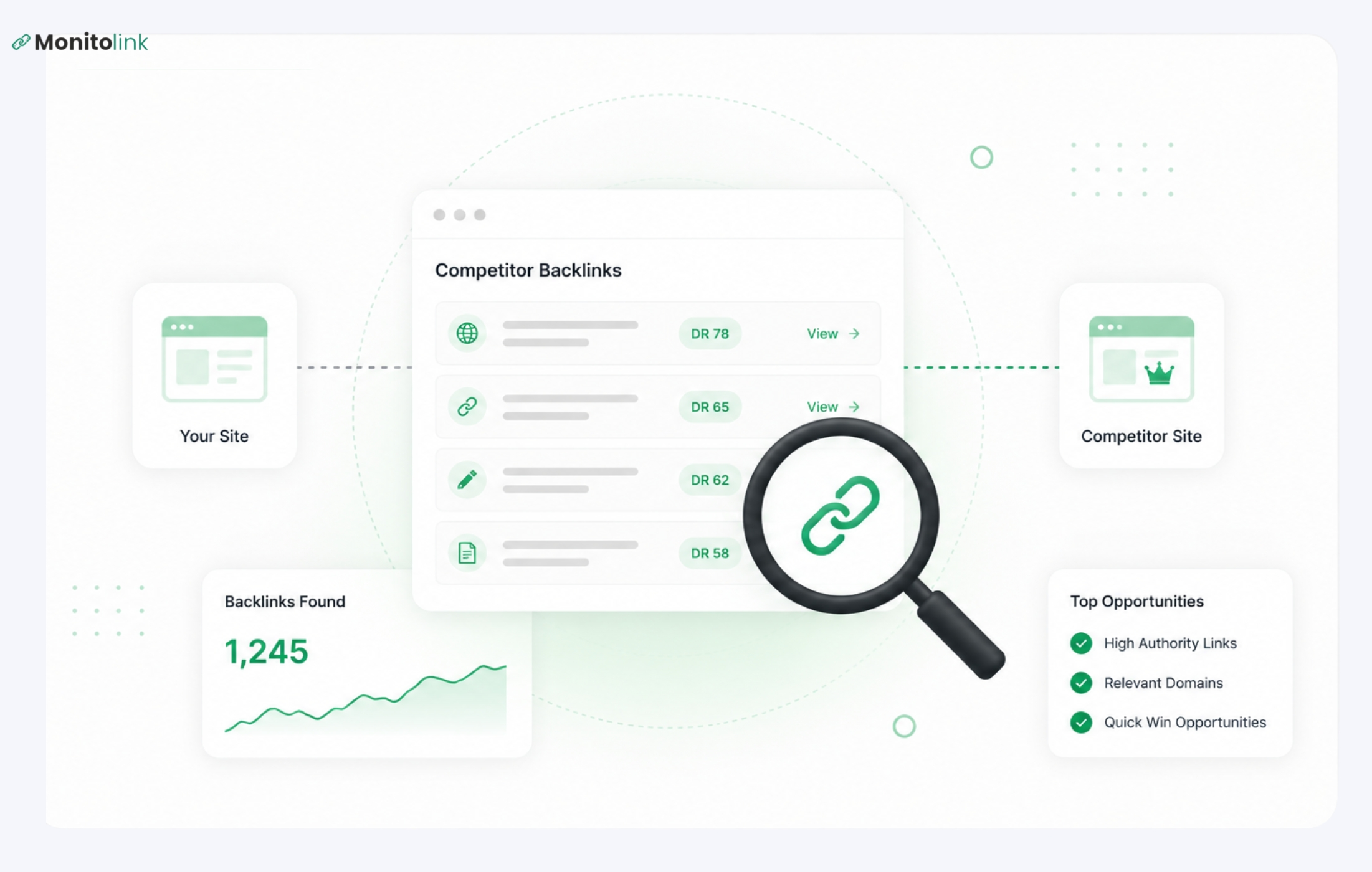
Monitolink’s backlink monitoring tool does four things: tracks competitor backlinks continuously, compares them against your own profile to surface the gap, filters opportunities by domain authority, and lets you run outreach from inside the same tool.
You can add your competitors and it does the rest of the work for you:
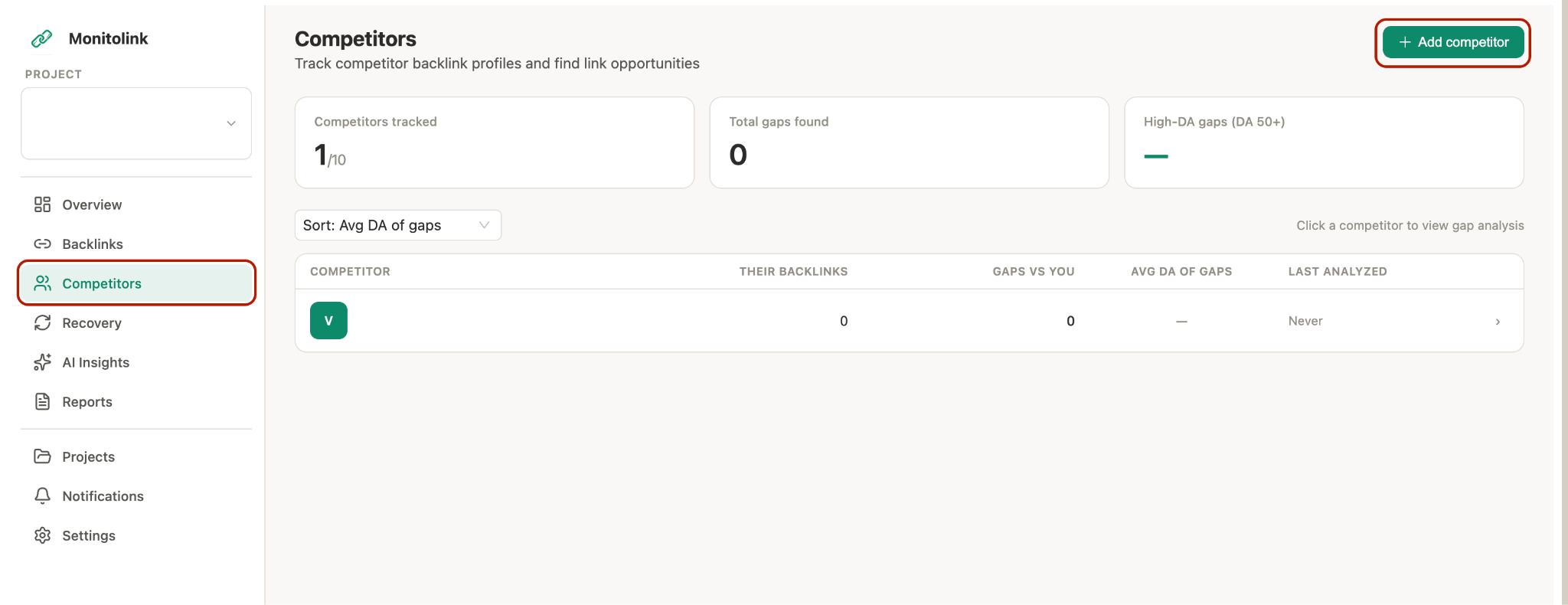
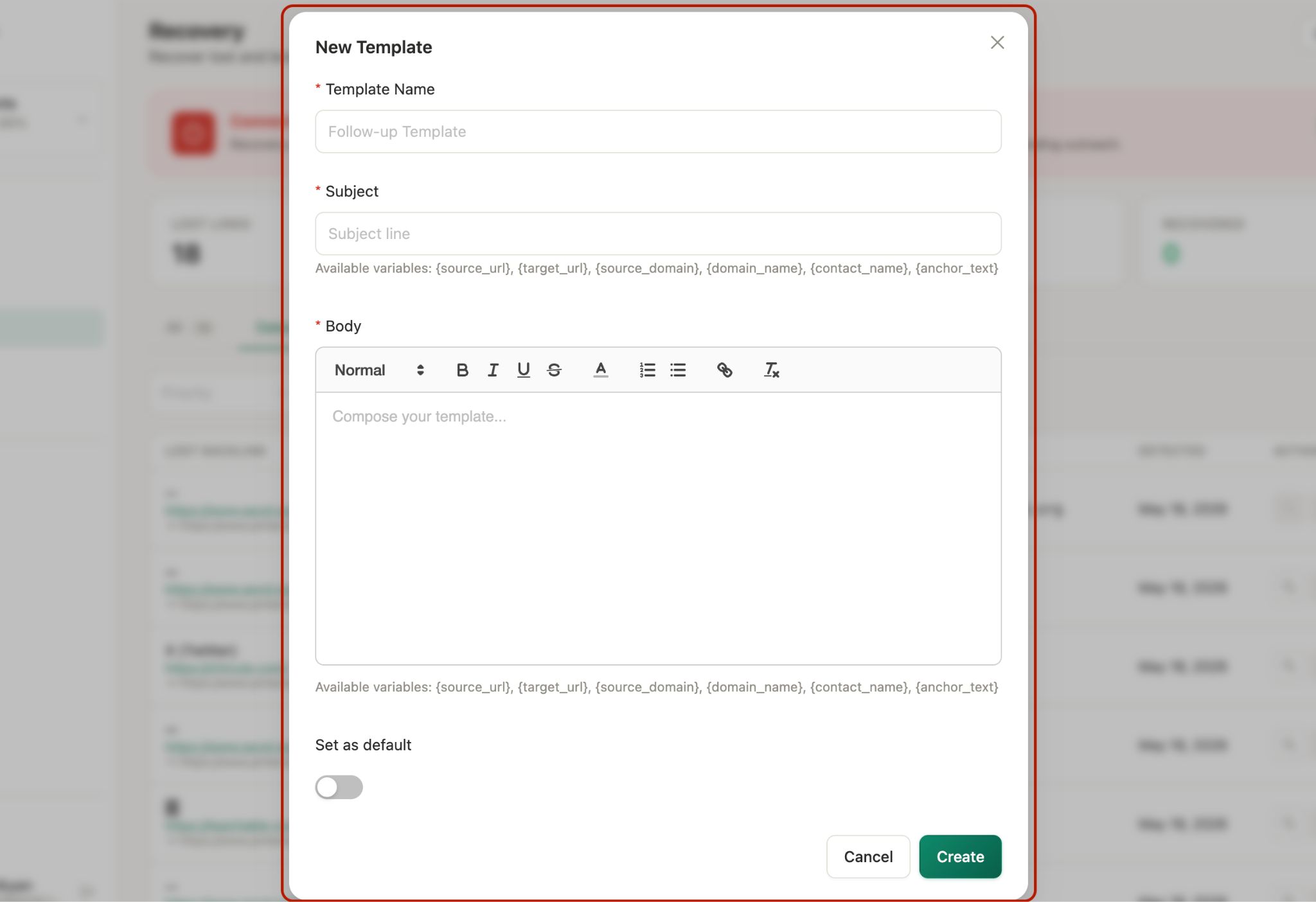
The difference from Ahrefs or Semrush is scope - those tools flag new links; Monitolink is built around what you do after the alert. Plus, you can connect your email, add a template and outreach to these sites directly from the tool:
Which Competitor Backlinks Are Worth Pursuing
Your competitors get a lot of low-value links and your job is to filter them out fast. I personally use this tested criteria:
- Topically relevant. The linking site covers your space or an adjacent one.
- From sites with real traffic. Rough threshold: 1,000+ monthly visits. Below that, the link isn't doing much for rankings or referral traffic.
- In-content. The link sits inside an article, resource page, or guide (not in the footer, sidebar, or author bio).
- Reachable. Someone at the site has a public email, a contact form, or an active presence on a platform you can DM them on.
- Replicable. You can plausibly get the same link. Lists, resource pages, roundups, broken links, and lost links are all replicable.
Skip anything that’s not mentioned above; but also the followings: directories (Yellow Pages, generic business directories), footer/sidebar links, forum/comment links (these are almost always nofollow), and dead blogs (inactive in months).
Run your filter aggressively. A list of 50 qualified opportunities is more useful than a list of 500 unfiltered ones. Your work is just about to start once you find competitor backlinks.
Three Signals in Competitor Backlinks Most People Miss
Once you've filtered, look at the data again. There are three patterns hiding in the export that most people walk past.
Signal 1: Lost Links Are Warmer Leads Than New Ones
When a competitor gains a new link, you're chasing a site that already made its decision. When a competitor loses a link, you're looking at a site that has demonstrated it links in your space and now has a hole where their link used to be.
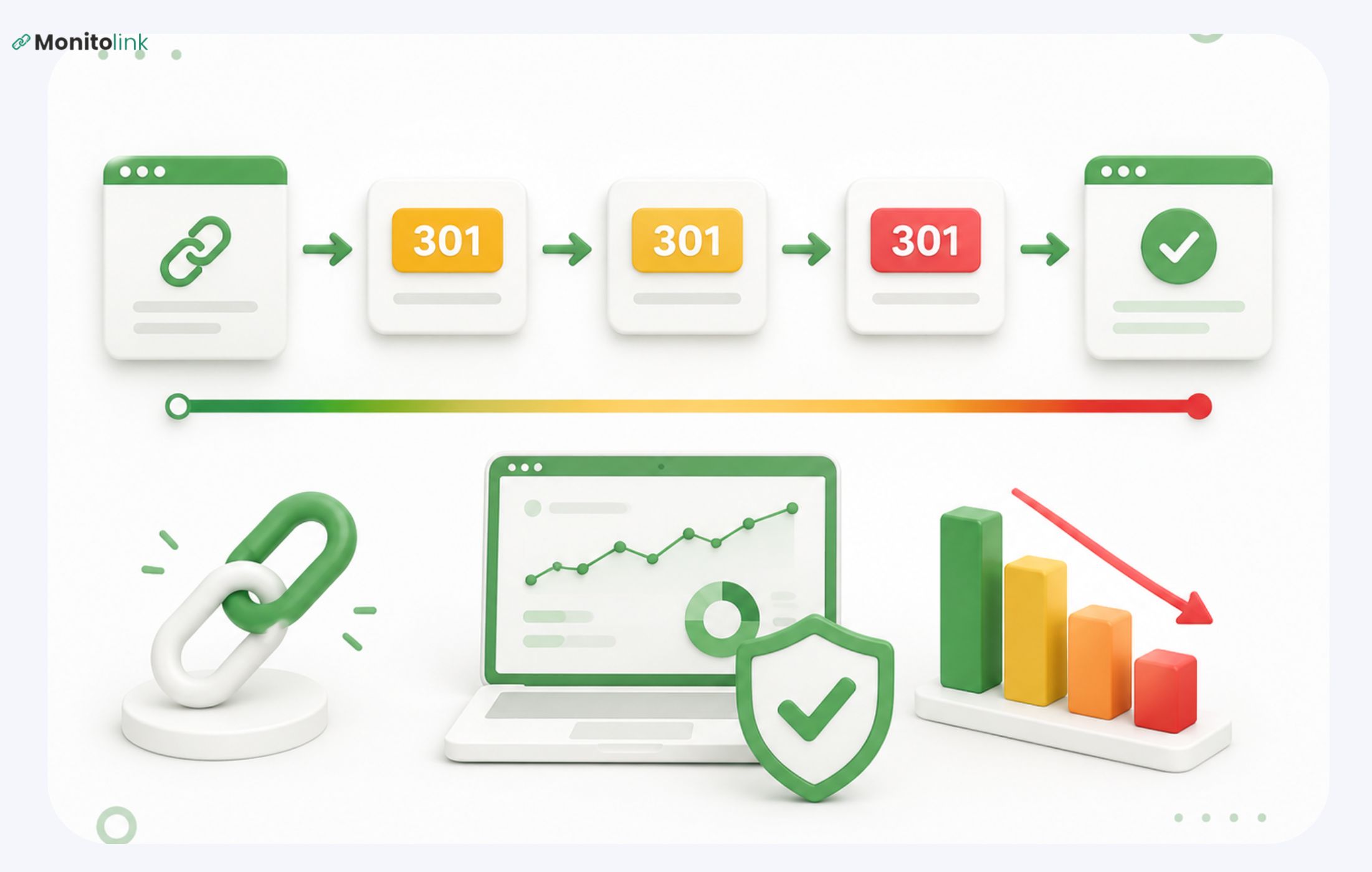
The site changed something - updated an article, restructured a page, removed a reference. They haven't replaced the link with anything yet. That's your window and it’s pretty short.
Most lost-link opportunities close within one to two weeks because either the site backfills with another reference, or the page falls off the editor's radar entirely. Move fast.
Signal 2: Velocity Reveals Strategy
Don't just count a competitor's backlinks. Look at when they appeared.
A sudden spike of 40 links in a week usually means one of three things: a PR push, a research report or data study they published, or a viral piece. If you can identify which, you can predict their next move and copy the pattern.
A steady drip of 2-3 links per week usually means guest posting or HARO/Connectively responses. Slower to spot but more sustainable to replicate.
A drop in velocity means a tactic broke. Maybe their guest post relationships dried up, maybe a study aged out. If you see a competitor's link velocity flatline, it's a sign their playbook is exposed.
Signal 3: Link Types Reveal Their Playbook
Sort their backlinks by linking site type. If 30% of their links come from podcast show notes, they're doing a podcast tour. If most of their referring domains are journalist roundups, they're investing in HARO. If you see the same five sites linking to them repeatedly, they have an active partnership or content syndication deal.
Each pattern points to a tactic you can either replicate or counter. The export isn't just a list of links - it's a diagram of how they built their authority.
What to Do With Competitor Backlinks: The 4 R's
You find competitor backlinks. You have your filtered list. Now what?
There are four ways to turn a competitor backlink into your own link. Each one applies to a different type of opportunity, and each one has a different hook for the outreach email.
1. Replicate
A site has a list, resource page, or roundup, and your competitor made the cut. You didn't. That's not a judgment call against you; it's just that nobody told them you exist. Replicating means getting yourself added to a list you already belong on.
Example: A "Top 25 [your space] tools" page links to three competitors. You reach out. Now it links to four, and one is you.
2. Replace
The competitor has a link you want, but the page they're pointing to is outdated, thin, or just worse than what you've built. Replace means making the case that your version is the current, better reference. The linking site didn't make a bad call at the time; things have just moved on.
Example: A high-traffic article still links to a competitor's 2019 guide. Your updated version exists. You let them know.
3. Recover
The competitor had the link, and lost it. The linking page still exists, but the link is broken or the reference has gone dead. You're not competing with anyone here; you're solving a problem for the site owner. Their page has a hole; you fill it.
Example: The single highest-converting outreach pitch. Lost-link recovery has the warmest leads in this entire process.
4. Reframe
The site is already linked to a competitor and you're not trying to replace that link. You're going after a second one. They covered your competitor's angle; you have a different angle on the same topic.
Example: They linked to a competitor's "what is X" explainer. You have a "how to do X" tutorial. You pitch the complement, not the replacement.
How to Manage the 4Rs with Competitor Backlinks?
There are two ways: manual vs automated.
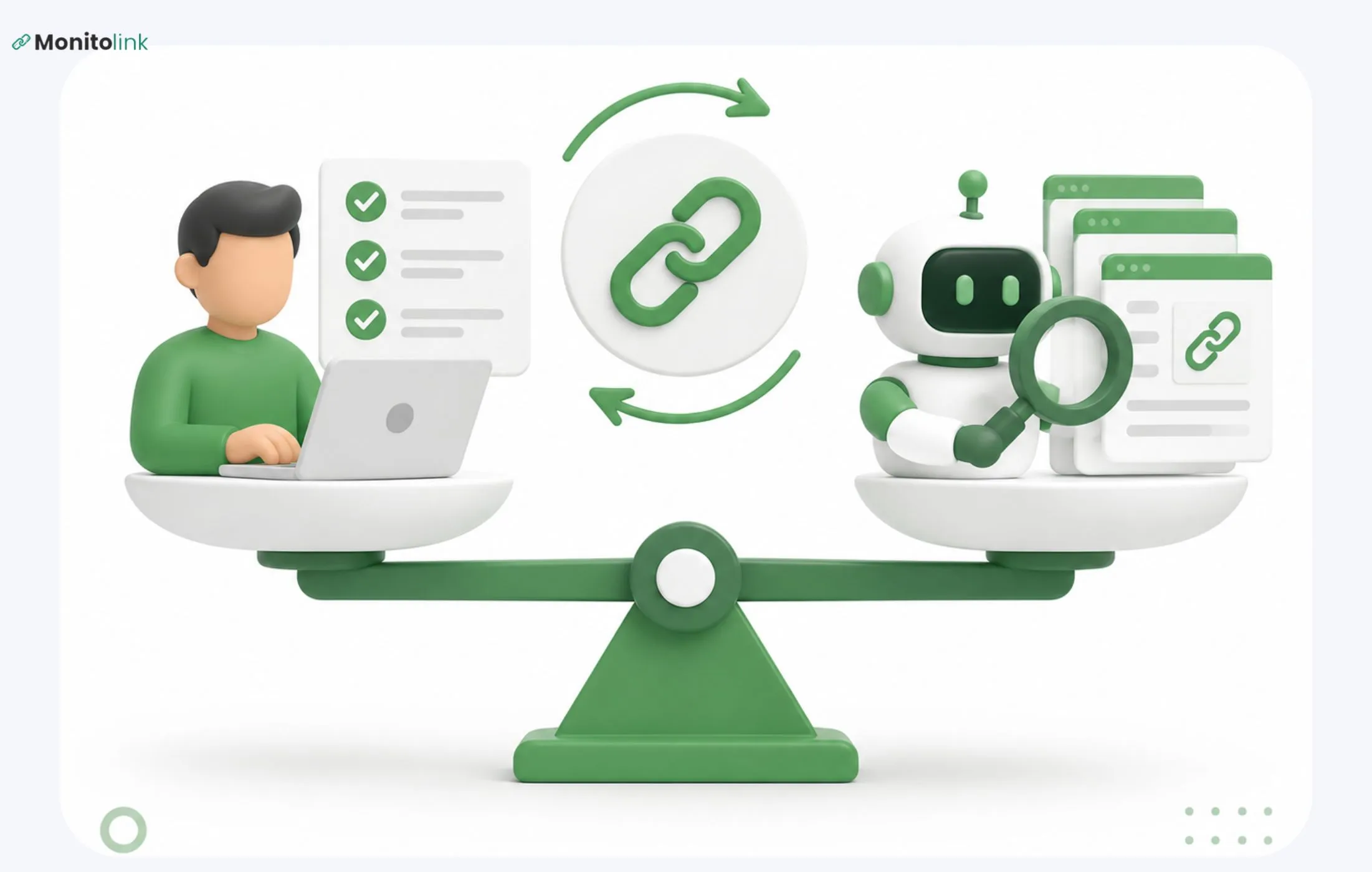
The manual process would be a spreadsheet, where each sheet is for one R, along with a little bit of copying data from whatever backlink checker you are using. It’s a good process up until you have more than a hundred links you are analyzing, when you notice it eats up quite a lot of time.
The automated process would be an application similar to Monitolink, where you would conduct the analysis of missing backlinks (from your competitors), filter by domain authority and then perform all your actions from the application itself.
Either approach works.
Five Outreach Templates That Get Replies in 2026
These are real templates I’m proud to share - around 80 words each, all tested to work on hundreds of companies. Use them after you find competitor backlinks and identify the way you can use them.
1. Broken Link Replacement
When to use: A competitor's linked page returns a 404, or the linking page contains a dead link in your topic area.
Expected reply rate: 8-12%
Subject: Broken link on [page title]
Hi [Name],
I was reading [page title] and noticed the link to [old URL] is broken - looks like the page was taken down.
I've got a piece on the same topic that might work as a replacement: [your URL]. It covers [specific overlap with their article].
Either way, thought you'd want to know about the dead link.
Thanks, [Your name]
2. Resource Page Addition
When to use: You found a resource page or curated list that includes competitors but not you.
Expected reply rate: 5-8%
Subject: Suggestion for your [topic] resources page
Hi [Name],
Came across your resources page on [topic] - solid list, especially [specific entry you genuinely liked].
I run [your site/resource] which covers [specific gap or angle their list doesn't]. If it looks like a fit, I'd appreciate being added. If not, no hard feelings.
Either way, thanks for putting the list together - it's one of the more useful ones I've seen.
[Your name]
3. Lost-Link Recovery (Warmest)
When to use: A competitor lost a link in the last 1-2 weeks. The linking page still exists, the reference is gone or broken.
Expected reply rate: 20-30%
Subject: Quick note on [their article title]
Hi [Name],
Re-reading [their article title] — noticed the section on [topic] used to link out to a resource but the link's gone now.
I published [your resource] which covers the same ground (specifically [angle]). Happy to send it over if you're looking to backfill that reference.
Either way, good piece.
[Your name]
4. Unlinked Brand Mention Reclaim
When to use: A site mentioned your brand, product, or research without linking. (Not strictly a competitor backlink play, but it shows up in the same workflows.)
Expected reply rate: 15-20%
Subject: Thanks for the mention
Hi [Name],
Just noticed you mentioned [your brand/product] in [article title] - appreciate it.
Quick ask: any chance you'd be open to linking the mention to [URL]? Makes it easier for your readers to check it out.
No pressure either way, just thought I'd ask.
[Your name]
5. Editorial Cold Pitch
When to use: A site has linked to a competitor's content on a specific topic. You have better or complementary content on the same topic. No existing relationship.
Expected reply rate: 1-3%
Subject: Resource for your piece on [topic]
Hi [Name],
Read [article title] - particularly liked [specific point].
I noticed you linked to [competitor URL] when discussing [subtopic]. We covered the same area from a different angle in [your URL] - specifically [what's different].
If it's useful as an additional reference, great. If not, the article was a good read regardless.
[Your name]
IMPORTANT: Keep three rules across all of them:
- Specific subject line,
- Real reason in the first sentence,
- No fake compliments.
All editors I’ve worked with can smell a templated "I love your blog" from across the inbox.
Turn Competitor Backlink Analysis Into an Ongoing System
Up to this point you’ve done everything right, but didn’t consider one small (yet important factor): backlink exports go stale within 30 days. What I mean is, competitors earn new links every week and a one-time audit is a snapshot of a moving target.
The work has to be continuous, even after you find competitor backlinks:
- Alerts. A competitor gains or loses a link - you get notified.
- Triage. You filter by the criteria from Section 5 and decide what's worth pursuing.
- Outreach. You pitch while the opportunity is open, especially for lost-link recovery.
- Re-engagement. You follow up, log what worked, refine.
Ahrefs Alerts and Semrush handle step one. After that, you're copying data into a spreadsheet, finding contacts manually, writing outreach in a separate tool, and tracking replies somewhere else. Four tools, four context switches.
Monitolink was built to close that gap - monitoring, backlink gap analysis, contact lookup, and outreach in one workflow.
You don't need Monitolink specifically. A spreadsheet, an Ahrefs alert, and Hunter.io can run the same loop. But you need something, because quarterly exports don't build link velocity.
What to Realistically Expect From This Work
- Cold outreach reply rates: 1-5%.
- Warm outreach (you have some prior contact or shared mutual): 10-15%.
- Lost-link recovery: 20-30%. The highest-ROI play in the whole process.
- Time to results: 8-12 weeks before you see meaningful ranking movement from new links. Faster for referral traffic.
- Replication rate: You'll successfully replicate 20-30% of a competitor's replicable links over a full campaign.
These numbers are based on our experience, and some industry benchmarks.
The teams that find competitor backlinks and get the most out of it are the ones who do the unsexy parts: filter aggressively, pick the right R for each link, write outreach that gives the editor a real reason, and keep the loop running instead of doing it once and quitting.
FAQs About Finding Competitor Backlinks
How do I check competitor backlinks against my own?
You're looking for the "link intersect" or "backlink gap" feature. Ahrefs, Semrush, and Moz all have versions of it. You input your domain and your competitors' domains; the tool returns sites linking to them but not you. Monitoring tools like Monitolink run this continuously rather than on demand.
How many competitors should I analyze?
Three to five is the sweet spot. Fewer and you miss patterns. More and the qualified opportunities pile up faster than you can run outreach on them. Mix SERP competitors with business competitors.
Can I just buy the same backlinks my competitor has?
Almost always no, and you shouldn't try. Most editorial links aren't for sale. The ones that are (paid placements, sponsored posts) pass less value and risk penalties. Replication through real outreach is slower but durable.
How long before I see SEO results from competitor backlink work?
8-12 weeks before ranking changes show, sometimes longer. Referral traffic from individual links can show within days of the link going live.