
Link building success is measured by how your backlinks affect your rankings, traffic, and revenue. This guide skips the theory and gets straight to what to track, how to track it, and how to prove ROI to a boss or a client who doesn't care about Domain Rating.
The Quick Answer
Track referring domains, keyword rankings, referral traffic, conversions, and lost/toxic links - monthly for health checks, quarterly for deep audits. Everything below explains how.
Why "Number of Backlinks" Is the Wrong Metric
Backlink count is the metric beginners obsess over, and the metric experts mostly ignore. A single editorial link from a relevant, trusted site will do more for your rankings than fifty links from directories and low-effort guest posts. Google has said as much directly - John Mueller has noted that the raw number of links doesn't change anything on its own.
The Link Building Metrics That Matter in 2026
Group your link building KPIs into three tiers. Each tier answers a different question.
Tier 1: Authority Signals (Is this link worth anything?)
A high-DR site with a low-authority, irrelevant page linking to you isn't automatically valuable. Check the page, not just the domain.
Tier 2: Traffic & Visibility Signals (Is this link doing anything?)
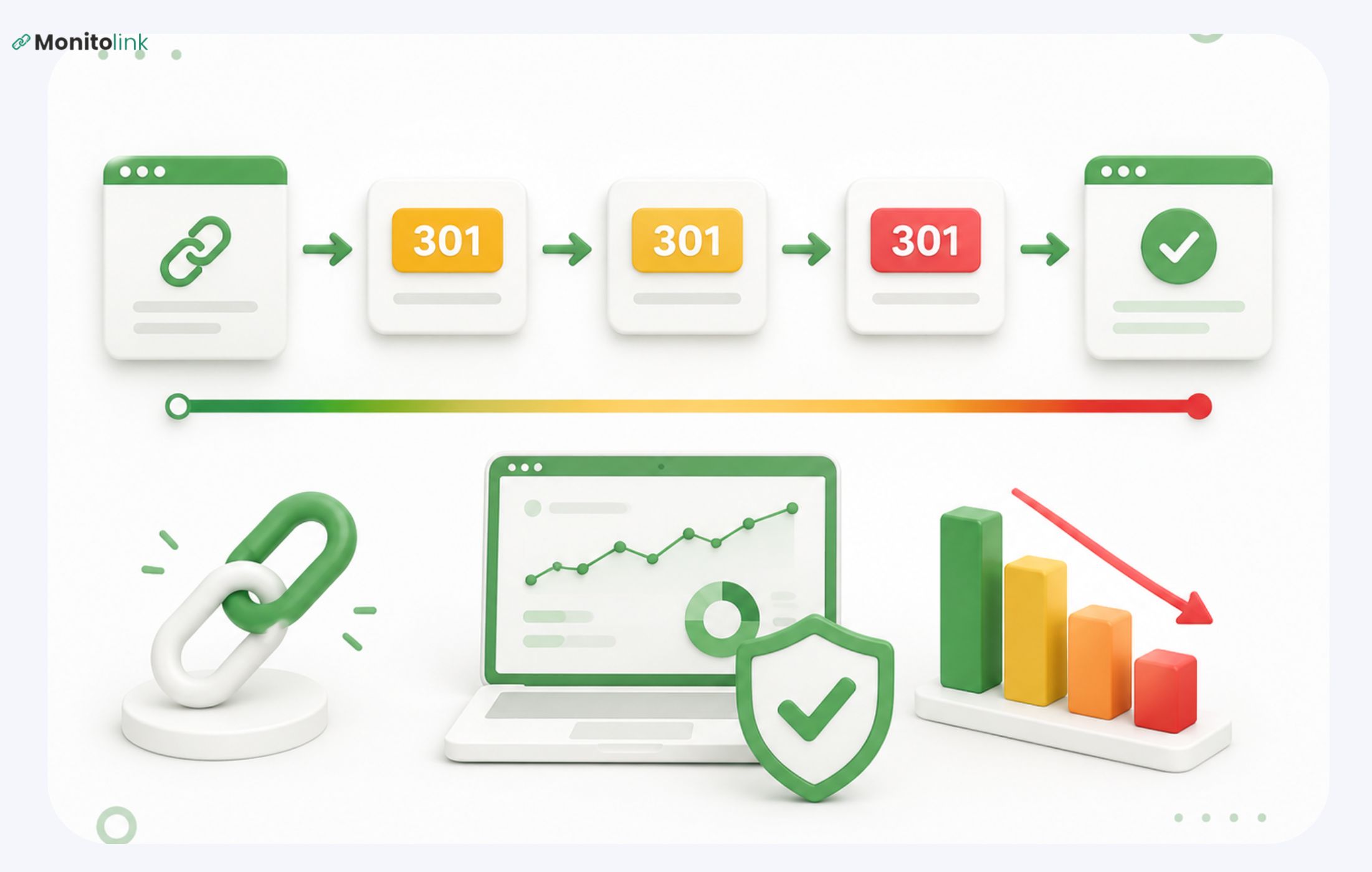
A backlink that's live today can be removed, no-followed, or redirected next month - and if you're not monitoring it, you won't know your "win" quietly disappeared.
Tier 3: Business Impact Signals (Is this link worth the money?)
This is the tier that gets you budget approval. DR and referring domains convince SEOs; conversions and ROI convince everyone else.
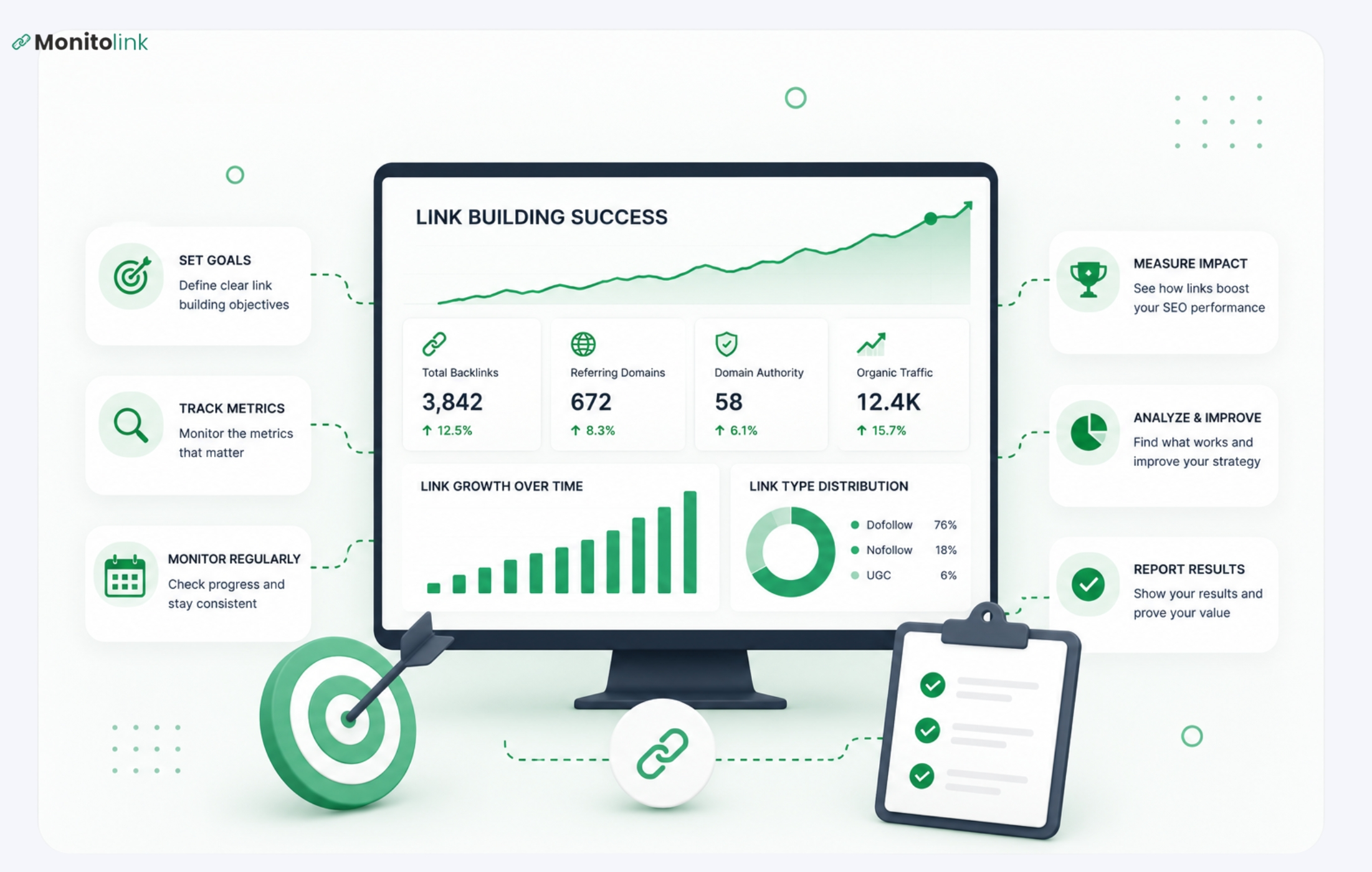
How to Track Link Building Success: Step by Step
- Set a baseline before you start outreach. Record current rankings, referring domains, and organic traffic for your target pages. Without a "before," you can't prove an "after."
- Log every link as you acquire it. Track the source URL, target page, anchor text, DA/DR, and date live. A spreadsheet works for a handful of links; it breaks down fast once you're managing dozens of clients or campaigns, which is exactly the point where most teams switch to a dedicated backlink tracking tool.
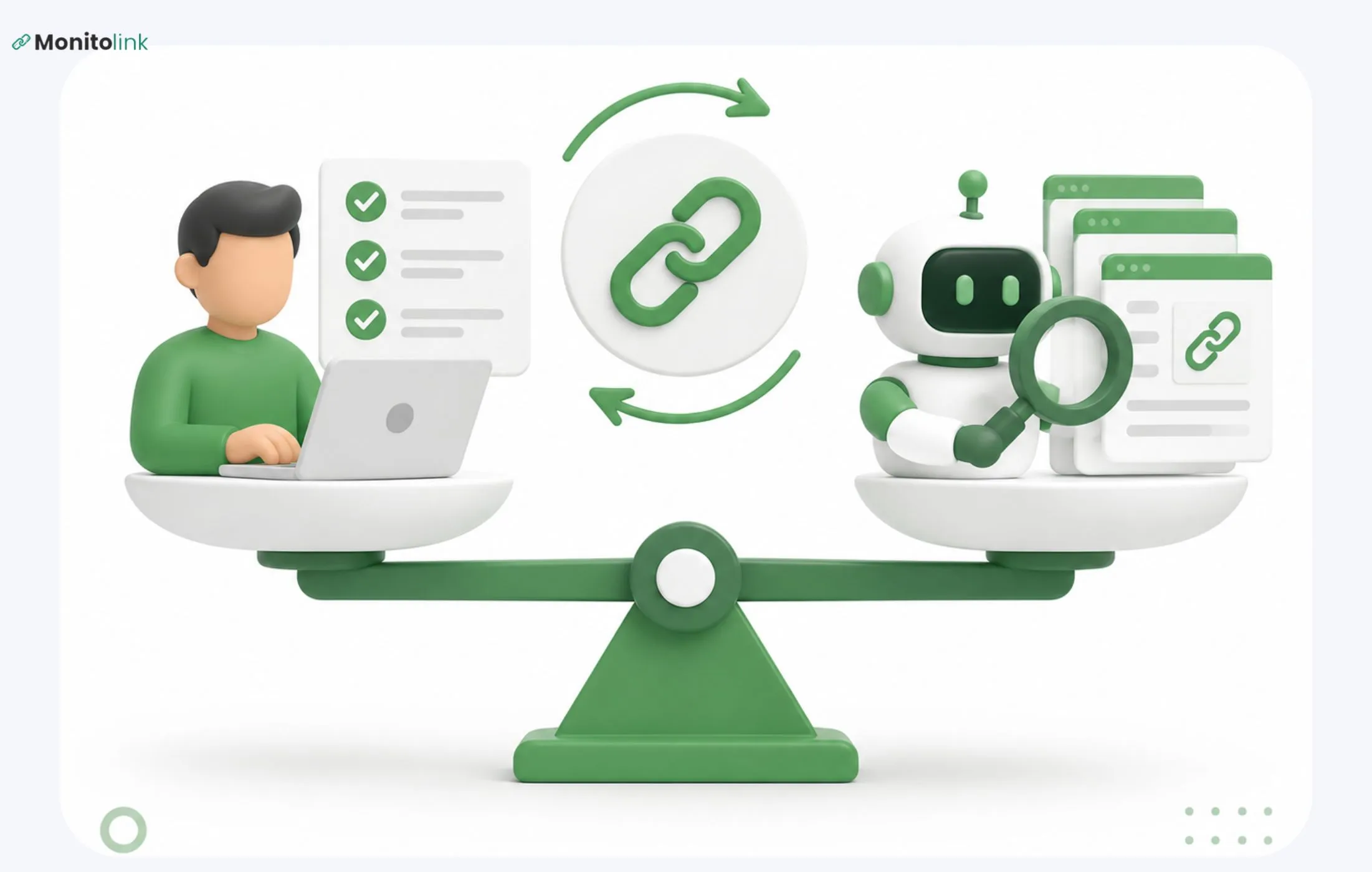
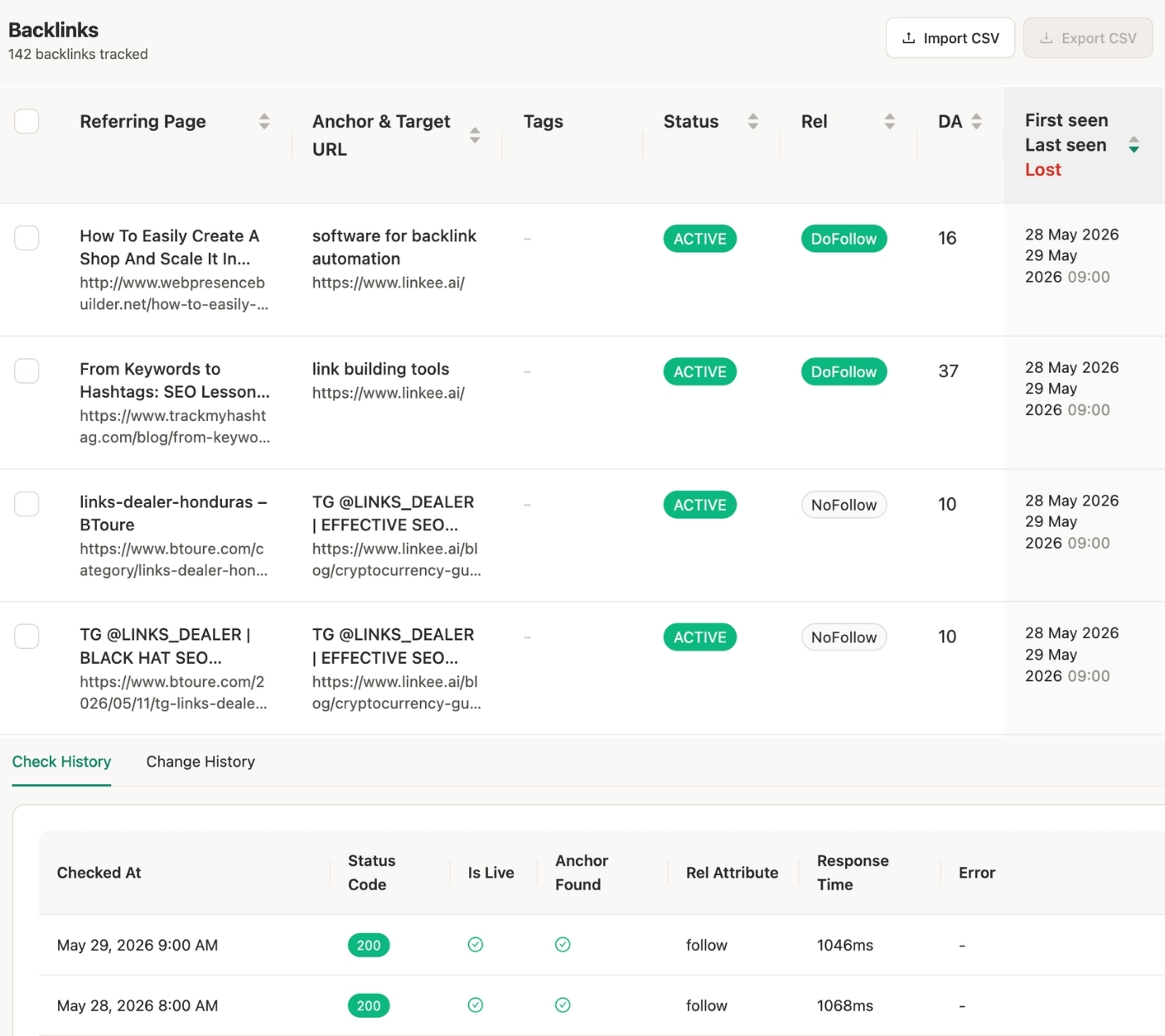
- Monitor link status continuously, not just at reporting time. Links go dead, get no-followed, or get deindexed without warning. Real-time backlink monitoring catches this the day it happens instead of the day you run your monthly report - by which point you may have already reported a link as "won" that no longer exists.
- Check keyword rankings for the pages you built links to. Movement here is the clearest evidence that the link is working, not just existing.
- Pull referral traffic and conversions from GA4. Filter by the specific referring domains from your link log to isolate their impact.
- Calculate ROI (formula in the next section) to compare link building spending against other marketing channels.
- Audit quarterly for toxic or low-quality backlinks and disavow anything that is actively hurting you.
How to Measure Link Building ROI
Link Building ROI = (Revenue Generated - Cost of Campaign) / Cost of Campaign × 100
To use it:
- Cost of Campaign: outreach hours (at your hourly rate), content production, tools, and any paid placements.
- Revenue Generated: attribute revenue to link-driven traffic using GA4 goal values or a CRM tag on leads that came from referral traffic.
Example: You spend $2,000 on a quarter of outreach and content. The links you earned drive referral traffic that converts into $6,000 in tracked revenue.
ROI = (6,000 − 2,000) / 2,000 × 100 = 200%
To be fair, it’s a bit hard to manually connect revenue to link building efforts only, so you would probably use ranking improvements and organic traffic growth as a proxy ROI metric. Just mark it down for yourself to be aware.
Best Tools for Backlink Tracking
Most tools update your backlink data weekly, which means a link can disappear on day one and you won't see it until day seven. Monitolink checks link status in real time and sends an alert the moment a link is lost, changed, or deindexed, which matters a lot if you're being paid to protect a client's (or your) link profile.
Plus, it cuts your outreach cost (the one we used when calculated ROI), because it’s a simple one-click outreach, using tested templates and fresh contacts - all under link reclamation feature.
How to Track Link Building Success in Real Time in a Single Tool
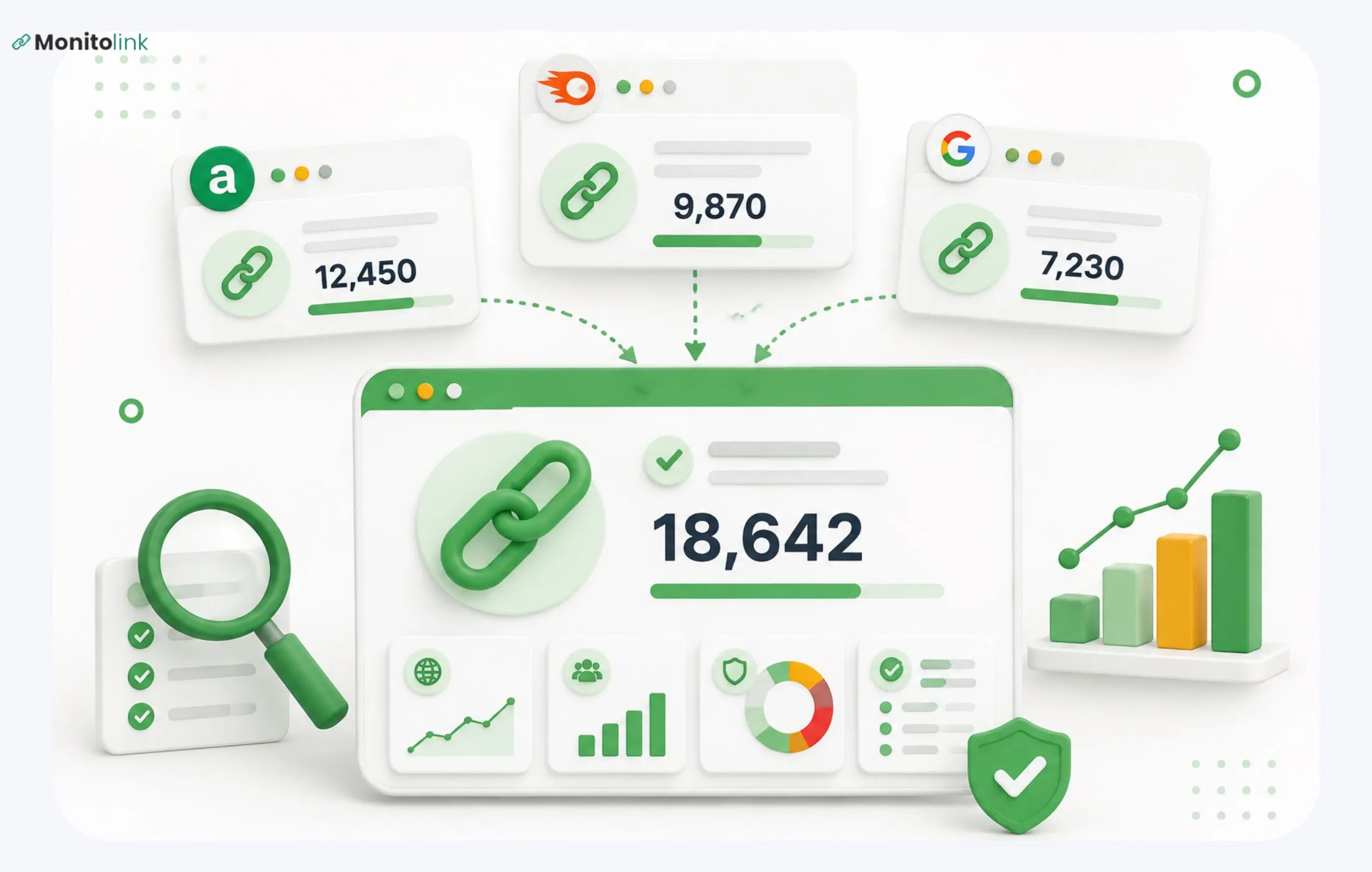
Most link building success tracking assumes the links you built stay exactly as they were. They don't. Sites get redesigned, pages get deleted, links get quietly changed to nofollow, and outreach links get removed once a campaign ends. If your only tracking method is a monthly export from Ahrefs or Semrush, you could be reporting a link as "active" for weeks after it's gone.
The fix is closing the gap between when a link changes and when you find out. That's what Monitolink does, and it lines up directly with the process above:
- You find out the same day a link dies. Monitolink checks link status in real time and alerts you the moment a link is lost, changed, or deindexed.
- A dropped link becomes a five-minute fix. Built-in link building outreach templates let you contact the site owner straight from the dashboard the moment a link drops.
- You catch the problems before they cost you rankings. AI analysis flags anchor text over-optimization and toxic links automatically, so you fix them before they show up as a drop, not after.
- Your next links come from a clear signal. Competitor backlink intelligence shows you exactly who links to competitors but not to you.
- Proving ROI takes minutes. White-label reports show active, lost, and recovered links in one branded view - the same numbers you need to back up the ROI math from earlier, ready to hand off.
Link building performance stops being something you check on and starts being something you're notified about. There's a free plan, paid plans start around $29/month, and you can start a 14-day free trial, no credit card needed.
How Often Should You Track Link Building Metrics?
- Weekly: if you're mid-campaign and want to catch link loss immediately - this is realistic only with automated monitoring, not manual checks.
- Monthly: a standard health check - referring domains, ranking movement, referral traffic. This is the minimum cadence for most teams.
- Quarterly: a deeper audit - full backlink profile review, toxic link cleanup, ROI calculation, and a look at whether your target pages have gained authority.
- Immediately after a major Google algorithm update: check for ranking volatility tied to your link profile, particularly around anchor text over-optimization or spammy links you may have missed.
If you're managing this by hand, monthly is usually the realistic ceiling - checking backlinks manually across dozens of domains every week isn't a good use of anyone's time.
Signs Your Link Building Isn't Working
If you've been building links and rankings still aren't moving, it's usually one of these:
- Low relevance. The links are from authoritative sites, but they're outside your niche, and Google isn't crediting them the way you'd expect.
- Link velocity issues. A sudden spike in backlinks looks unnatural to search engines and can trigger scrutiny instead of trust.
- Anchor text over-optimization. Too many exact-match keyword anchors are a spam signal, not a ranking booster. See our guide on anchor text optimization best practices if this looks like your issue.
- Silent link loss. Links you counted as "wins" have since been removed, redirected, or turned nofollow - and you don't know it because nothing is monitoring them.
- Toxic backlinks are dragging down the profile. A backlink profile audit will tell you if spammy links are offsetting the good ones.
- You're linking to the wrong pages. Links pointing to pages that aren't optimized for the target keyword waste their potential value.
If several of these apply, the fix usually isn't "build more links" - it's fixing what you already have. Start with a backlink gap analysis to see where competitors are pulling ahead, and a full audit to catch what's quietly holding you back.
Frequently Asked Questions
Do nofollow links count toward link building success?
They do, because search engines consider a 100% dofollow link profile is suspicious. Plus, although nofollow links don’t pass equity and help rankings in that way, they still help the natural link profile/brand visibility and can bring traffic.
How long does it take to see ranking movement from new backlinks?
Depending on the authority of the linking site and how competitive your target keyword is, 4-12 weeks. This is why tracking rankings weekly rarely shows anything meaningful - monthly comparisons are more useful.
What's the difference between tracking backlinks and tracking link building success?
- Tracking backlinks = knowing the number of links, what they are, and whether they're live
- Tracking link building success = connecting those links to outcomes like rankings, traffic, conversions, and revenue.
Is Domain Authority still worth tracking?
Yes, as a directional signal for comparing your site against competitors, but it's not a Google ranking factor itself.
How do I know if a backlink I built has been removed?
You'd have to re-check every link on a recurring basis, which doesn't scale past a handful of links. Automated backlink tracking tools like Monitolink solve this by checking link status continuously and alerting you the moment something changes.