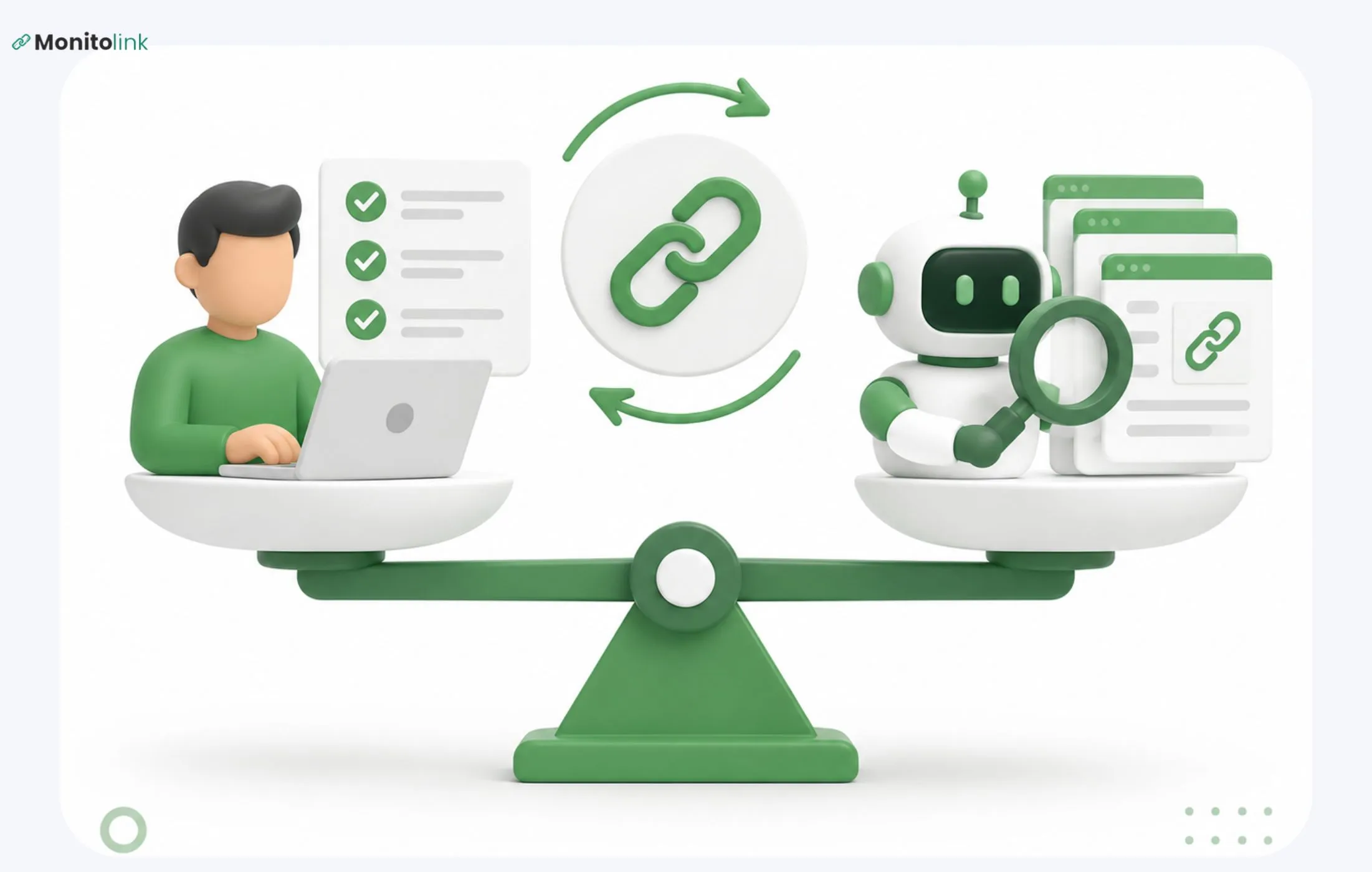

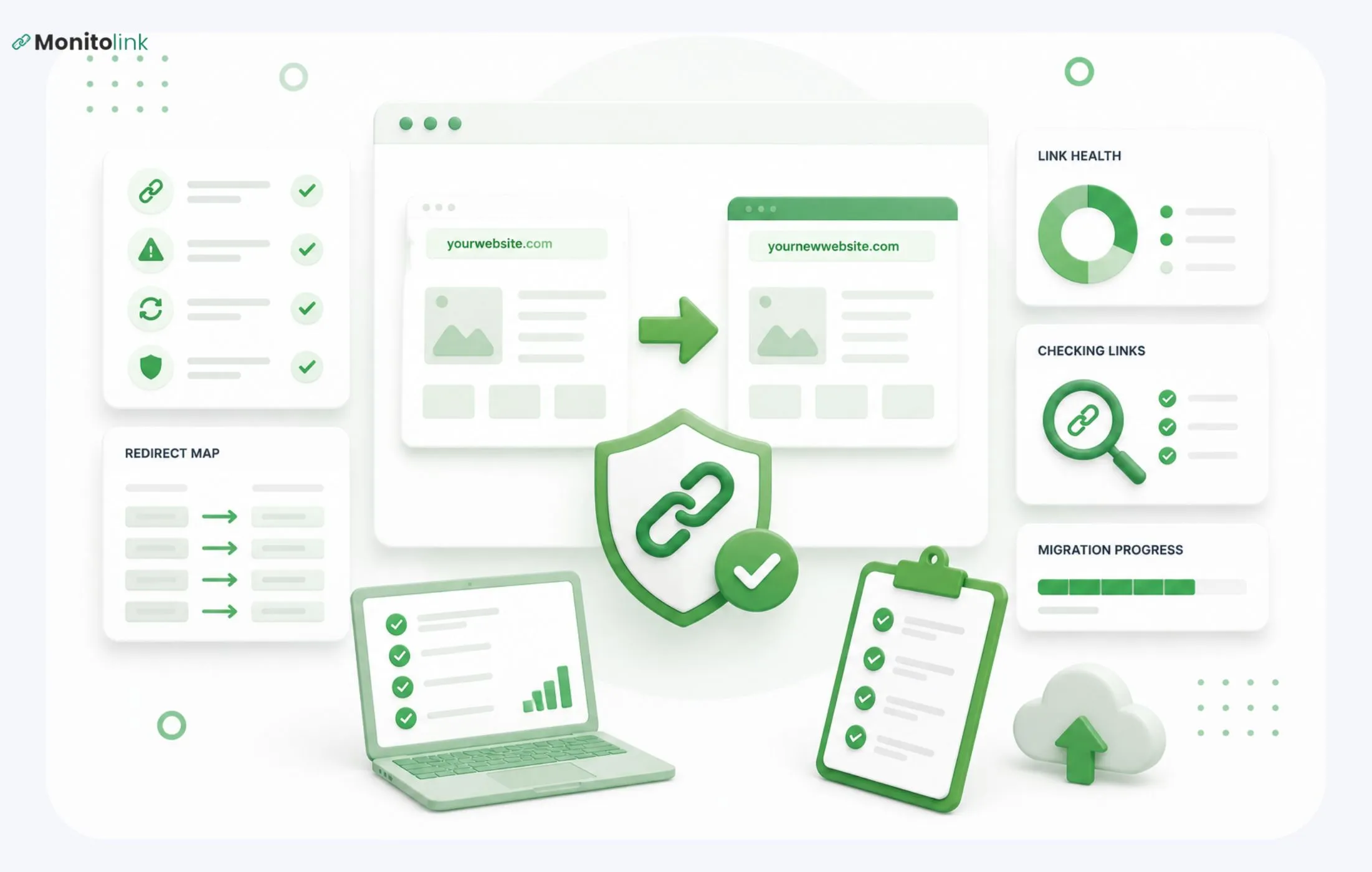
Website migration backlinks are the part of a migration that most teams get wrong because they treat the redirect map as the finish line. But protecting your backlinks during a website migration means:
- Auditing your current link profile,
- Mapping a 1:1 301 redirect for every linked page,
- Deciding which links are worth manually updating, and
- Watching closely for the first few weeks after launch.
In this guide, I’ll walk you through what to do before, during, and after a migration to keep your link equity intact, plus how to catch and recover the links that slip through anyway.
Why Are Backlinks at Risk During a Migration
A backlink isn't really a link to your website - it's a link to one specific URL on your website. Change that URL without a redirect in place, and the backlink points at nothing. The site linking to you doesn't know your URL changed, and it has no reason to update it on its own.
That's the core problem with domain migration backlink loss specifically: unlike a rankings dip, which usually recovers as Google re-crawls and re-evaluates your new site, a broken backlink doesn't self-heal. If the link 404s, the equity it was passing just stops. Someone has to notice and fix it either with a redirect or by getting the link updated at the source.
Multiply that across a few hundred or a few thousand backlinks, and you can see why "preserve link equity during migration" deserves its own section in any migration plan.
Site Migration SEO Checklist for Backlinks
Here's the short version, if you want the full picture before diving into each step:
- Audit and export your current backlink profile
- Build a 1:1 redirect map - every old URL to its exact new counterpart
- Decide which backlinks are worth manually reclaiming, not just redirecting
- Monitor closely during the first few weeks post-launch
- Recover any links that break fast
Now let's go through each one properly.
Step 1: Audit Your Current Backlink Profile
You can't protect what you haven't measured. Before anything else moves, export your existing backlinks using Ahrefs, Semrush, or Google Search Console, and build a working list of every external link pointing to your site.
For each backlink, you want to know:
- The URL it points to on your current site
- The linking domain's authority (DA/DR, whatever metric your tool uses)
- The anchor text used
- Whether the linking page is still indexed and getting traffic
This becomes your prioritization sheet for later. Not every backlink deserves the same amount of attention - a link from a relevant, high-authority page that's actively ranking is worth protecting closely. A link from a five-year-old press release on a site that barely gets crawled anymore isn't worth chasing down individually.
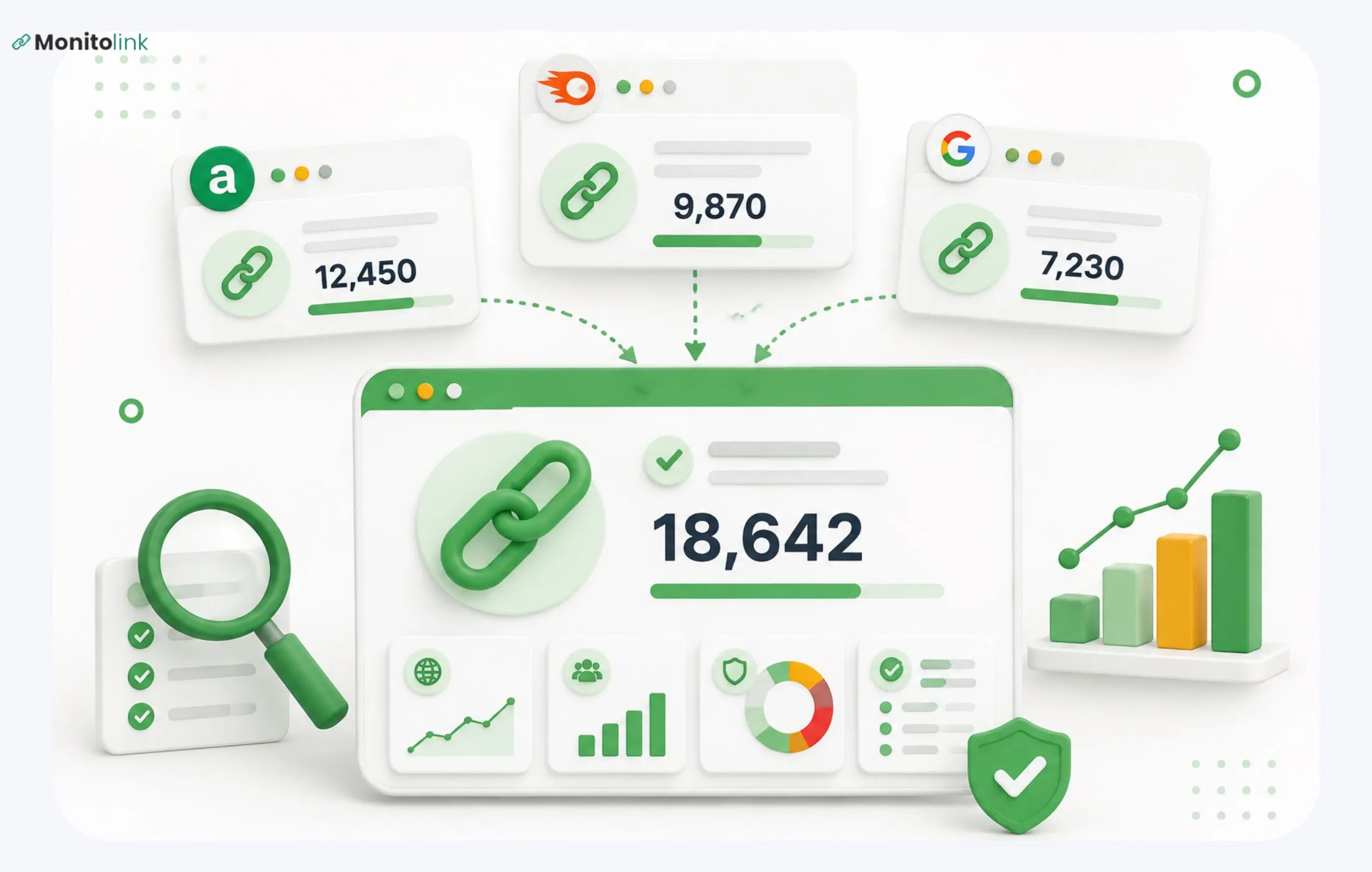
If you're managing this across multiple tools, it helps to pull everything into one place before migration starts rather than jumping between Ahrefs, GSC, and spreadsheets mid-project - a proper backlink profile audit walks through how to structure this so nothing gets missed.
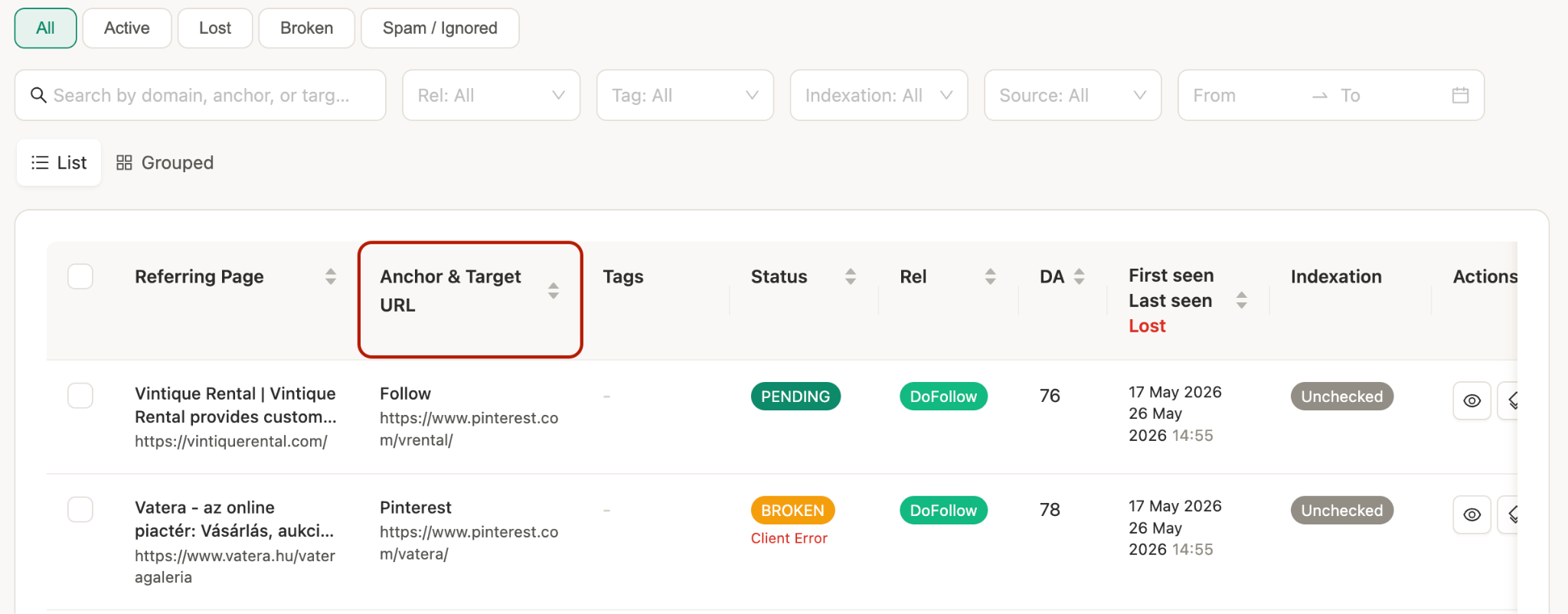
This is what it looks like on Monitolink dashboard, for example:
Step 2: Build a 1:1 Redirect Map
This is the backbone of protecting backlinks after site migration, and it's also where most of the damage happens when it's done sloppily.
The rule is simple: every old URL gets redirected to its exact new equivalent. Not the homepage, not a category page, not "close enough." A 301 redirect tells search engines that a page has permanently moved and passes along most of its ranking signals, but only if it points to a page genuinely relevant to the original content.
Redirect Mapping Best Practices
- List every current URL using a crawler like Screaming Frog before anything changes
- Match each one to its exact new destination in a spreadsheet - old URL in one column, new URL in the next
- Avoid mass-redirecting removed pages to your homepage. It technically resolves the 404, but it tells Google (and users) nothing useful, and it dilutes the value of the redirect
- Test everything on staging before you go live
Watch for Redirect Chains and Loops
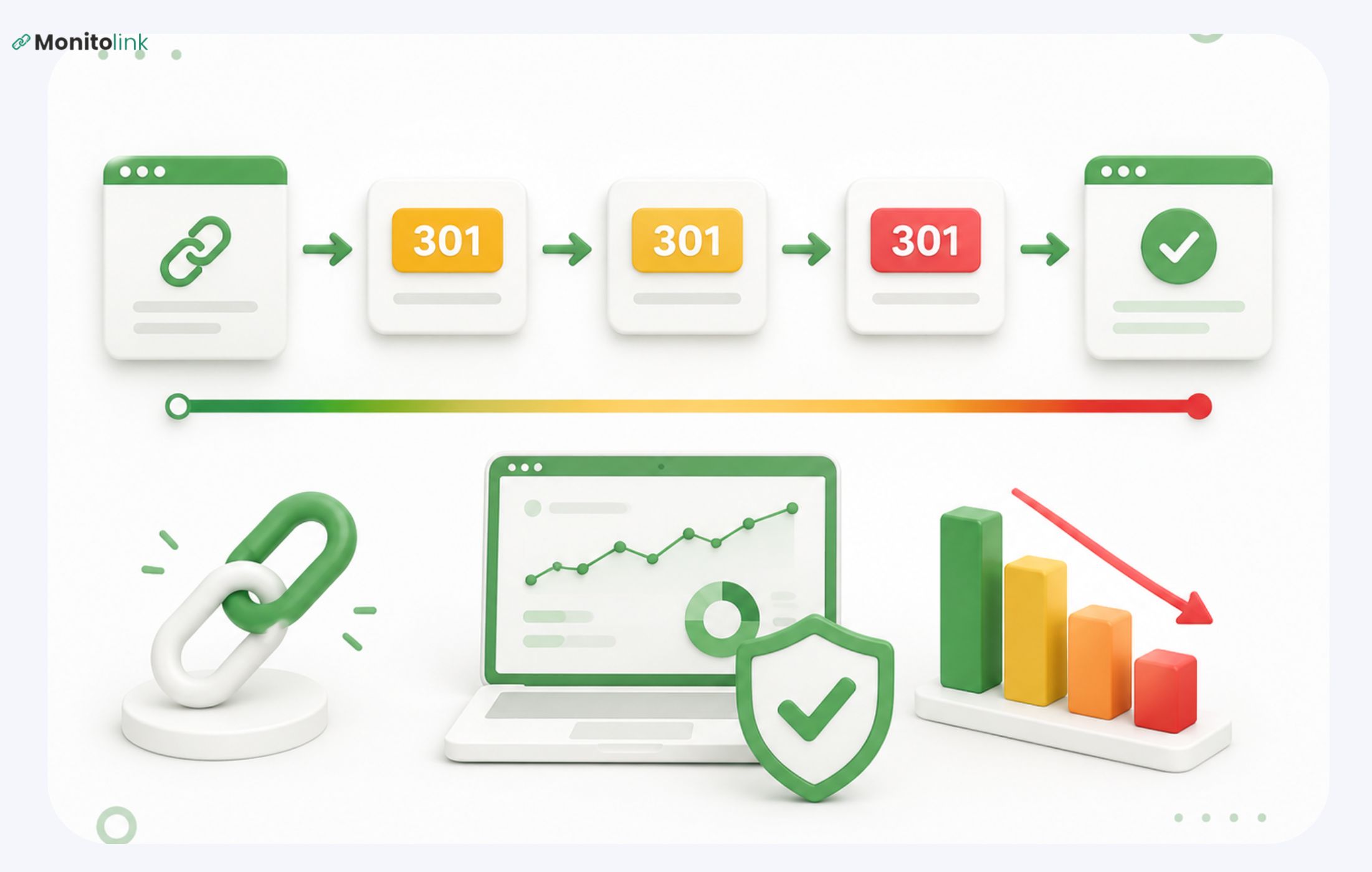
Clean redirect (what you want): Old URL > New URL
Redirect chain (what to avoid): Old URL > Intermediate URL > New URL
Each extra hop slows the crawler down and dilutes some of the link equity being passed. If your site has gone through more than one migration over the years, chains build up quietly - Page A redirects to Page B from your last redesign, and now this migration redirects Page B to Page C. Anyone crawling that today hits two hops before landing anywhere.
Redirect loop (fix immediately): Page A > Page B > Page A
This breaks the page entirely. It's rarer, but it happens when redirect rules get set up in bulk without a final QA pass.
Run your full redirect map through a crawler after launch and flag anything resolving in more than one hop.
Step 3: Decide Which Backlinks Need Manual Outreach, Not Just a Redirect
A 301 redirect passes most of a link's value, but not all of it. For the majority of your backlinks, that's a perfectly acceptable trade-off - chasing down every single link manually isn't a good use of anyone's time.
But for a specific subset of your profile, it's worth reaching out directly and asking the site owner to update the link to point straight at your new URL instead of relying on the redirect. Prioritize outreach for:
- High-authority links - .edu, .gov, or established industry publishers
- Links using your old brand or domain name as anchor text, especially if you've changed domains as part of the migration
- Links from pages that are still actively indexed and getting search traffic - a backlink from a dead or deindexed page won't add much value even if you do get it updated
- Topically relevant links - a backlink from a site in your industry is worth more effort than one from an unrelated directory
Skip manual reclamation for old press mentions from years back, low-relevance sites, and pages that are barely crawled anymore. The redirect is enough there, and the outreach effort won't pay for itself.
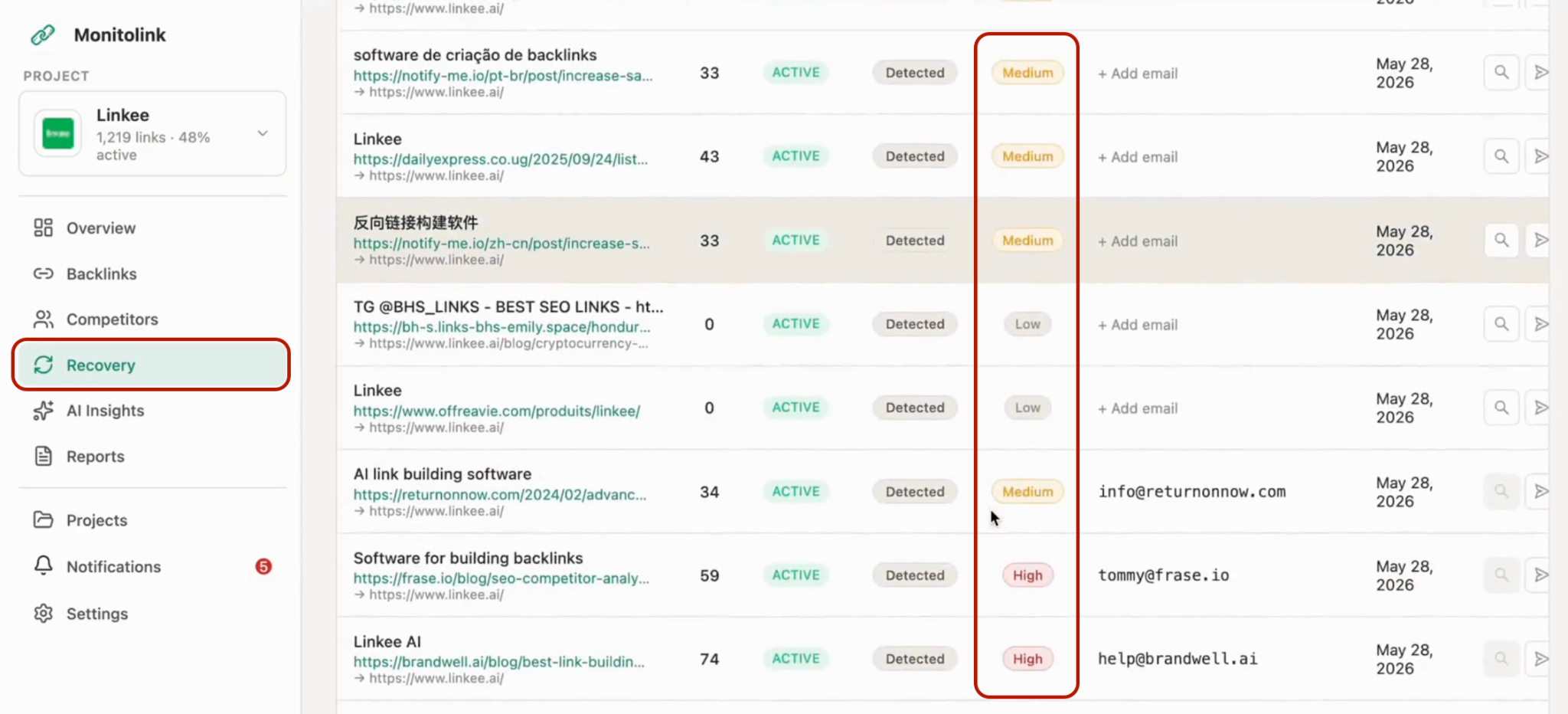
If you're not sure where to draw that line, MonitoLink's link reclamation feature is built around exactly this kind of prioritization - surfacing which broken or redirected links are worth a manual fix based on authority and relevance, instead of treating every link the same.
Step 4: Monitor Closely During the First Few Weeks Post-Launch
This is the step that determines whether your migration protects your backlinks or quietly bleeds them, and it's the one most guides skip past with a single line about "checking Google Search Console."
Your redirect map can be flawless on launch day and still fail two or three weeks later. Google doesn't reprocess your entire site instantly. It re-crawls gradually, which means the risk window for lost backlinks after migration isn't the launch itself - it's the weeks that follow, while search engines are still working through your new URL structure and reassessing your redirects.
In that window, things break that weren't broken at launch:
- A redirect rule gets overwritten by a later deploy
- A page you thought was covered turns out to be missing from the map
- An external site's link to your old URL gets crawled, hits a working redirect once, then the target page gets deindexed for an unrelated reason
- A "temporary" fix someone made during launch week never gets cleaned up and quietly becomes a redirect chain
This is something MonitoLink’s backlink monitoring tool is built to help with. Instead of finding out about a broken or deindexed link weeks later in a scheduled refresh, it tracks your backlink profile in real time and sends same-day alerts the moment something changes - a link goes dead, a page gets deindexed, or a redirect stops resolving correctly. For a migration specifically, that speed difference is the whole game: a broken link caught on day 2 is usually a quick fix. One caught on day 20 often isn't.
If you want a sense of what to watch for beyond migrations too, how to find and fix broken backlinks covers the detection side in more depth.
Step 5: Recover Any Links That Break
Even with a solid redirect map and close monitoring, some links are going to break - an old URL that got missed, a partner site that linked to a page you consolidated, something outside your control. What matters is how fast you catch it and how you handle the outreach.
When you spot a broken link:
- Confirm whether it's a redirect issue (fixable on your end) or the linking page has genuinely changed/removed the link
- If it's your redirect, fix it immediately - this is usually the fastest win
- If the site needs to update the link manually, reach out directly. Keep it short, polite, and specific: mention the exact page, the exact new URL, and why the update helps their readers too (a live link instead of a dead one)
Once you know a link has broken (Monitolink shows it automatically), chasing down contact info and sending outreach one by one is the tedious part, especially if a migration produces a batch of these at once. Monitolink's built-in outreach lets you contact the site owner directly from the same dashboard where the alert came from.

For a broader view beyond migration-specific recovery, our lost backlink recovery guide covers the reclamation process in more detail.
How Long Does Backlink and Ranking Recovery Take?
There's no fixed timeline, but the range depends heavily on how the migration was executed:
Well-planned migration - redirects mapped correctly, high-value links monitored and reclaimed where it mattered: recovery often starts within a few weeks, with full stabilization taking one to a few months as Google finishes re-crawling.
Poorly planned migration - missing redirects, broken links left unaddressed, content lost in the process: recovery can take six months to over a year, and in the worst cases, some rankings and link equity never fully come back.
The gap between those two outcomes usually isn't the redirect map itself - most teams get that part right. It's what happens to the backlinks that slip through the map, and how quickly those get caught.
Final Thoughts
A migration is one of the few times your backlink profile is genuinely at risk all at once, which makes it a reasonable moment to put real monitoring in place rather than relying on a spreadsheet and a monthly export. If you want to see what that looks like during your own migration, Monitolink is free to try for 14 days and guarantees lost link minimization - start your trial here.
Frequently Asked Questions
Do I need to manually update backlinks, or are 301 redirects enough?
For most of your backlink profile, a properly implemented 301 redirect is enough. Manual outreach is worth the effort mainly for high-authority, topically relevant links that are still actively indexed, especially if your domain name changed as part of the migration.
How often should I check my backlinks after a migration?
Daily or near-real-time for at least the first two to four weeks. This is the window where most breakage happens, and it's also the window where a broken link is easiest to get fixed through outreach. Monthly checks are fine for ongoing maintenance later, but they're too slow for the immediate post-launch period.
Will I lose rankings permanently after a migration?
Some temporary dip is close to unavoidable - Google needs time to re-crawl and reassess your new site. Permanent loss usually only happens when redirects are missing entirely, content is lost, or a meaningful chunk of backlinks break and are never recovered.
What's the biggest mistake teams make with backlinks during migration?
Treating the redirect map as a one-time task instead of an ongoing check. The map gets built, tested on staging, and shipped, then nobody looks at it again until a monthly report flags a traffic drop weeks later.